Account & sign-in
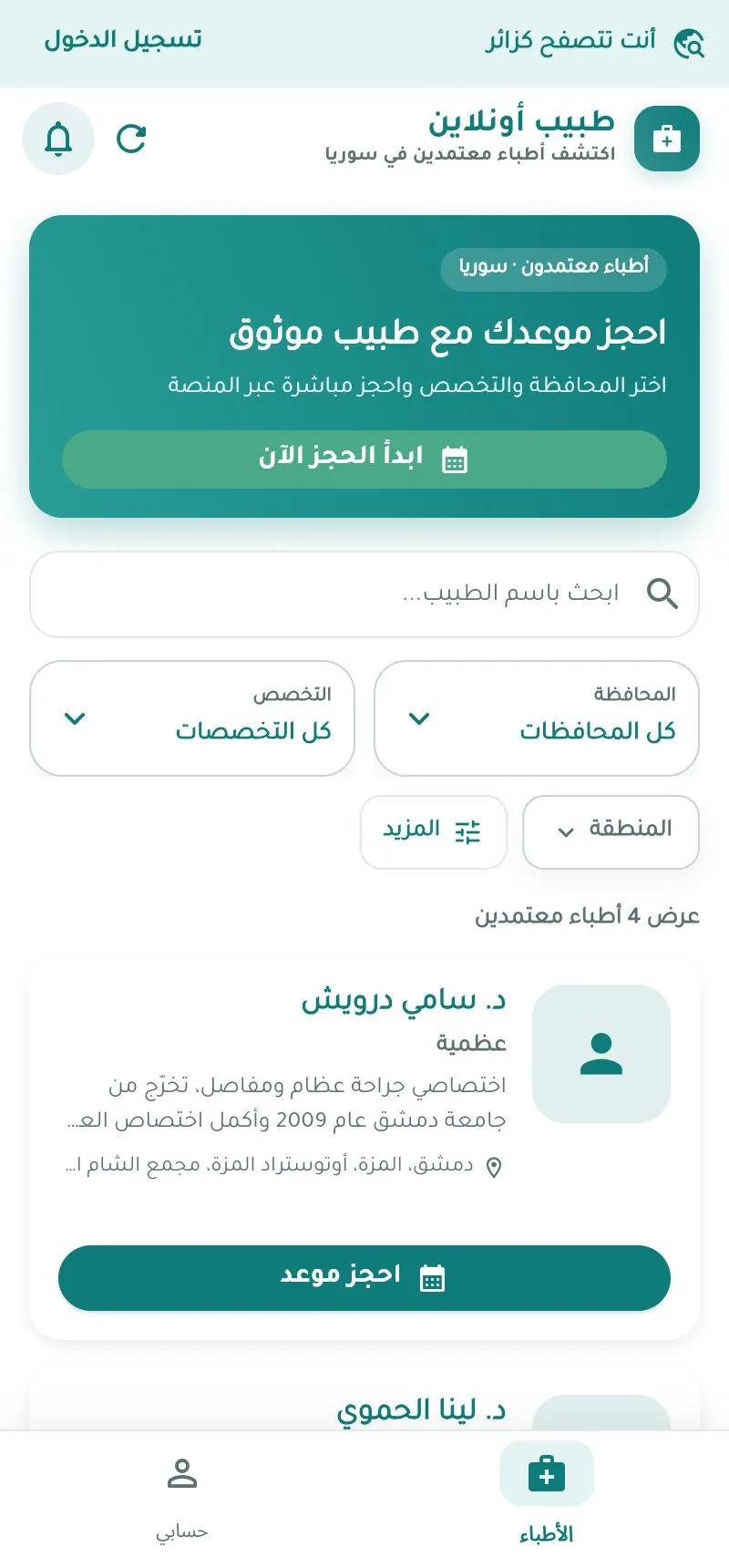
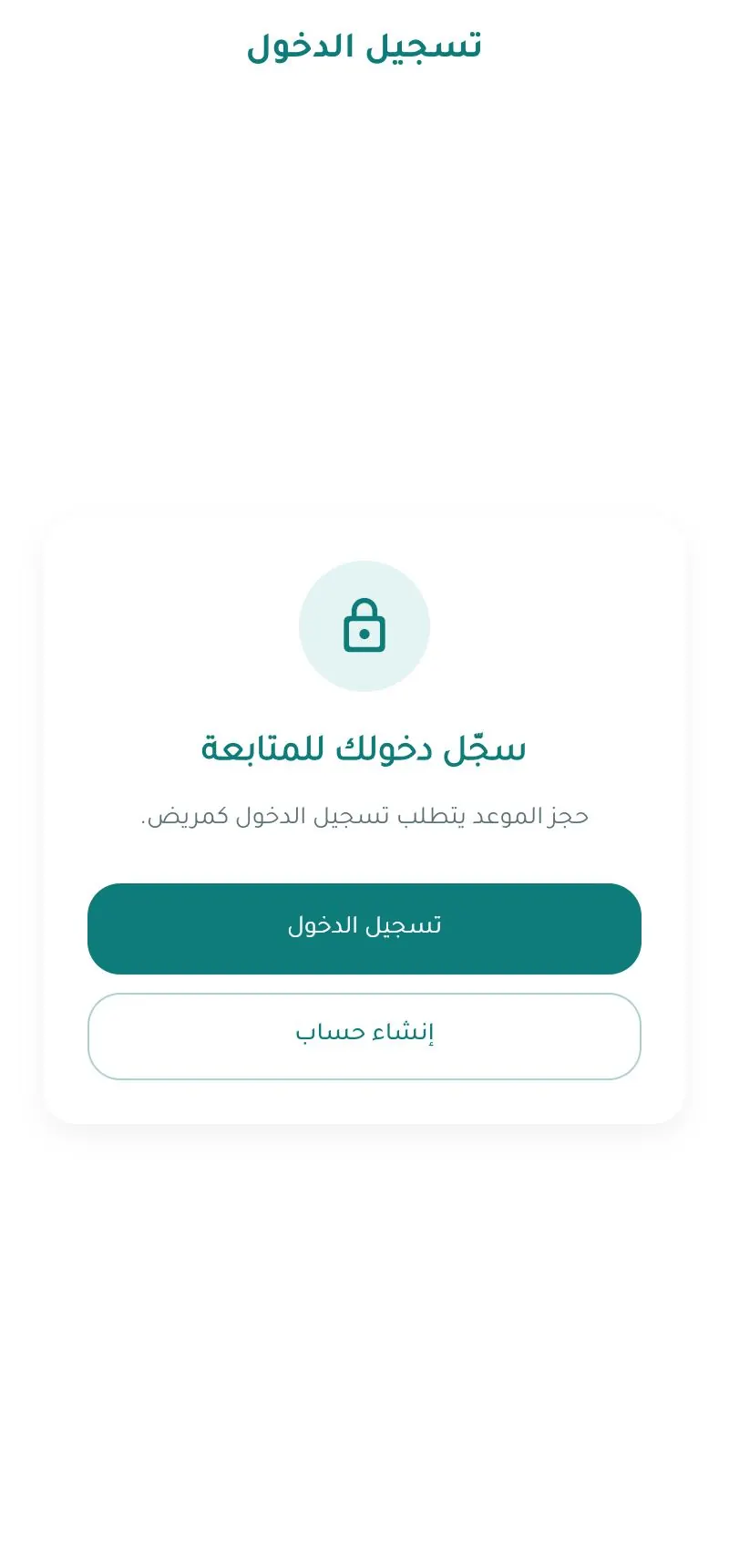
You can browse doctors without an account, but booking requires signing in. The interface is in Arabic; Arabic labels are quoted with their meaning.
On the website Web
Create an account
- Open tabibon.com/register.
- Enter your full name, then email or phone (one is enough), and a password.
- Click Next – verification code and enter the 6-digit code you receive by SMS or email.
- Or use Google / Apple.
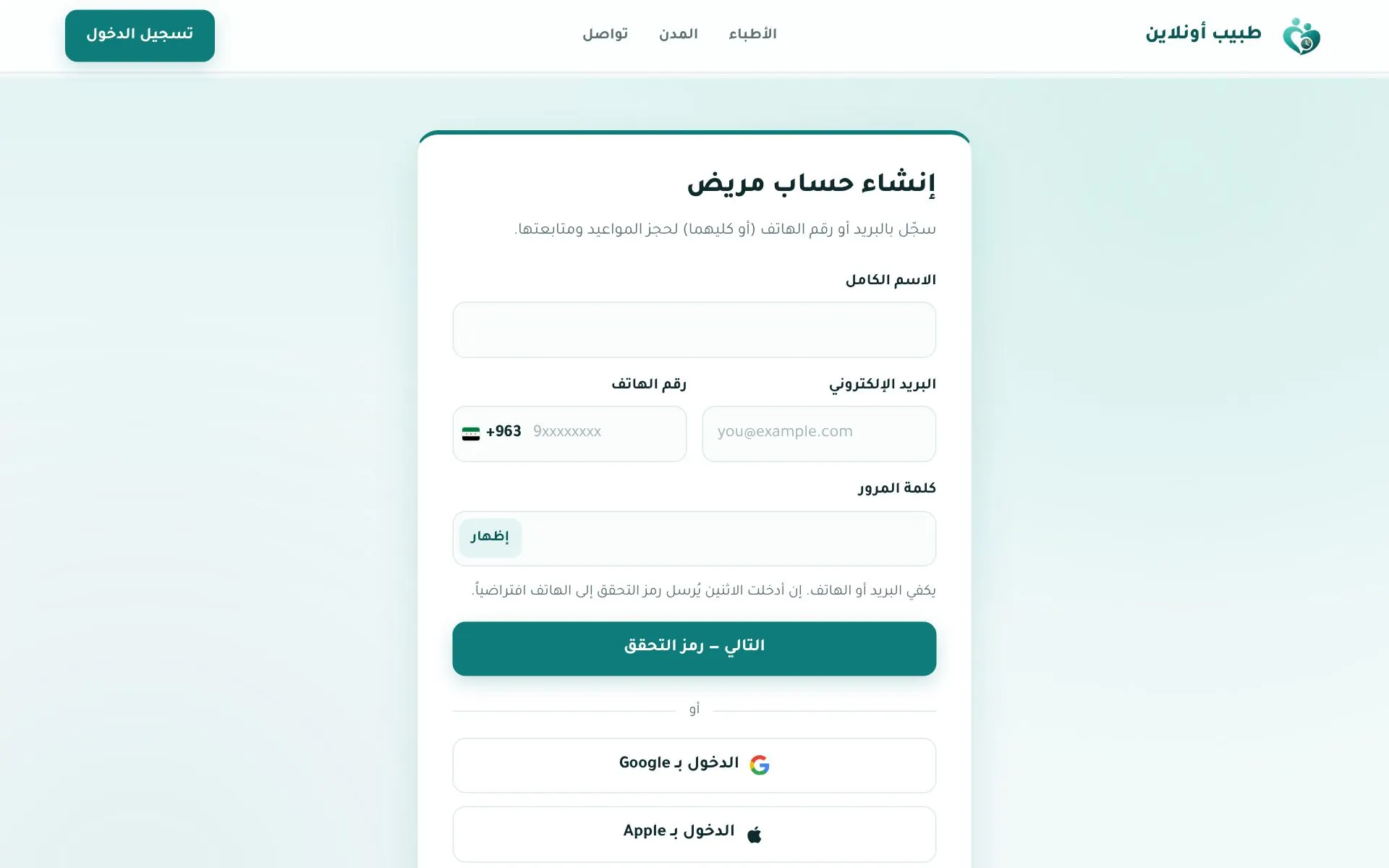
"Create patient account" — email or phone is enough.
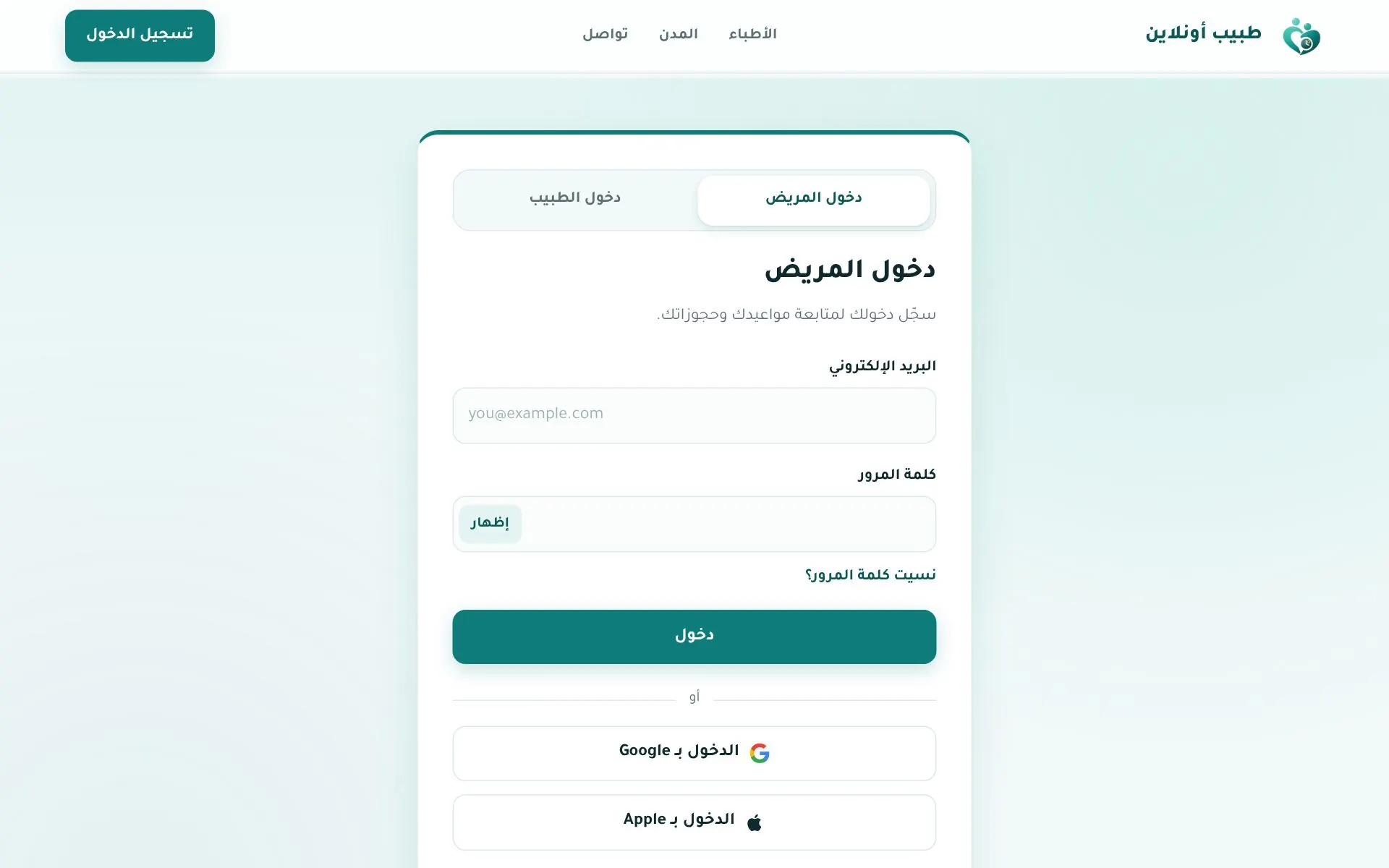
Sign in
Open tabibon.com/login, choose the دخول المريض (Patient login) tab, then enter email + password or use Google / Apple.
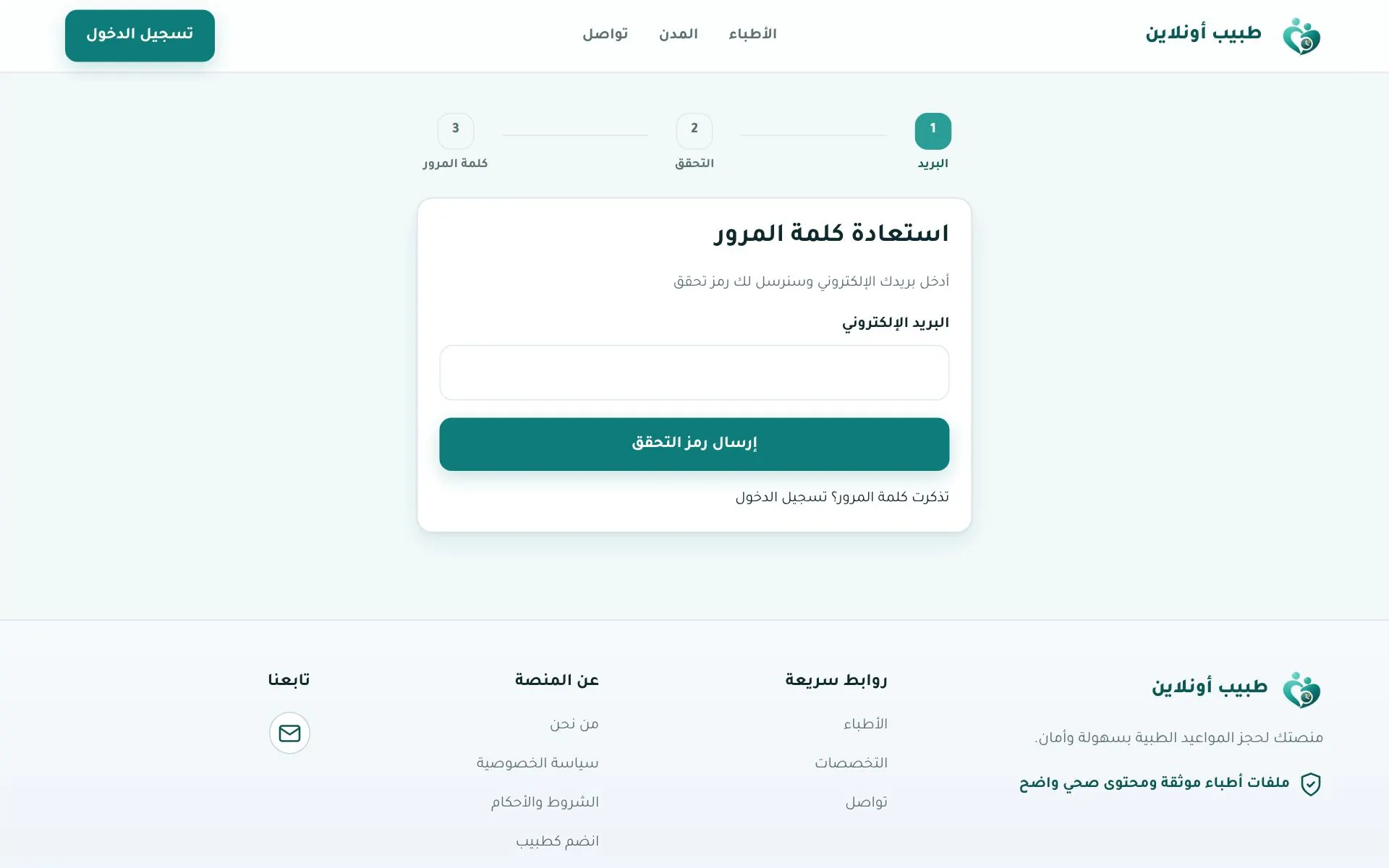
Forgot your password?
نسيت كلمة المرور؟ → enter your email → enter the code → choose a new password (min. 8 characters).
Important
To book on the website your email must be verified and your name and address must be completed in your profile.
In the app App
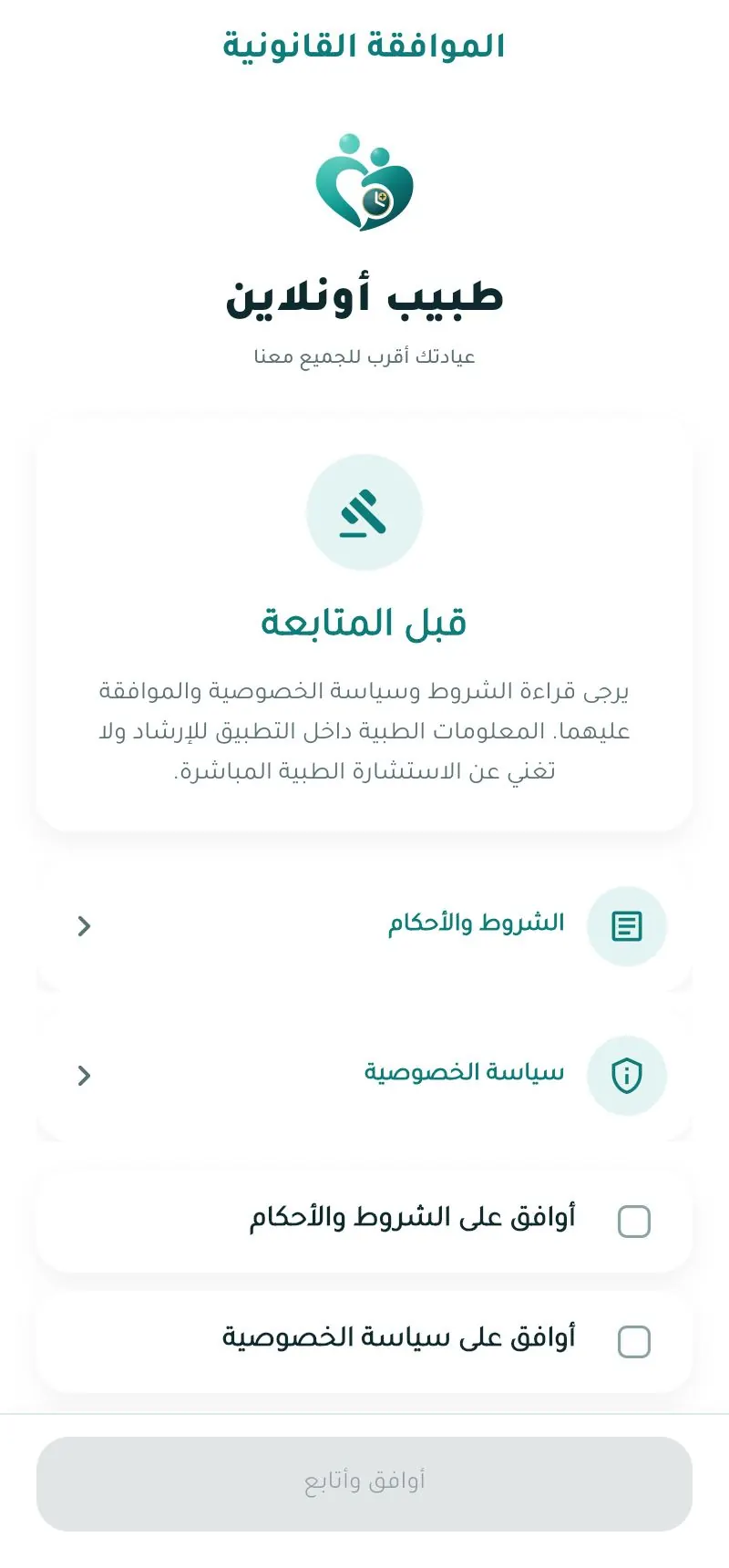
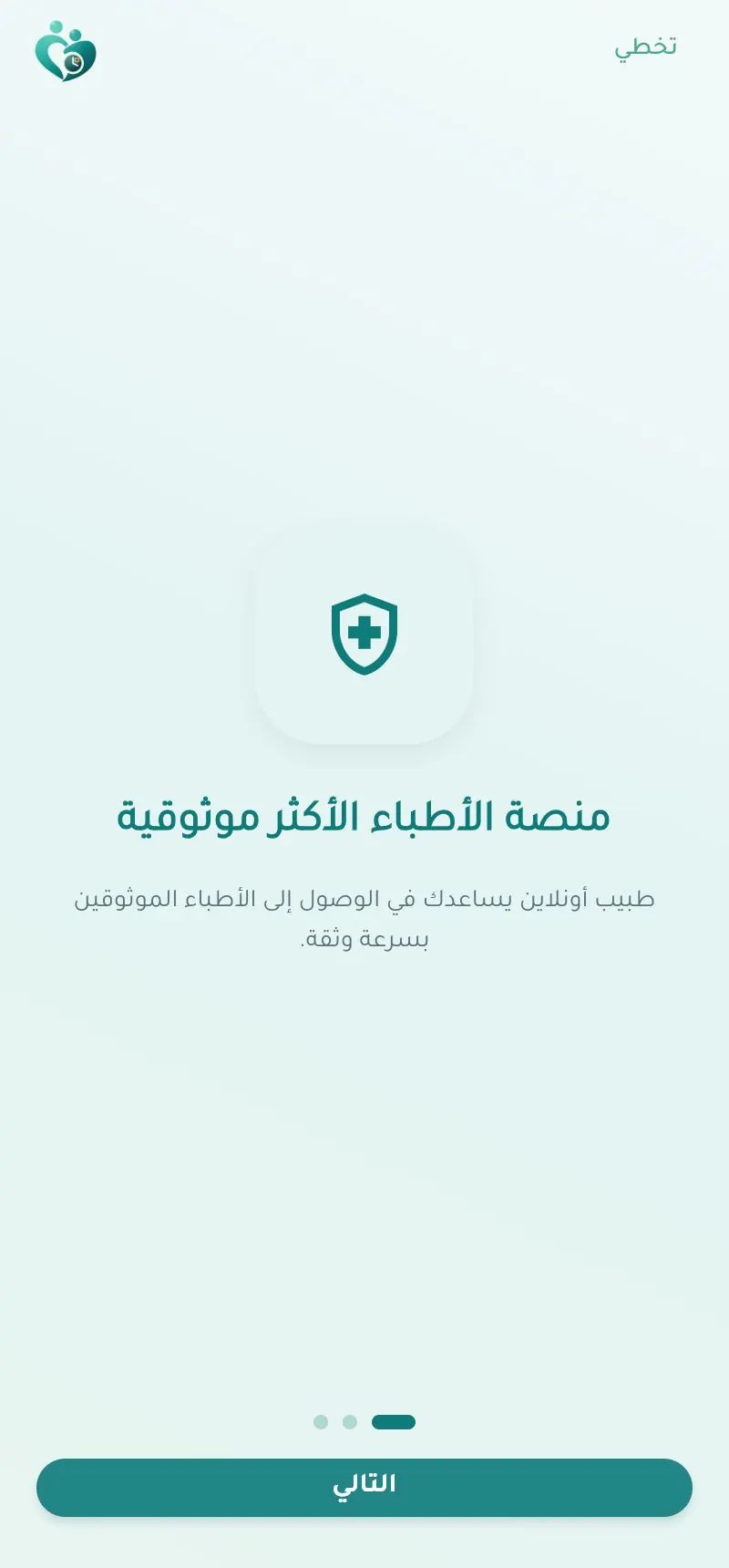
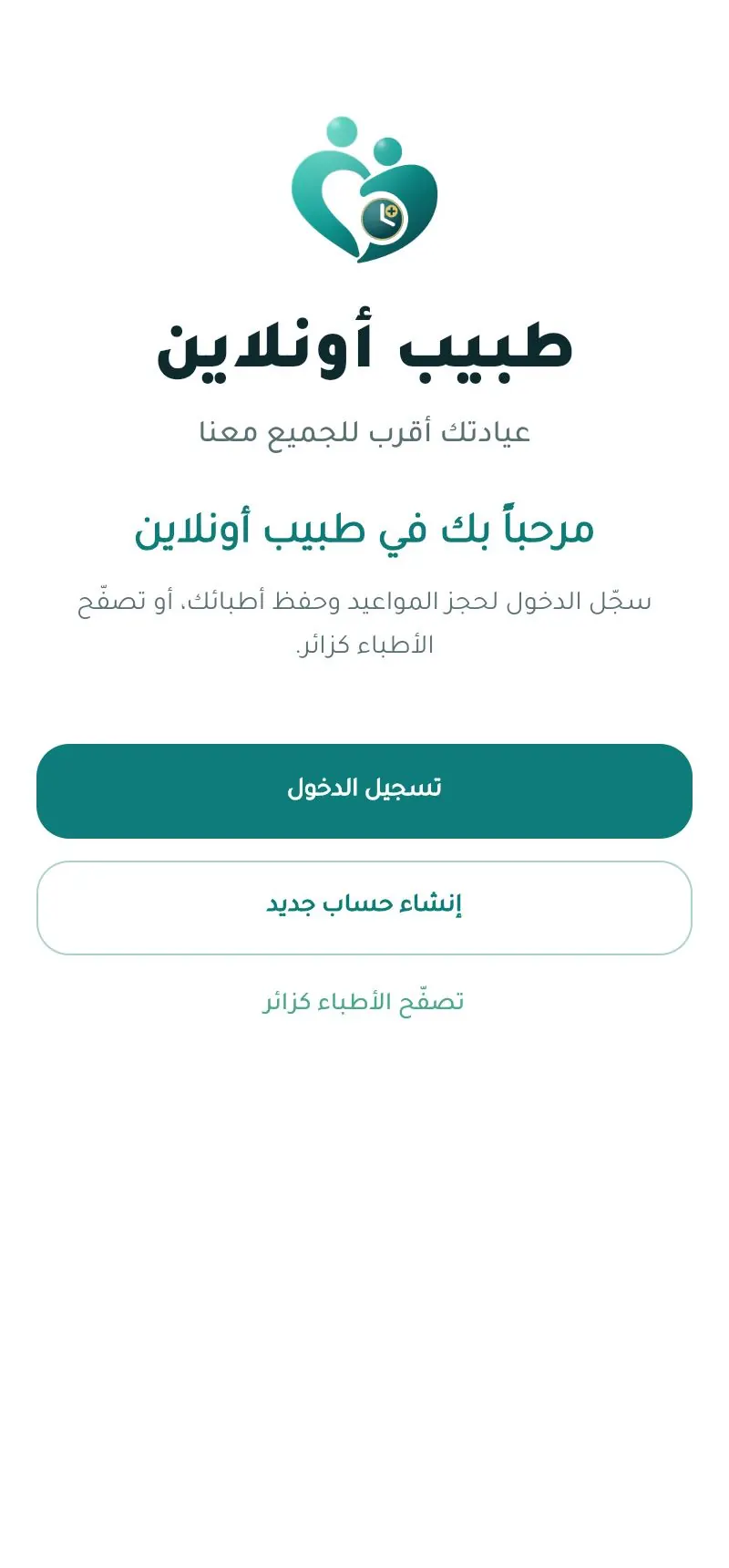
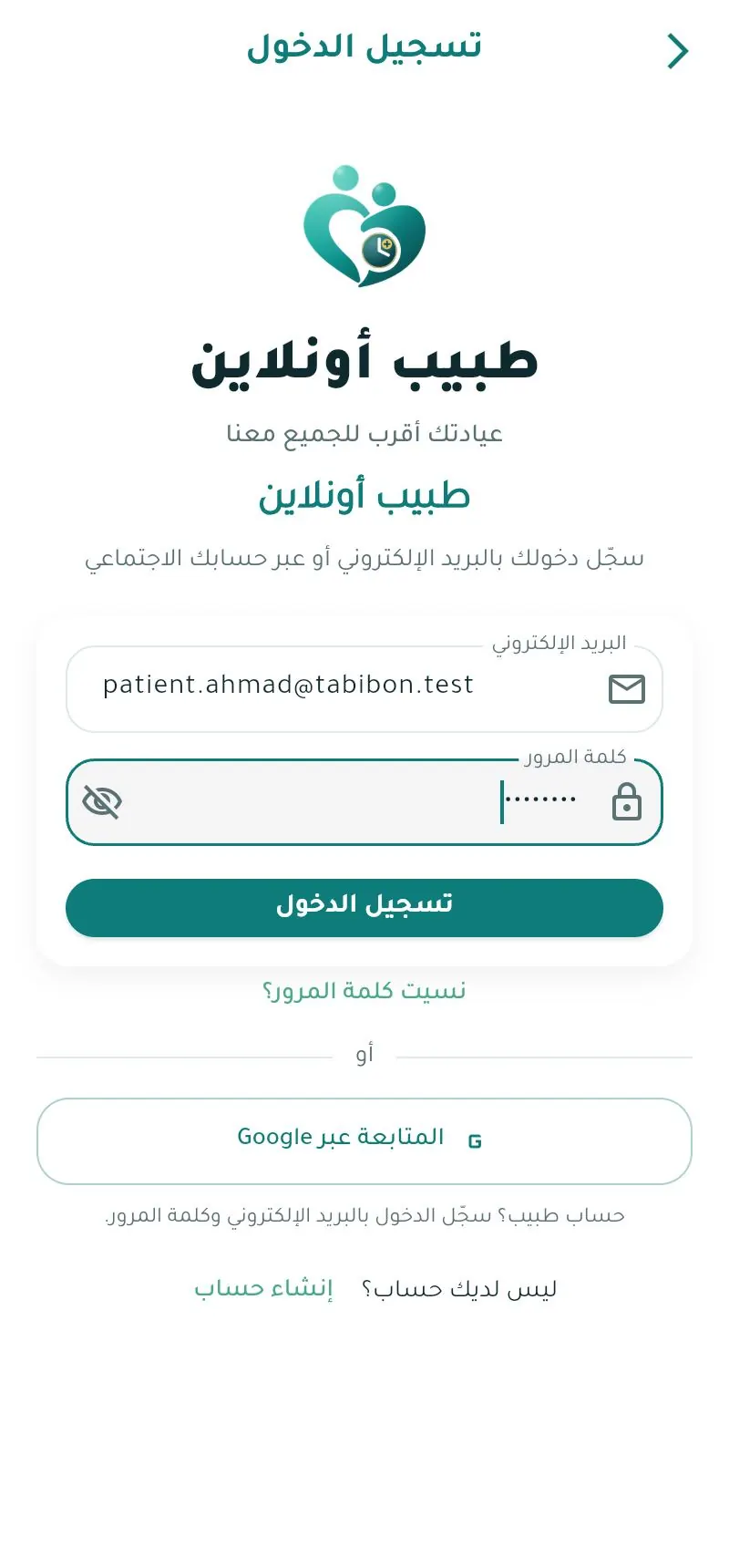
- New account: first & last name, email, phone (optional), password, then verify your email with the code or link.
- Phone login (when enabled): a 6-digit code by SMS or WhatsApp, valid for 5 minutes.
- Two-step verification: if enabled, enter the code from your authenticator app.
Complete your profile before the first booking
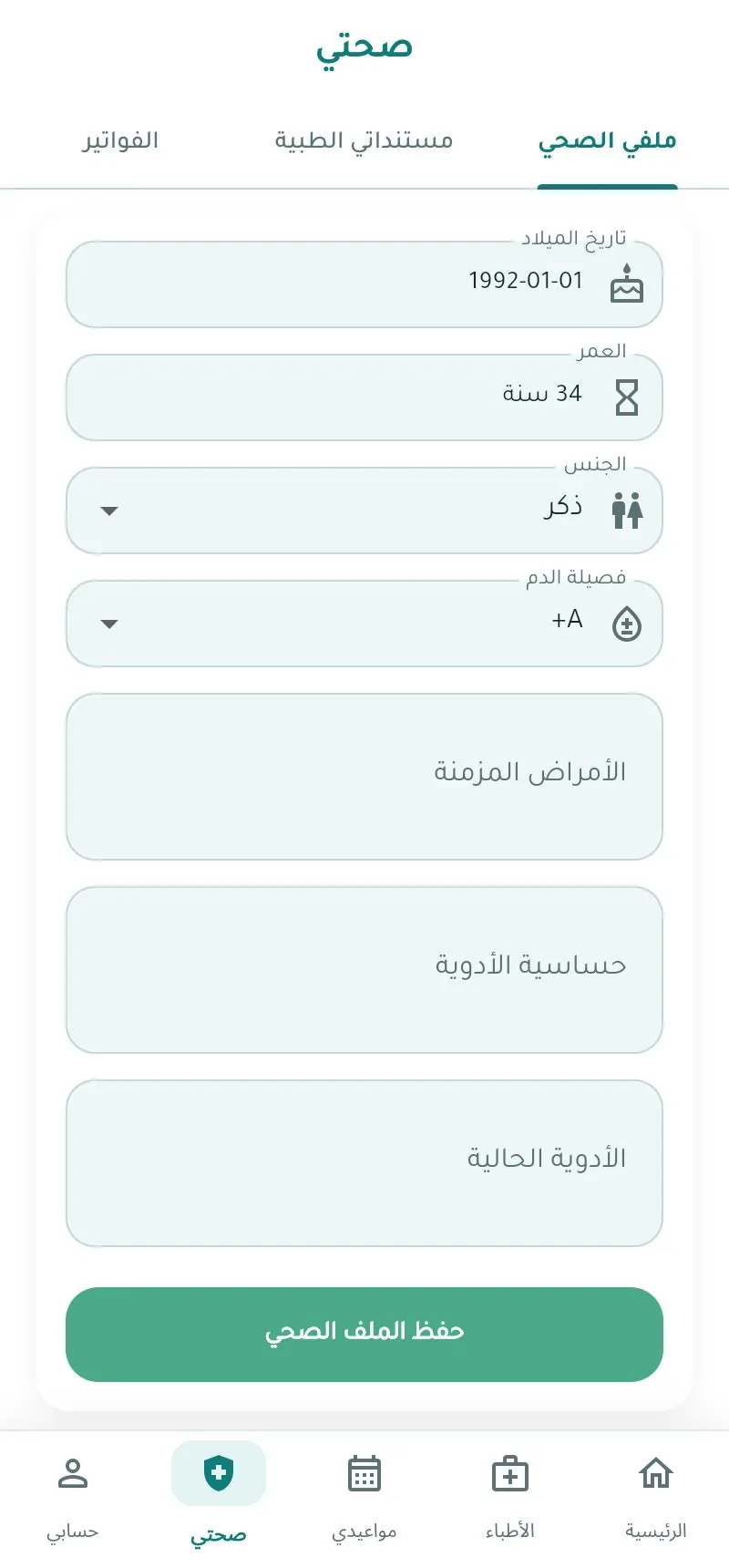
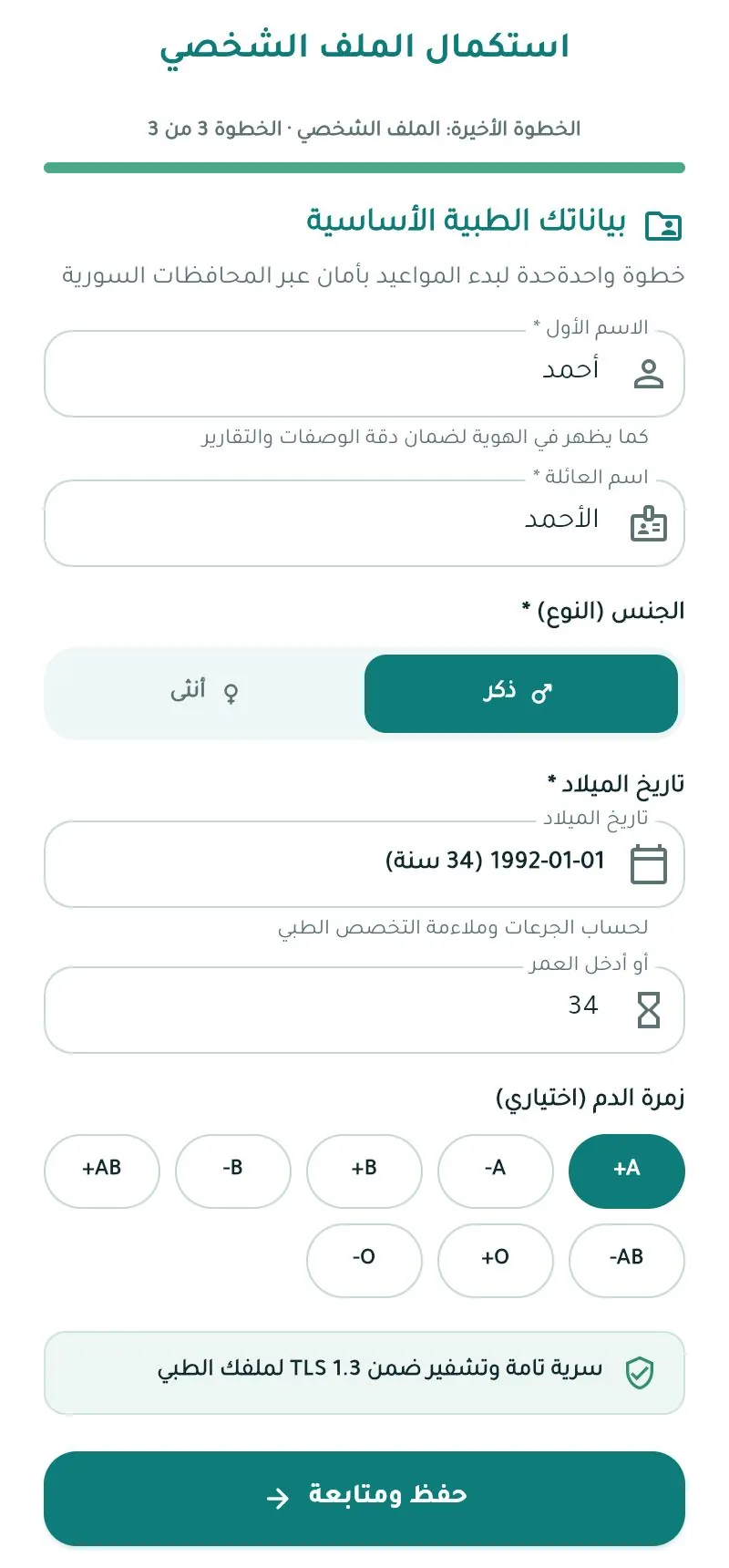
After the first sign-in the app asks you to complete your profile: name, gender, birth date or age, and blood type (optional).
Personal details & health profile
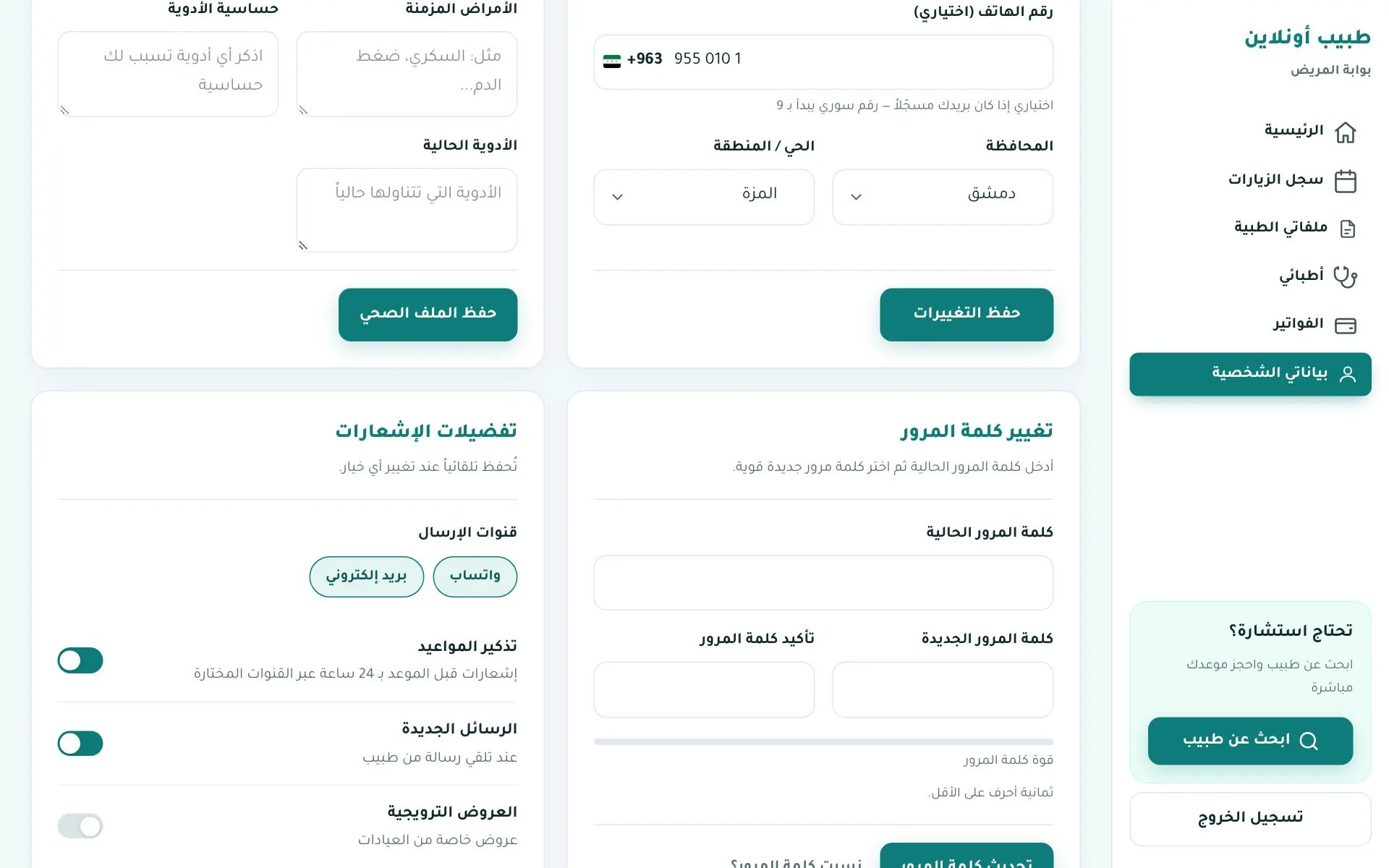
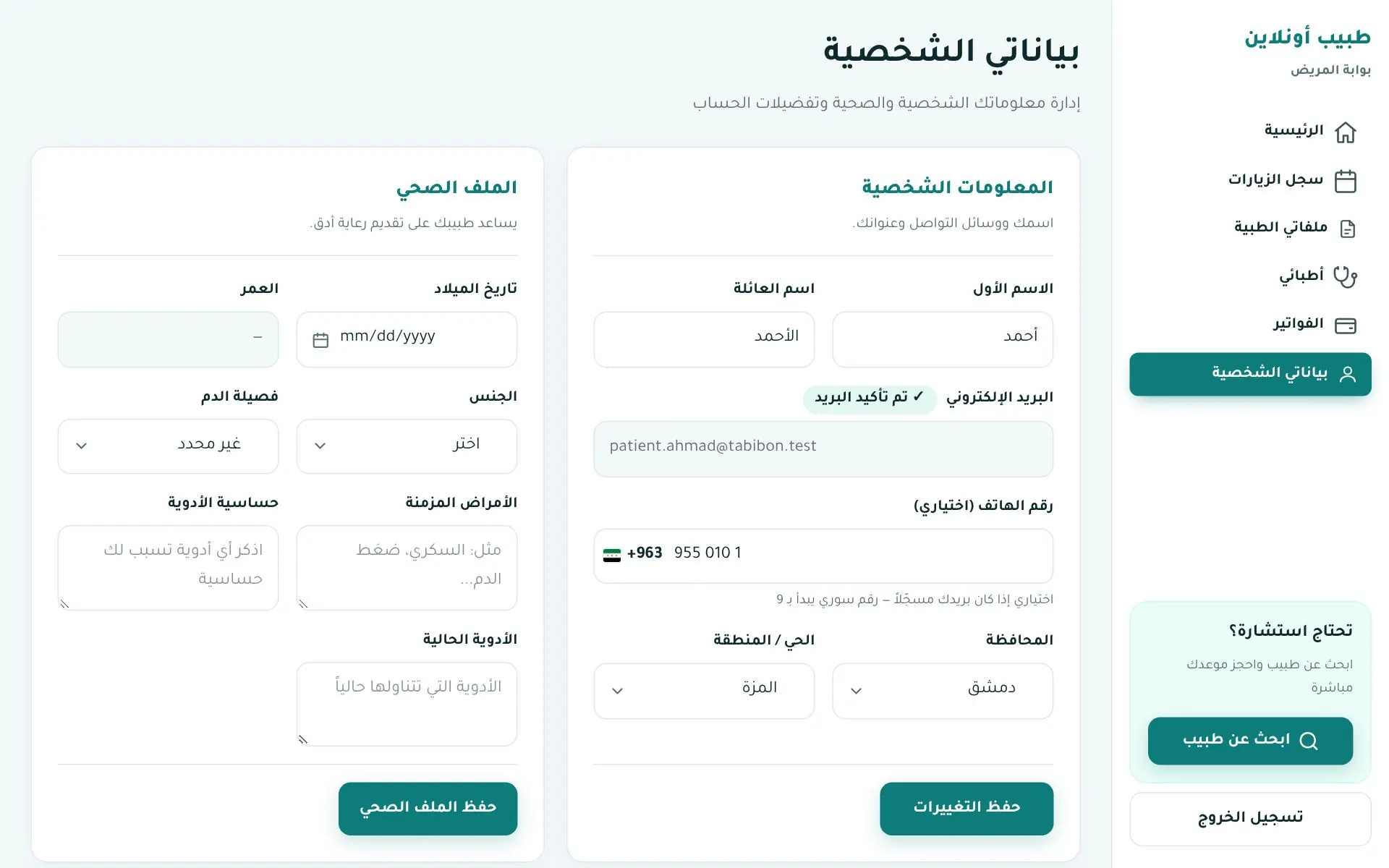
Web Account → بياناتي الشخصية (My details):- Name, email (with "verified" badge), Syrian phone (+963), governorate and district.
- Health profile: birth date, age, gender, blood type, chronic conditions, drug allergies, current medications.
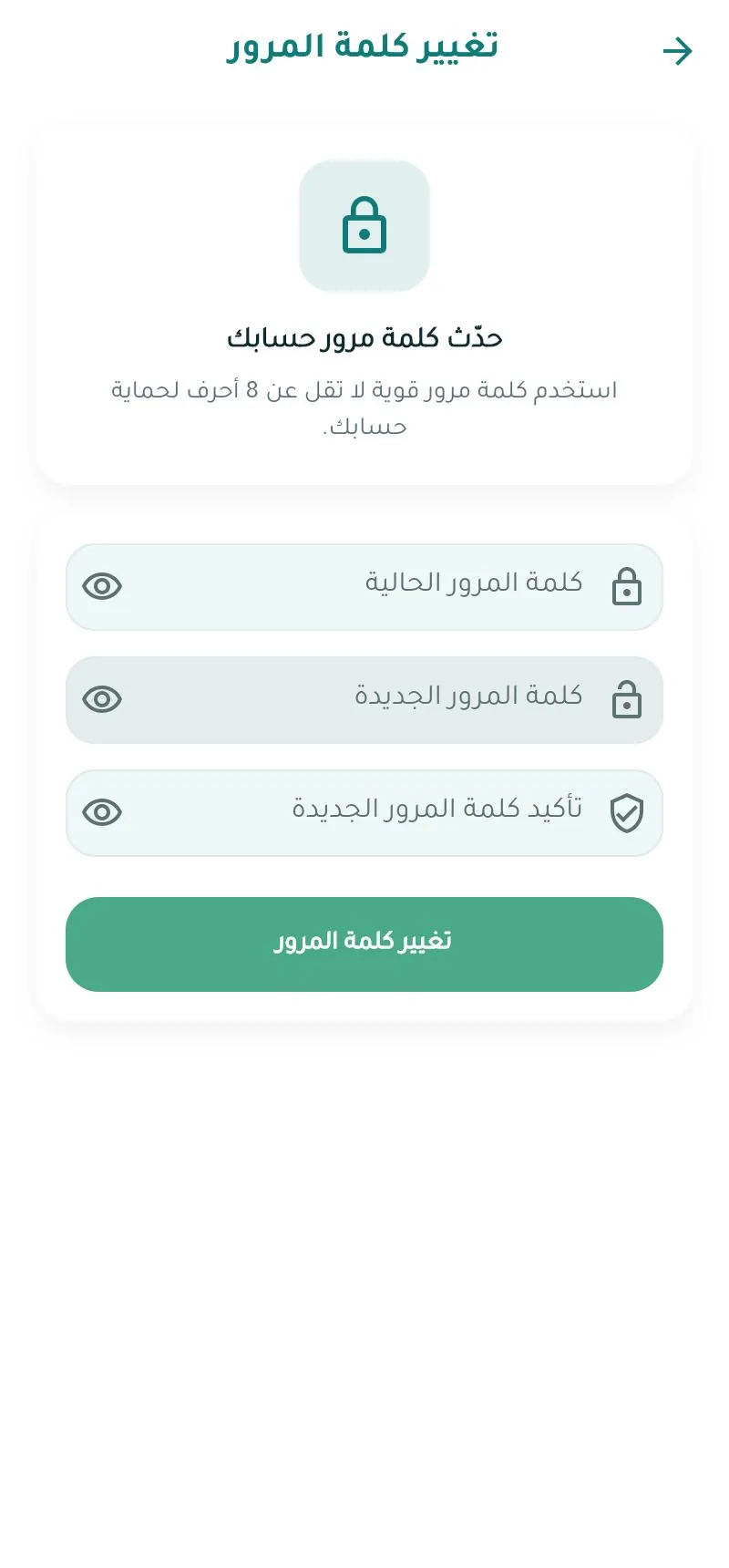
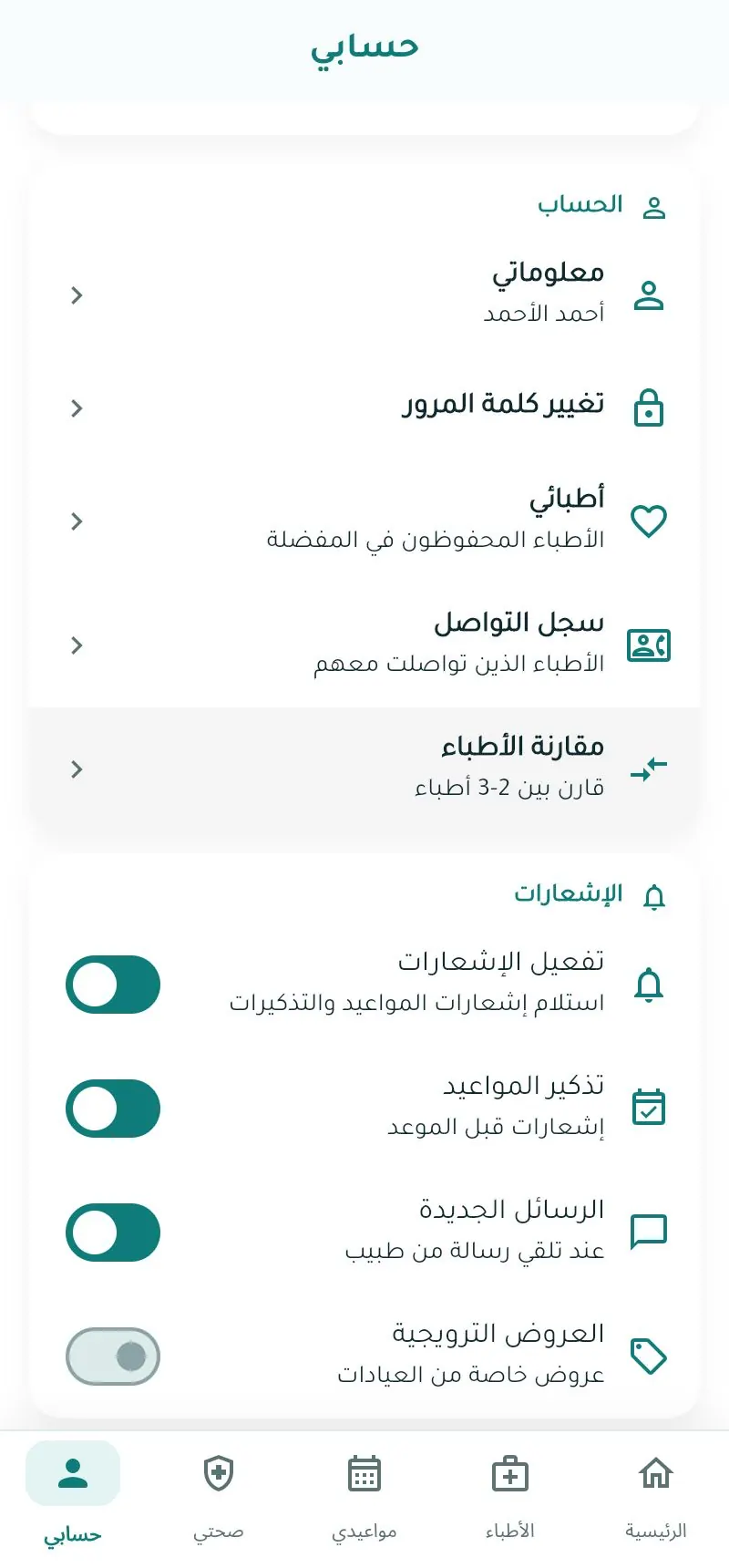
Further down: change password and notification preferences (channels: WhatsApp / email; appointment reminders, new messages, promotions).