
Booking an appointment
Before you start
- You must be signed in.
- On the website: your email must be verified and your name and home address completed.
- Payment happens at the clinic — no online payment.
Booking on the website Web
0. Complete your details (once)
If your details are missing you'll see this message. Click إكمال معلوماتي (Complete my info) and fill in name, governorate and district.
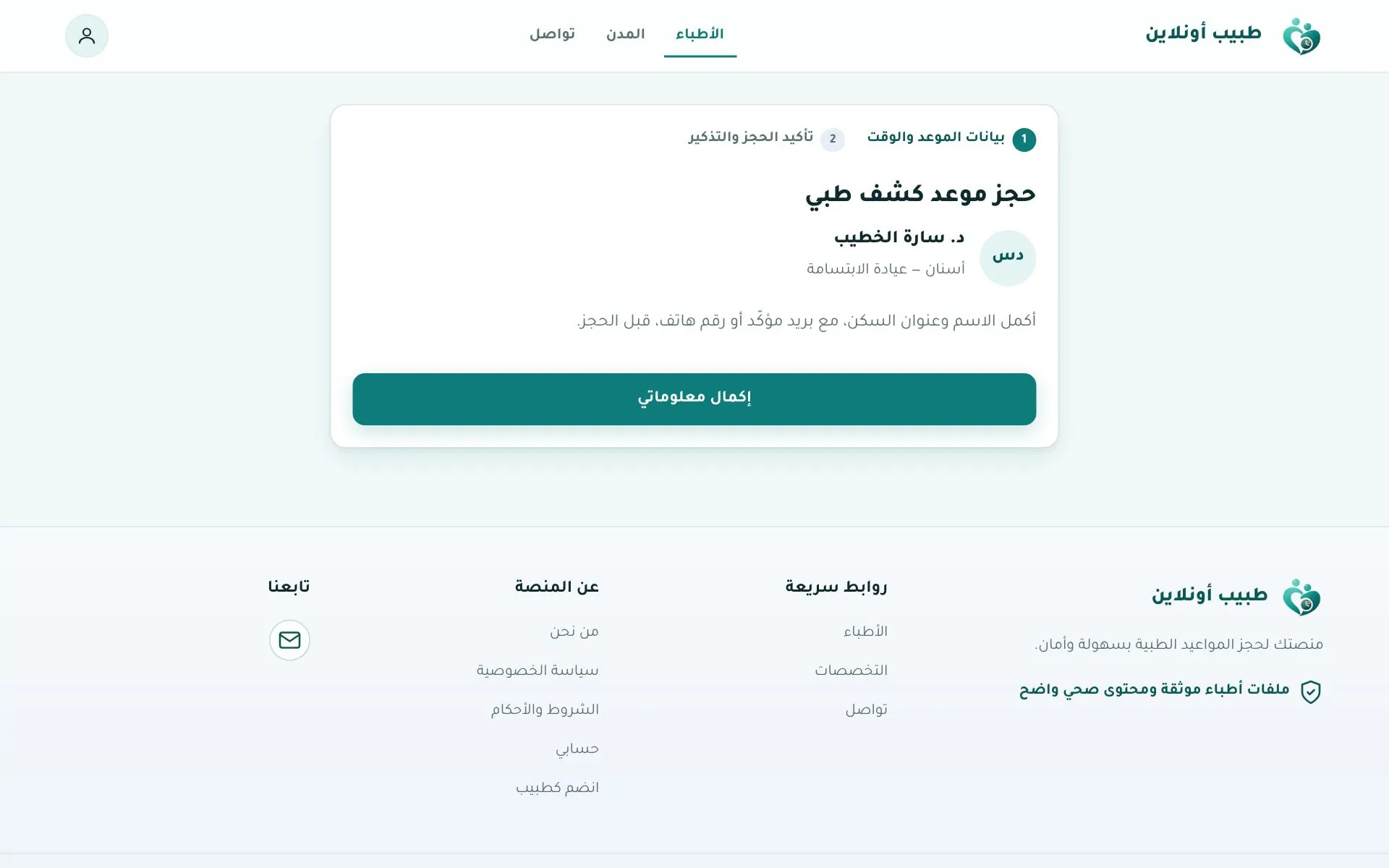
1. Appointment details & time
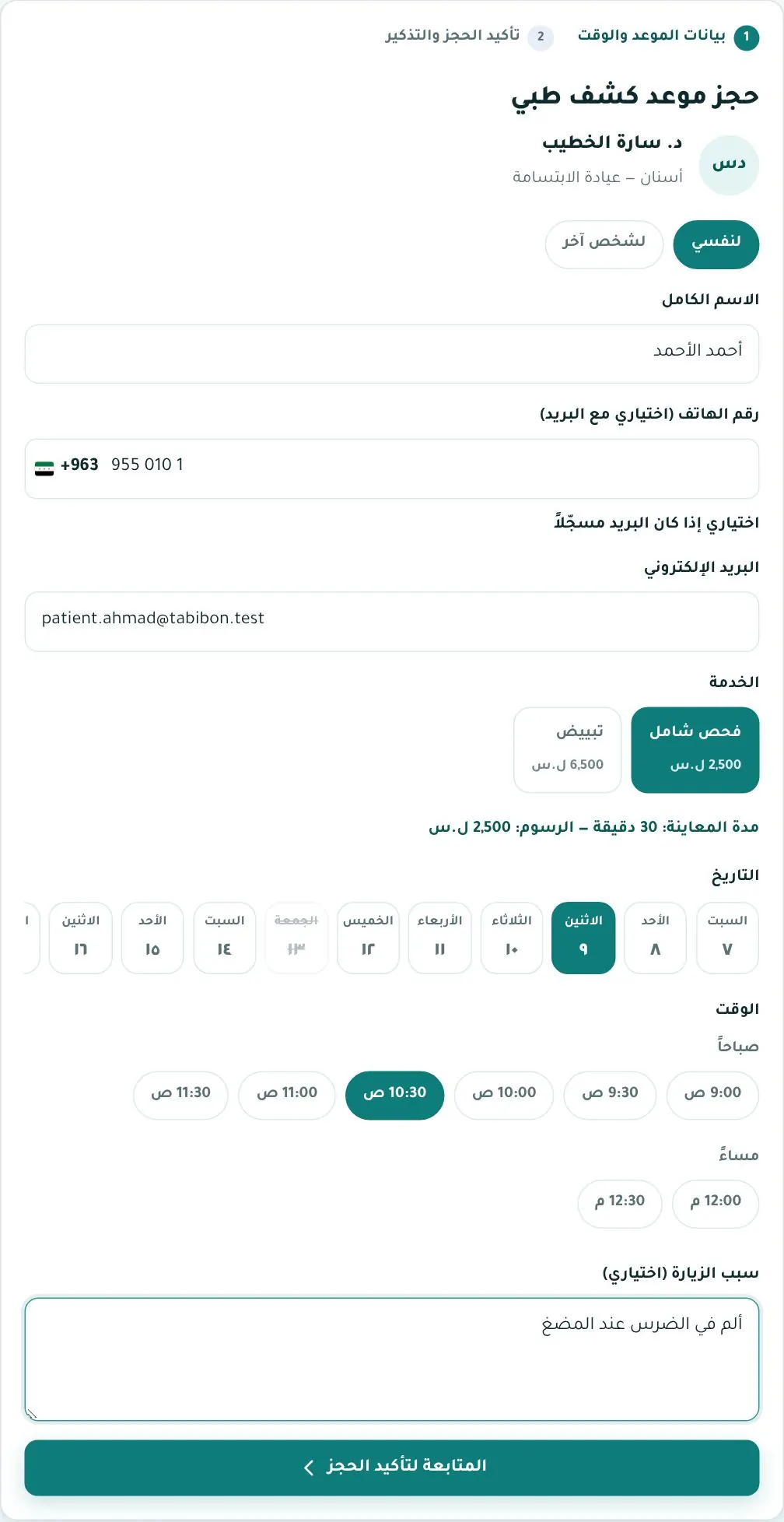
On the doctor's page click Book, then:
- Choose for me or for someone else (and enter the patient's name).
- Check name, phone and email.
- Pick the service (e.g. full check-up, whitening) — each shows its price.
- Pick a date from the strip, then a time (morning / evening).
- Add a reason for visit (optional) and click Continue to confirm.
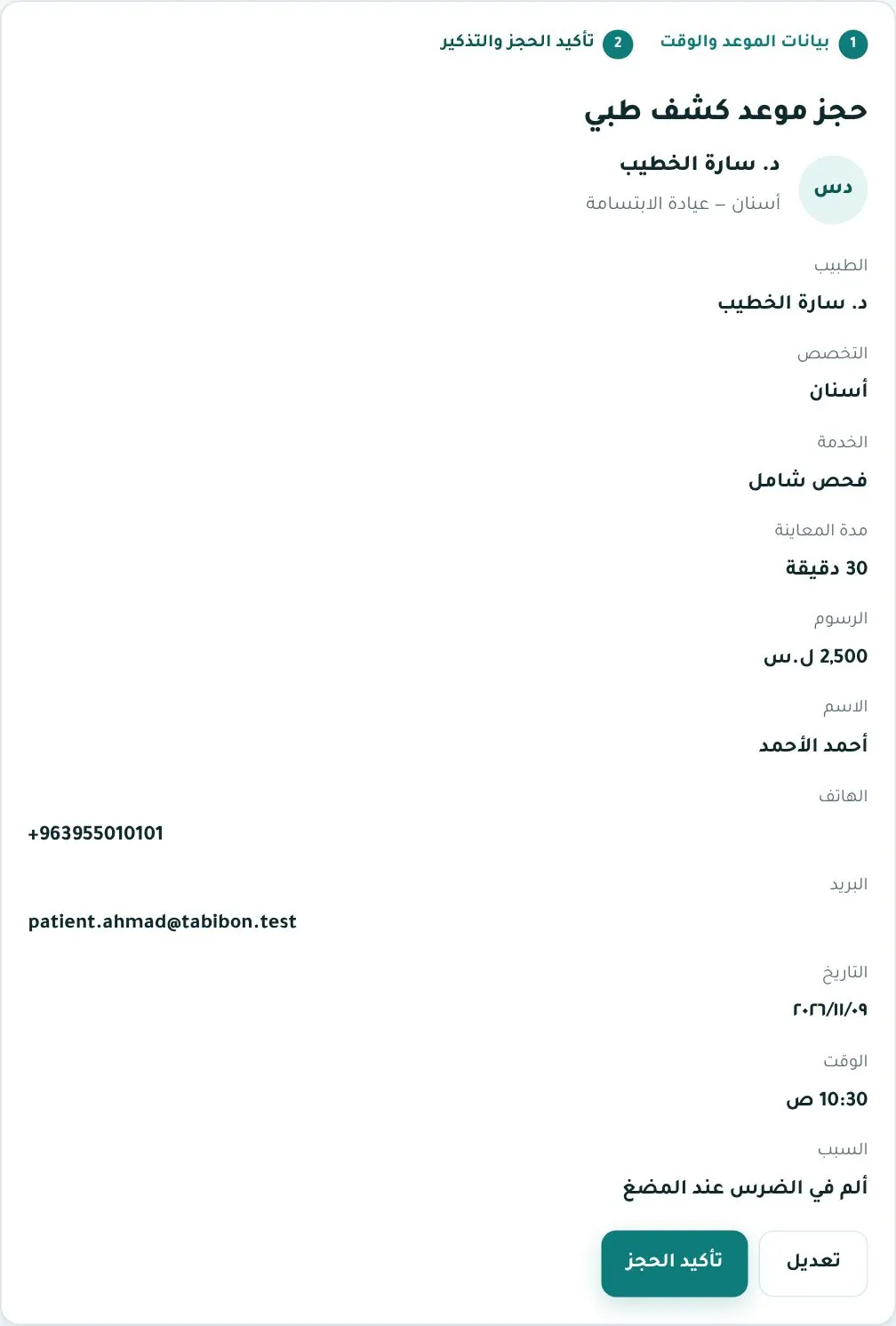
2. Confirm
Review the summary: doctor, specialty, service, duration, fee, your details, date, time and reason. Click Edit to go back or Confirm booking.
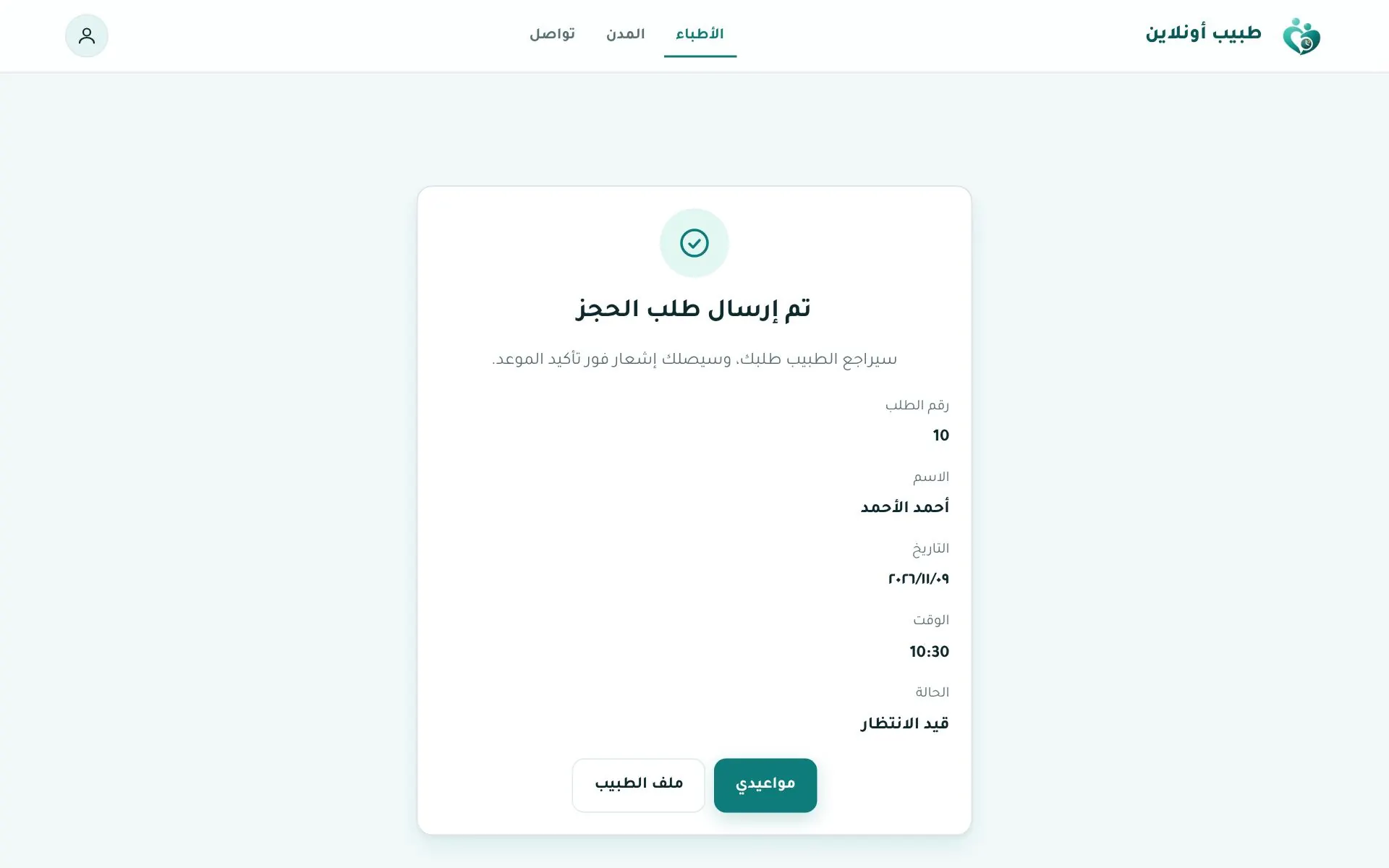
3. Request sent
The success page shows the request number and status. If it says Pending the doctor will review it and you'll be notified once it's confirmed.
Booking in the app App
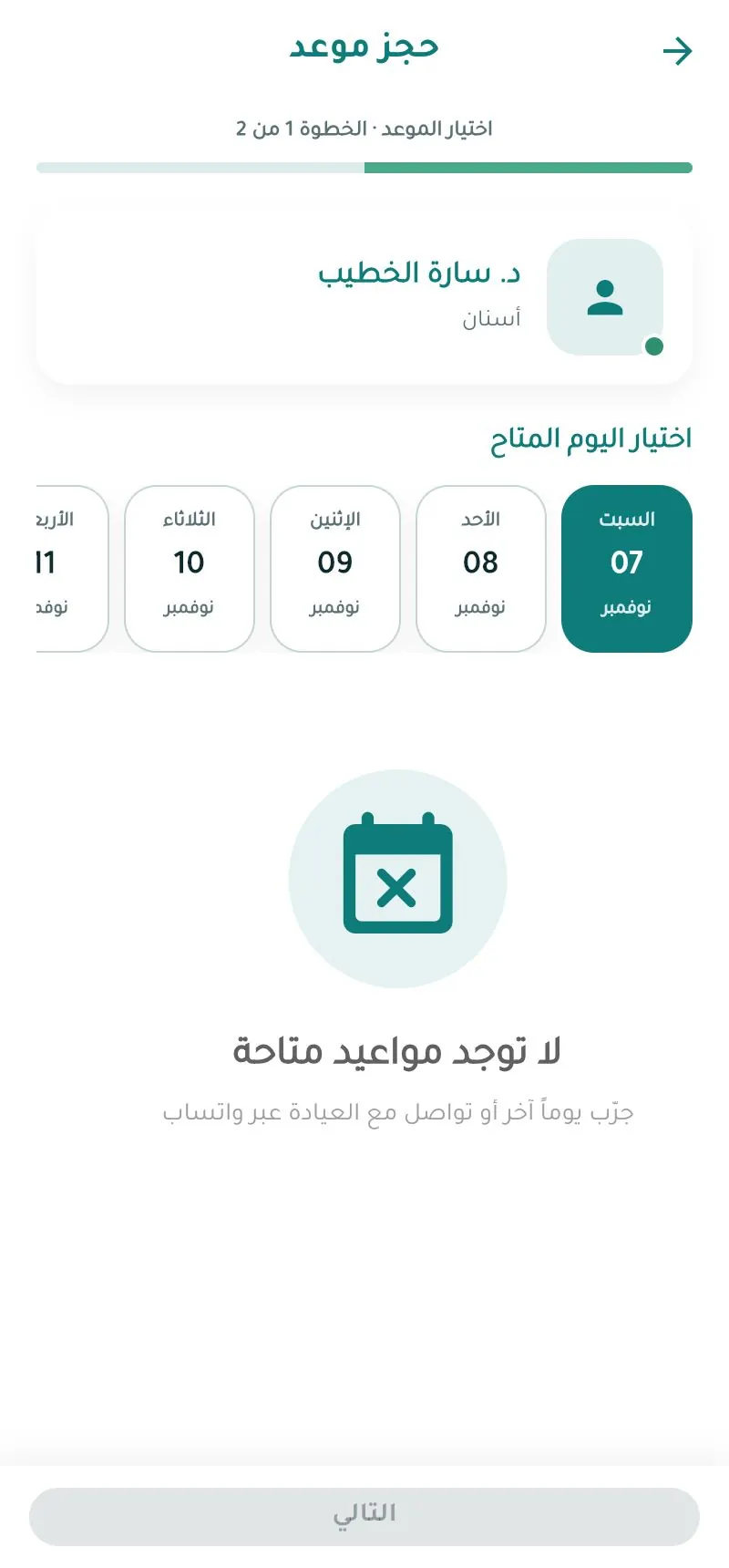
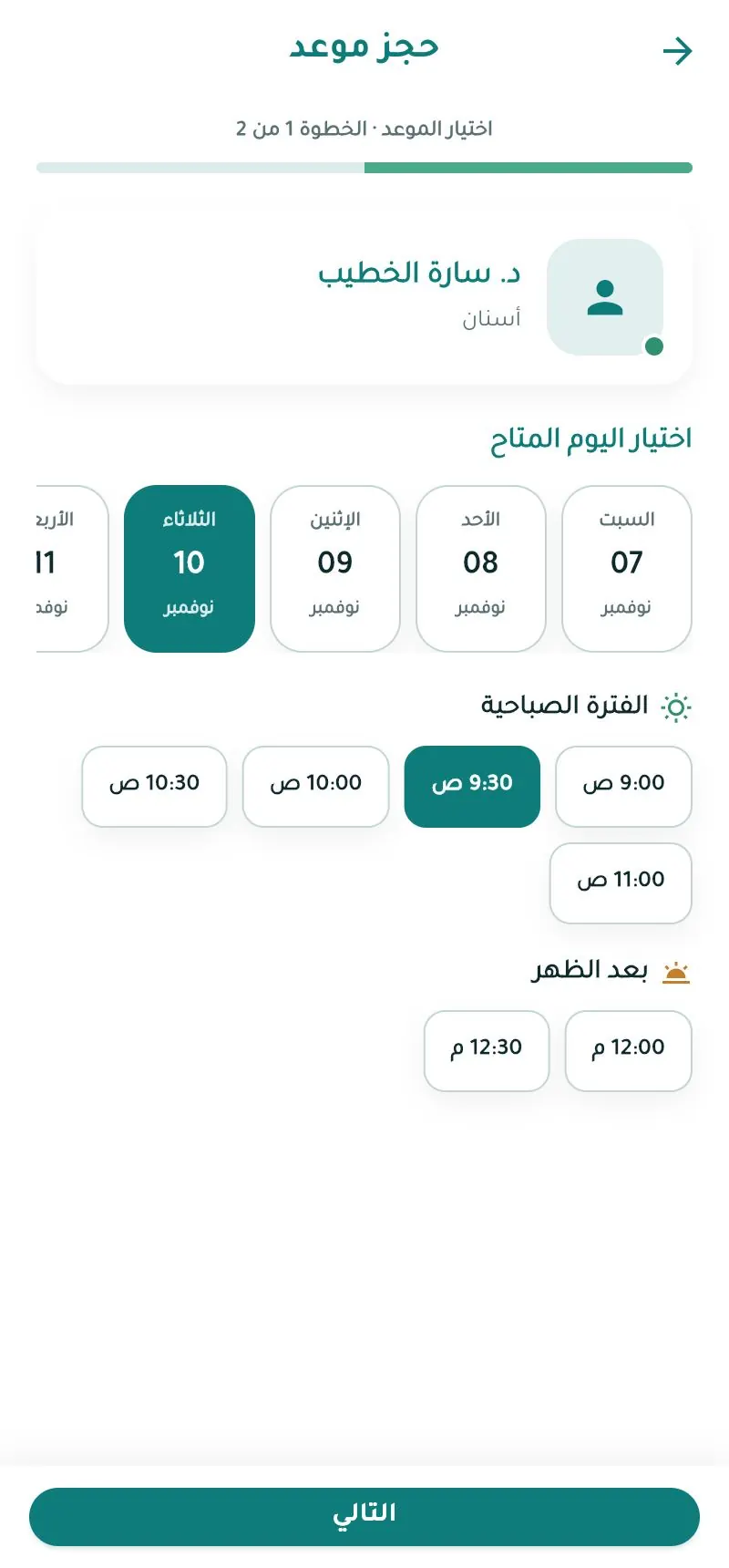
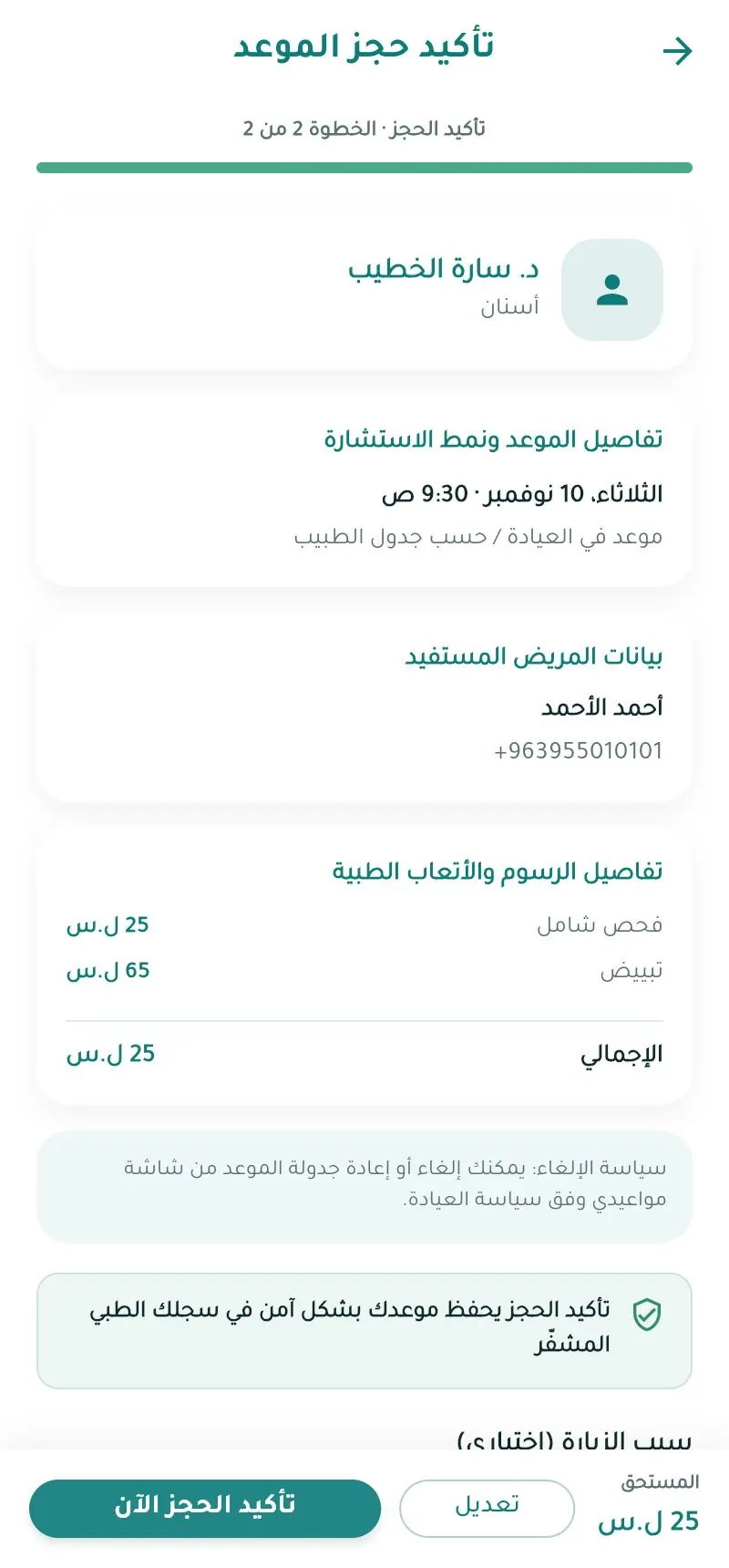
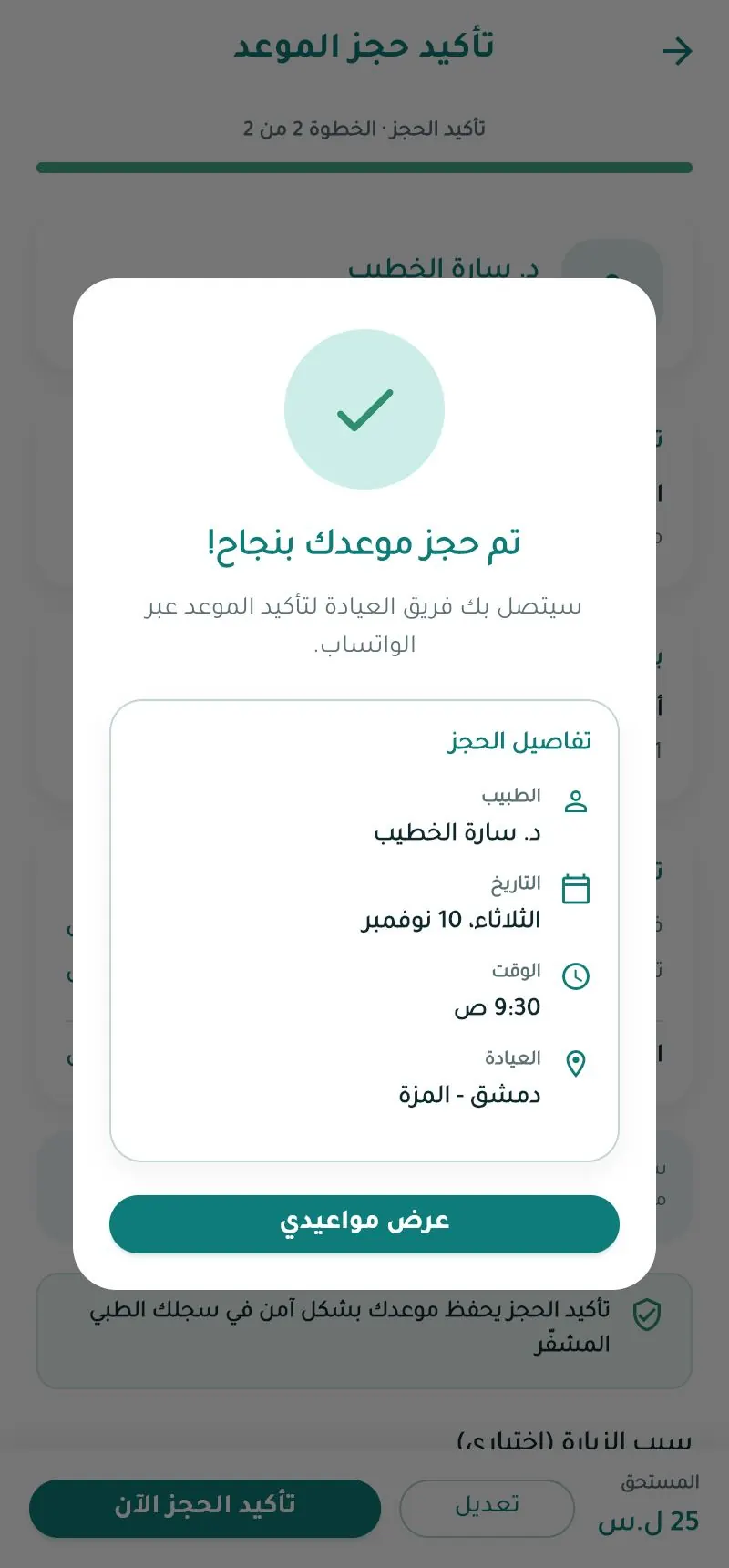
The clinic team may contact you on WhatsApp to confirm.
Appointment statuses
| Status | Meaning |
|---|---|
| Pending / awaiting confirmation | Request received, not yet confirmed |
| Confirmed | Locked in |
| Completed | Visit done |
| Cancelled | By you or the clinic |
| No-show | Patient didn't attend |
Booking via WhatsApp
Book via WhatsApp on the doctor's page opens a chat with the clinic with a ready message.