Finding a doctor
From the home page Web
On tabibon.com choose a specialty and area/city and click بحث (Search), or pick from "Browse by specialty".
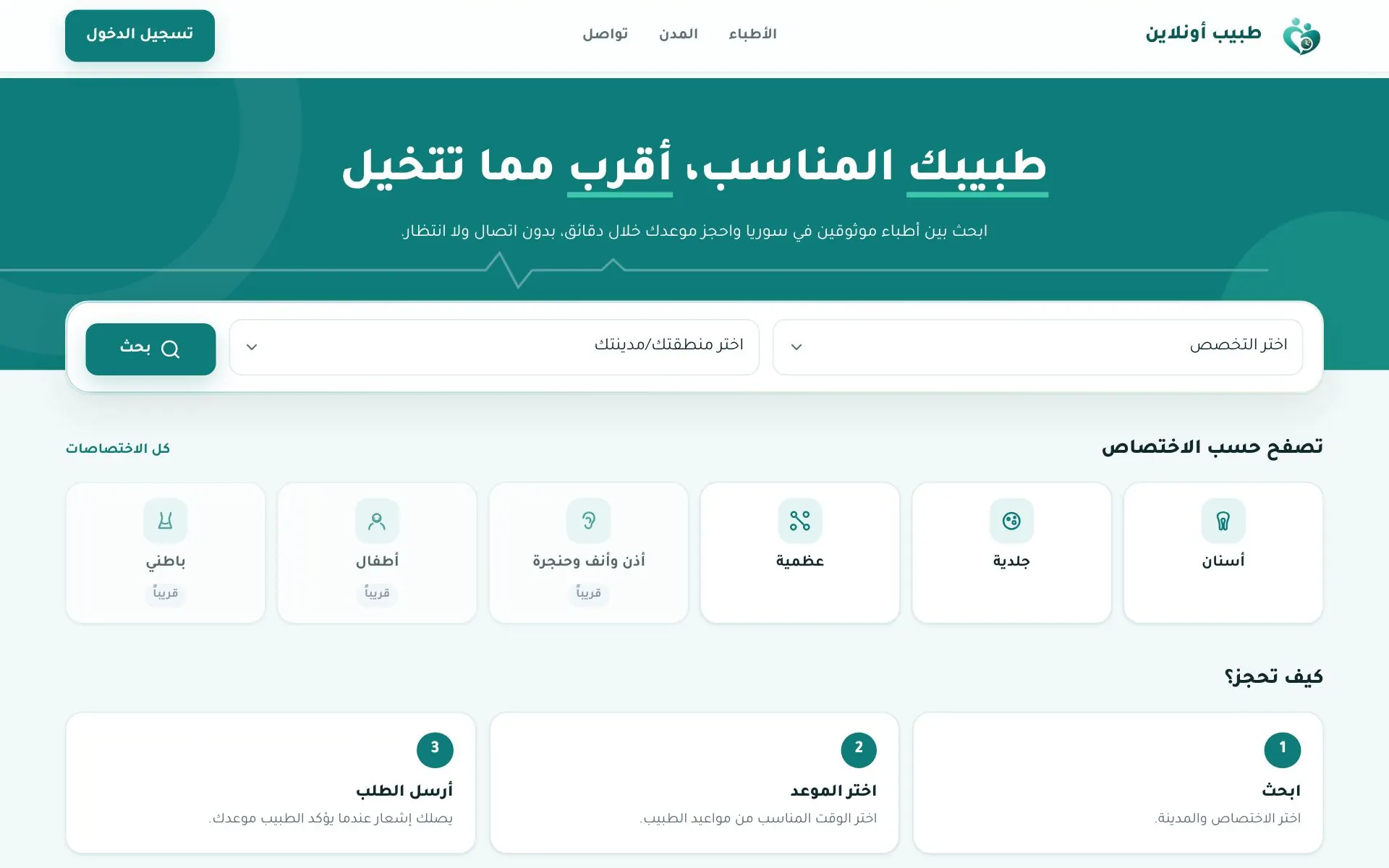
You can also browse:
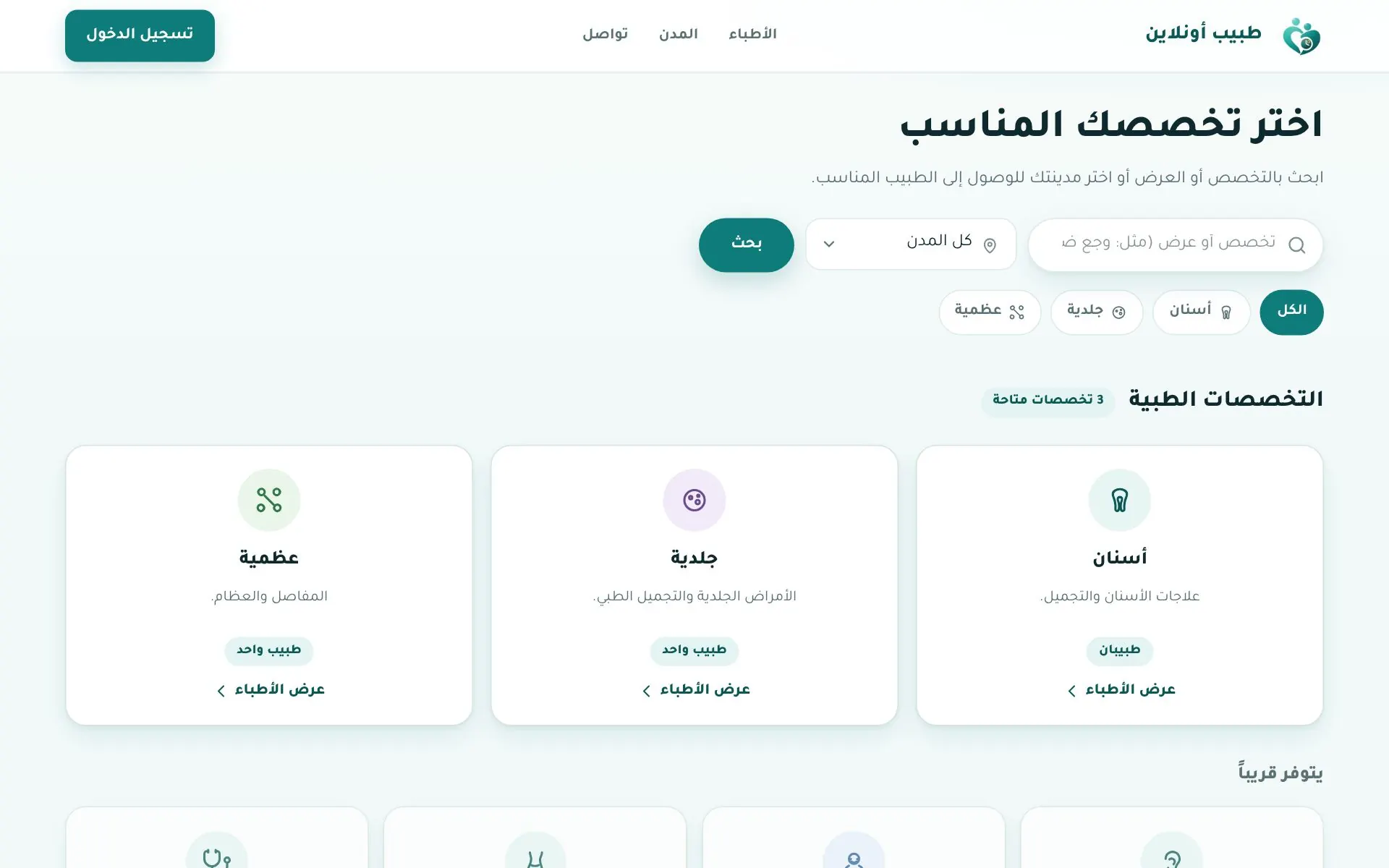
Specialties — each with its number of doctors.
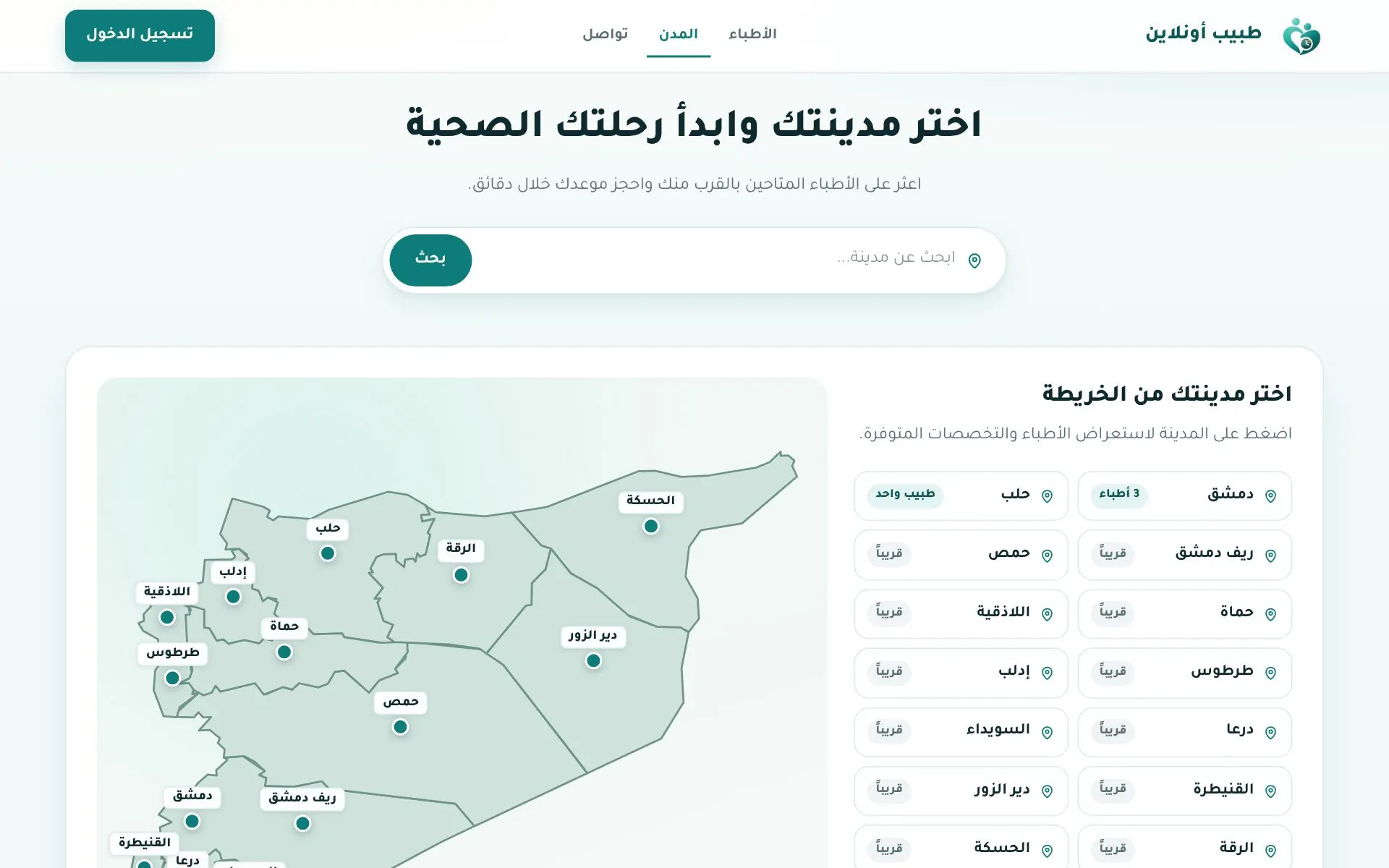
Cities — pick your city from the map or the list.
Doctor list
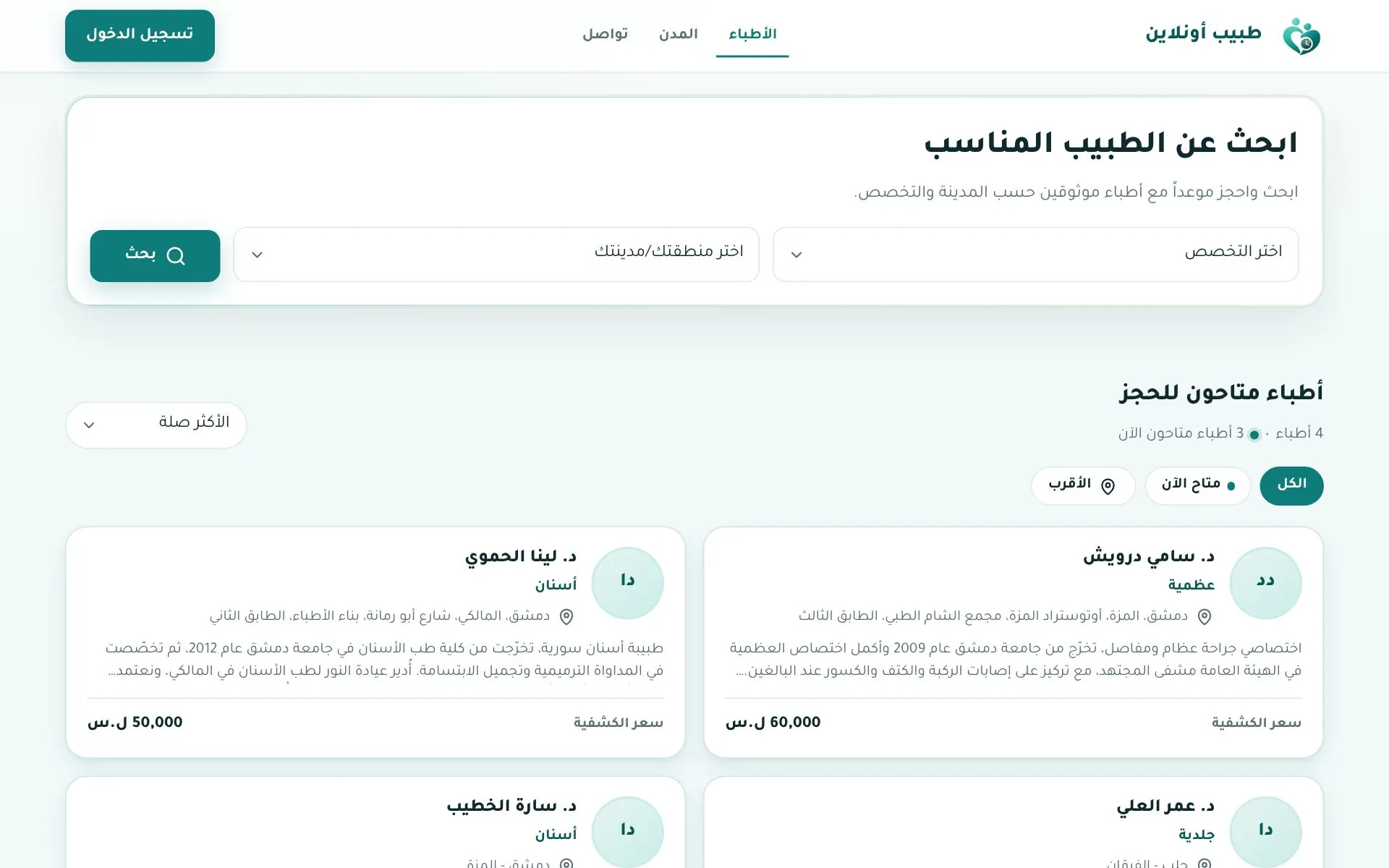
The doctors page:
- Search by specialty and area.
- Quick filters: All · Available now · Nearest (asks for location permission).
- Sort: Most relevant / newest.
- Each card shows the consultation fee.
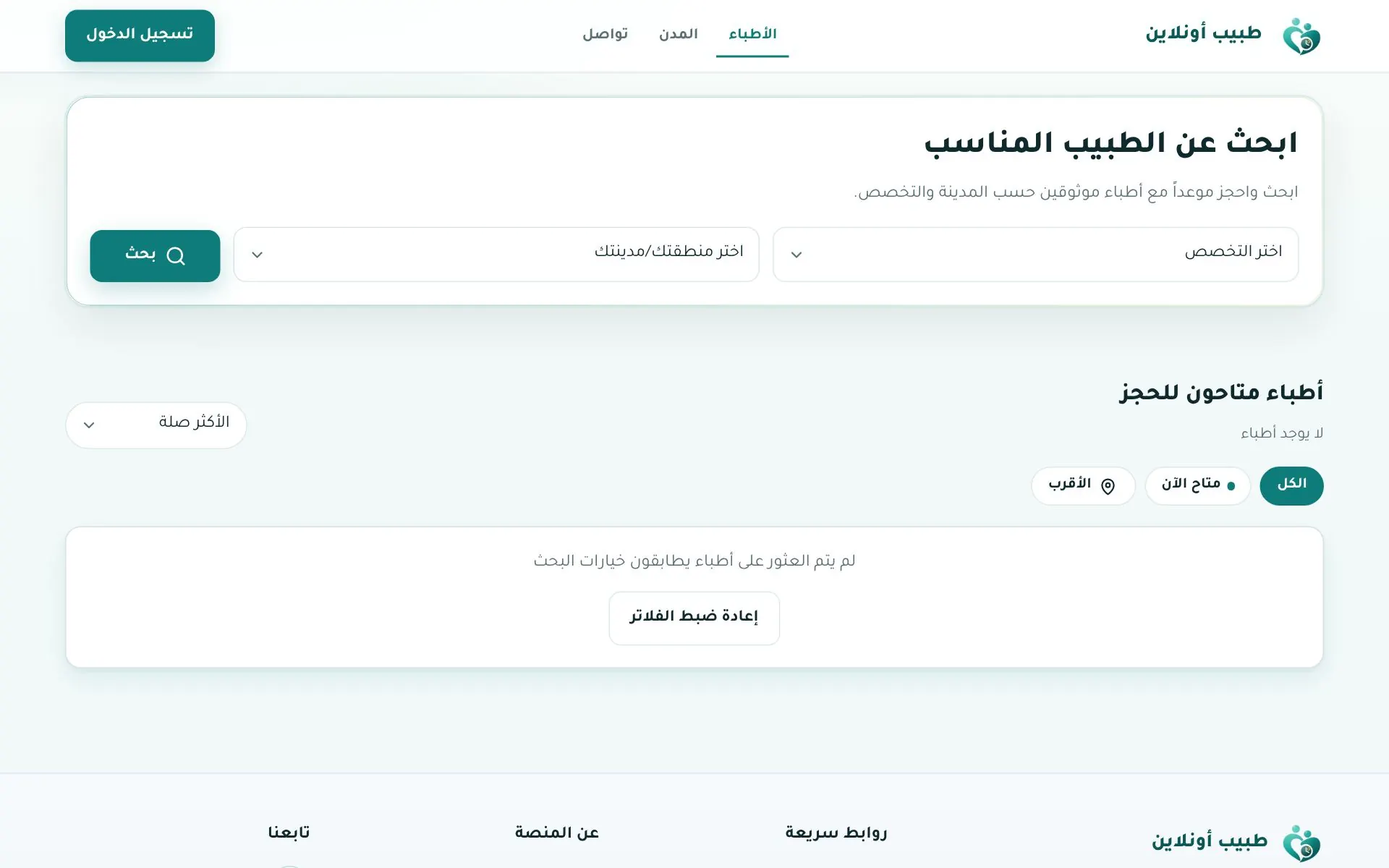
If nothing matches, click Reset filters or try another city.
Doctor profile
Photo, verified (موثّق) badge, specialty, clinic, years of experience, featured badge, and buttons Book · Add to favourites · Book via WhatsApp. On the side: available working hours and the clinic location map.
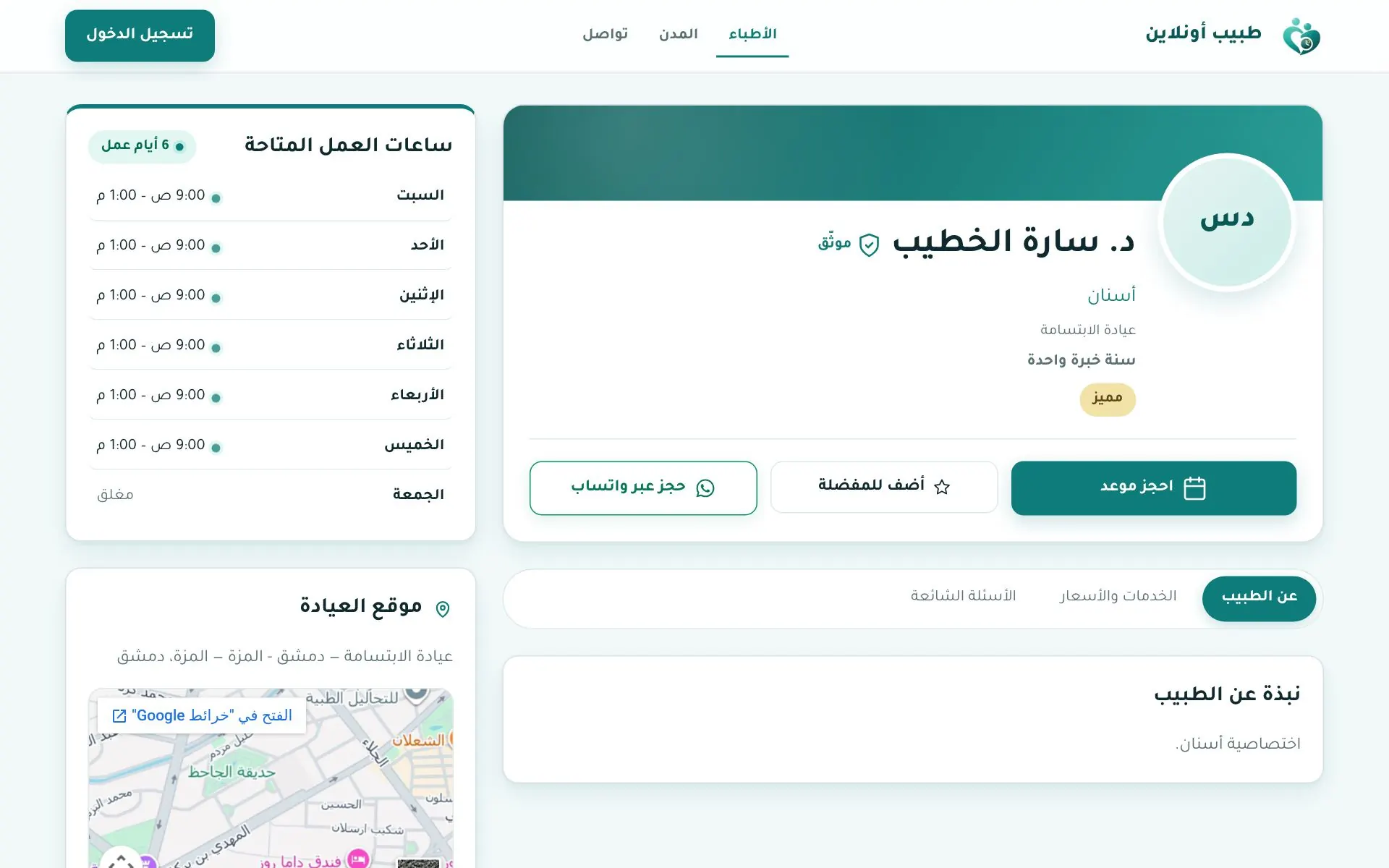
Tabs: About · Services & prices · FAQ (plus gallery and articles when available).
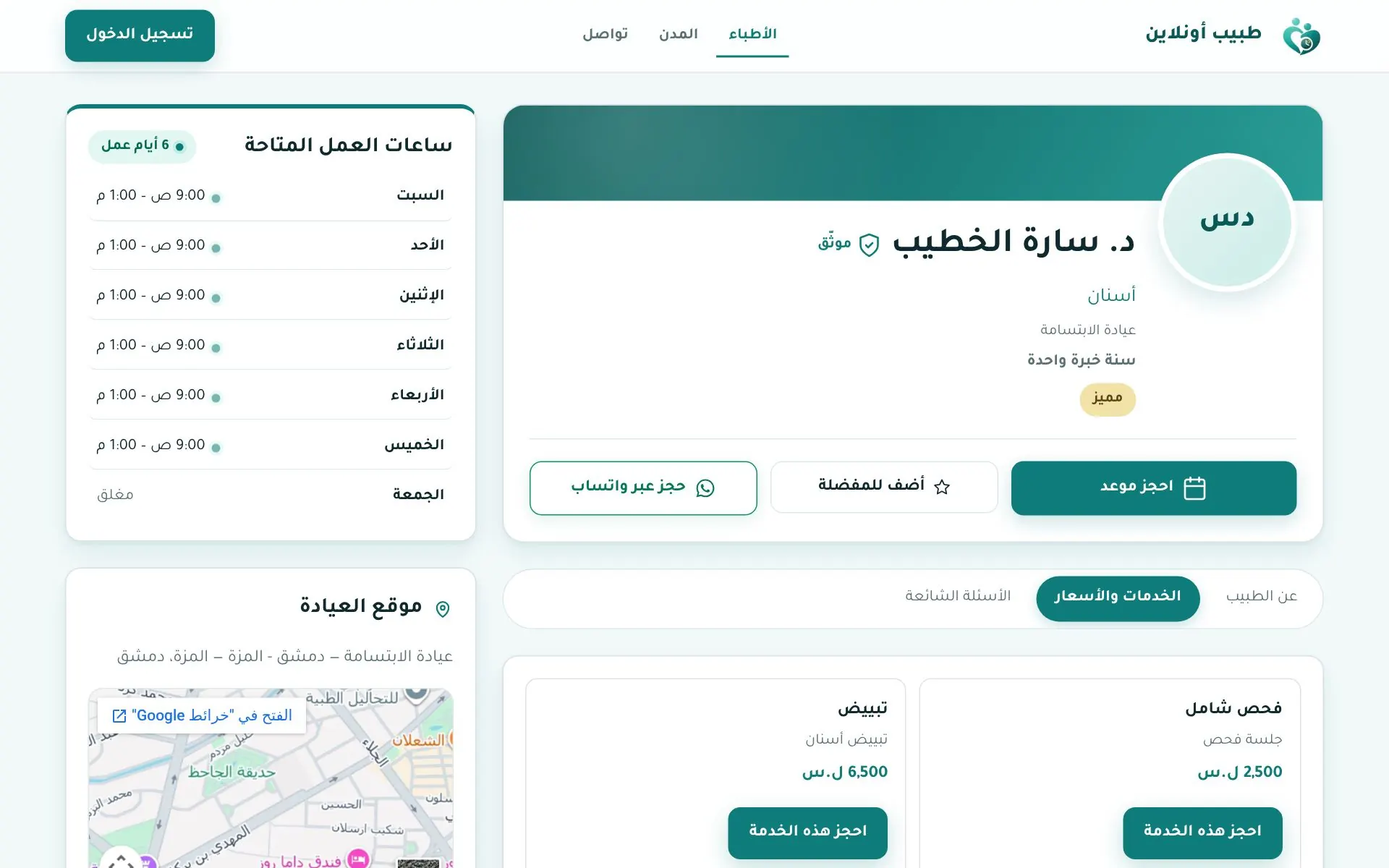
You can click "Book this service" directly.
In the app App
The الأطباء (Doctors) tab: search by name and filter by governorate, specialty and area, then tap Book on a card to open the doctor's page.
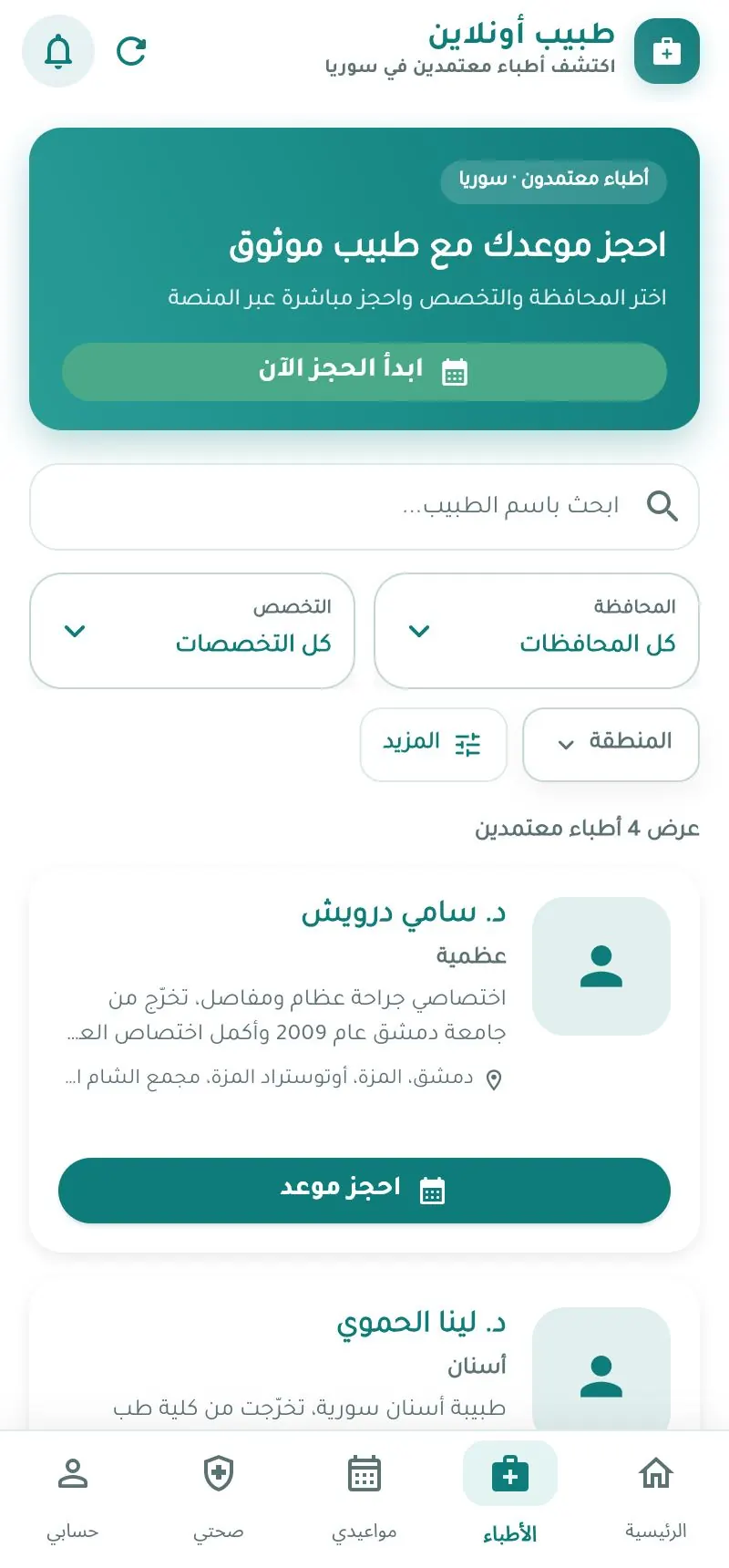
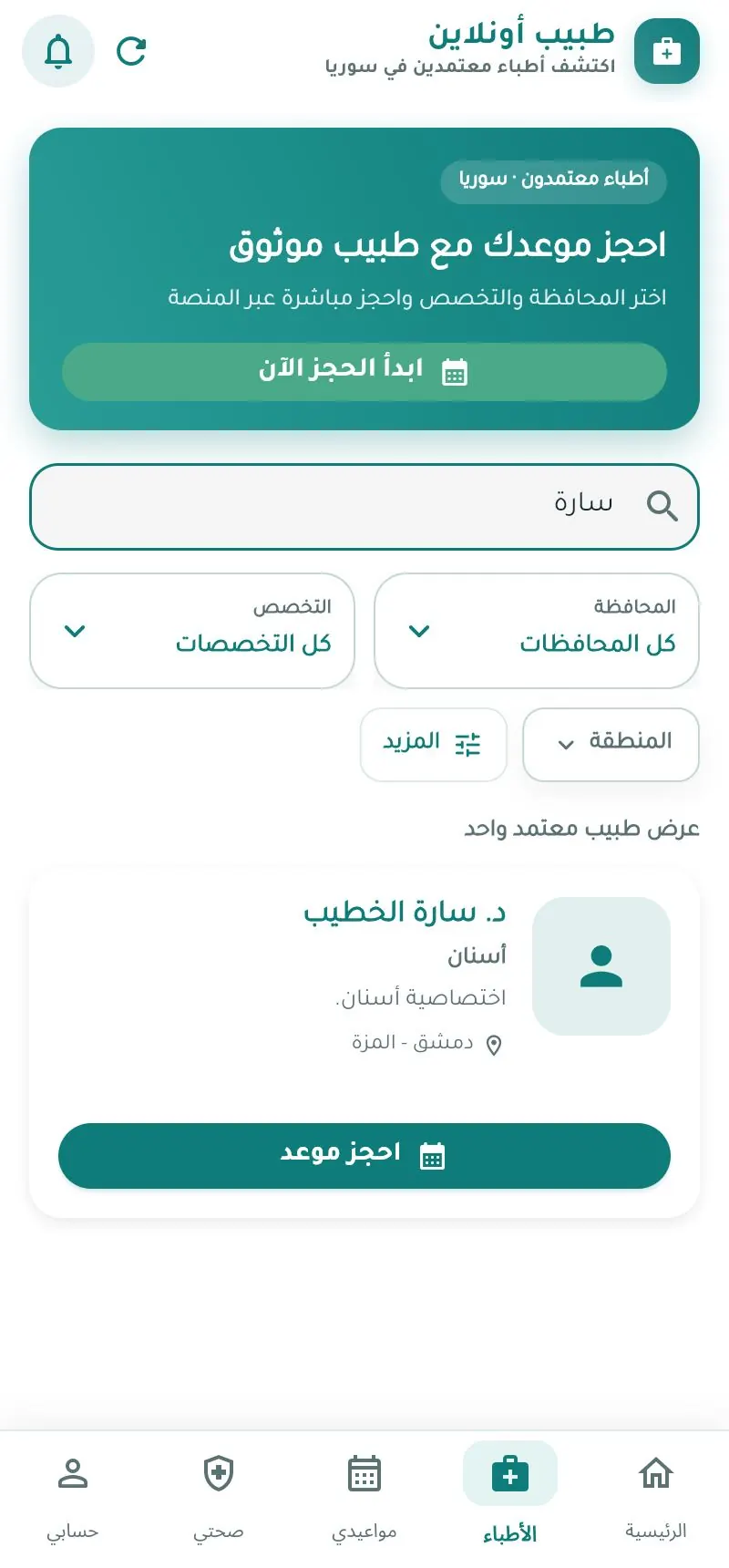
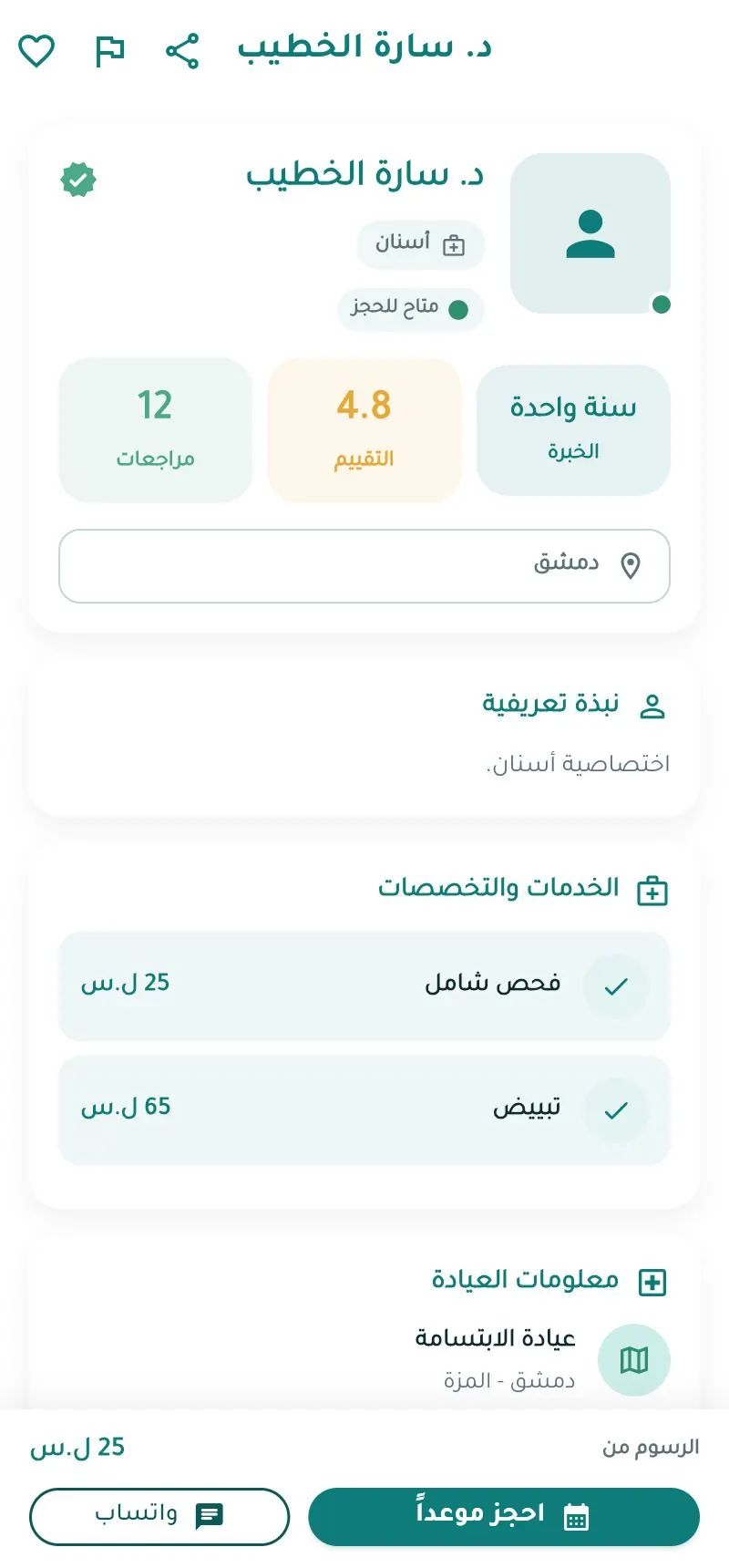
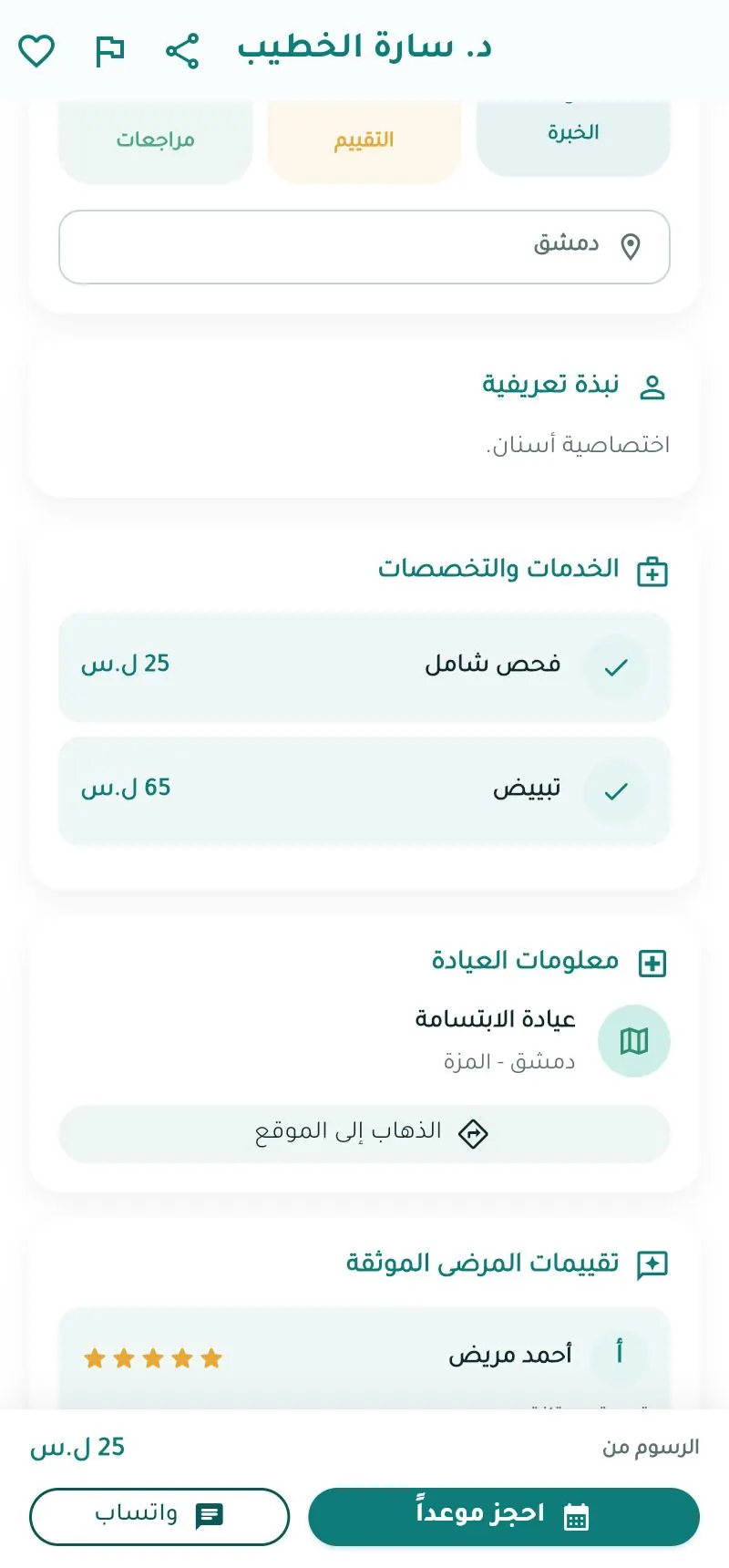
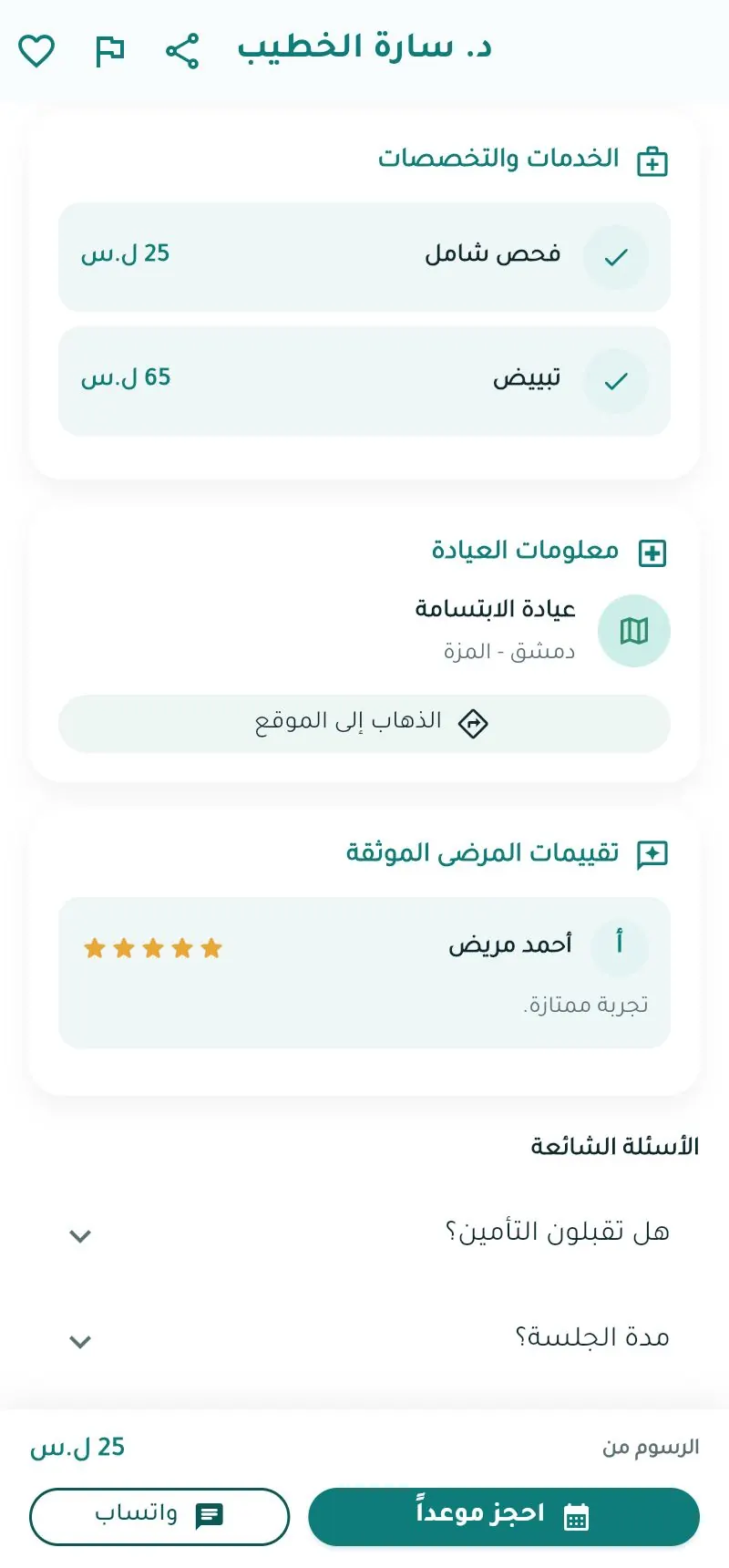
At the top of the doctor page: ♡ Favourite, Report, Share. At the bottom: Book and WhatsApp.
Compare doctors
Account → مقارنة الأطباء (Compare doctors): search and add 2–3 doctors.

Blog
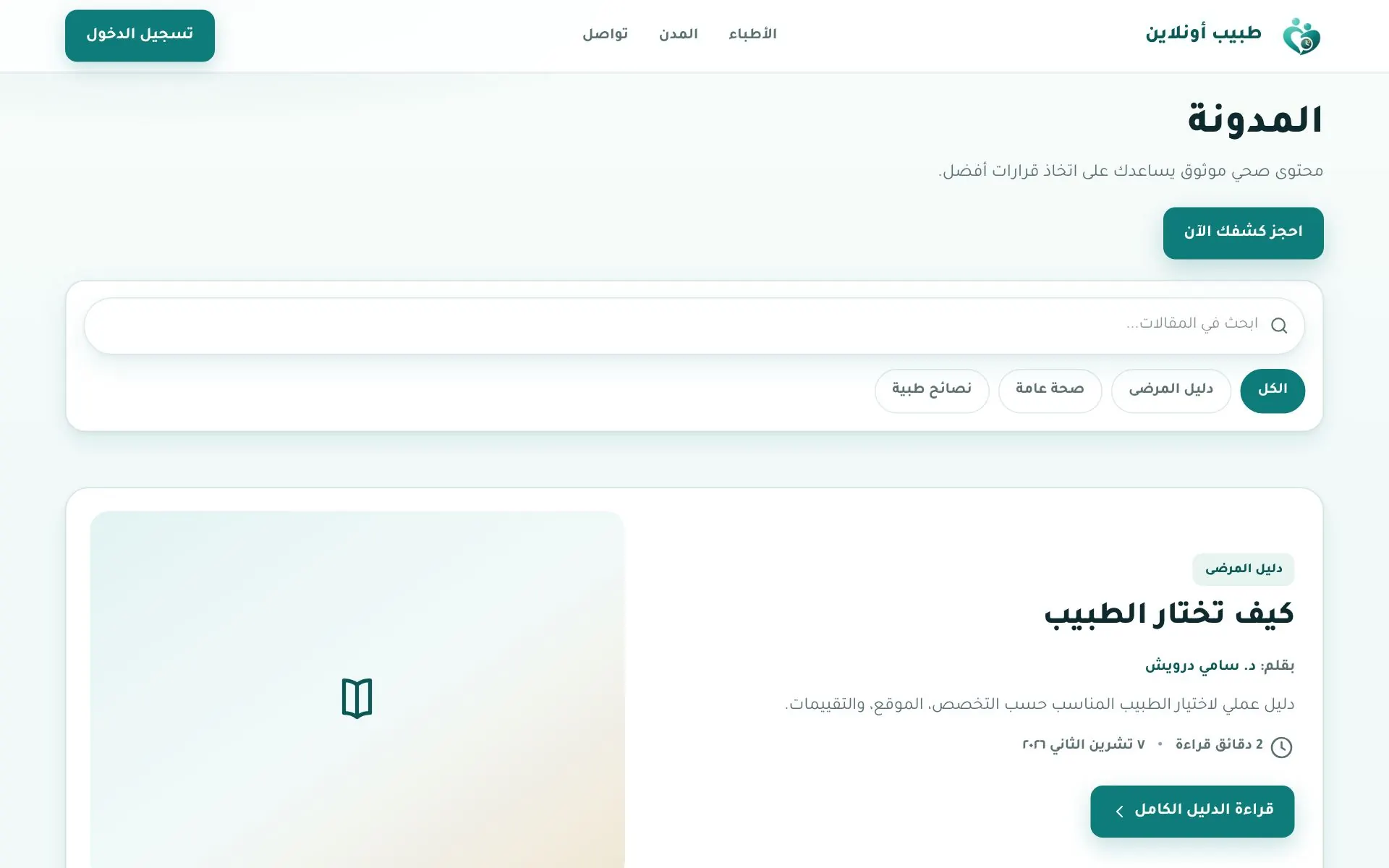
Health articles at tabibon.com/blog.