Working hours & time off
Working hours Web
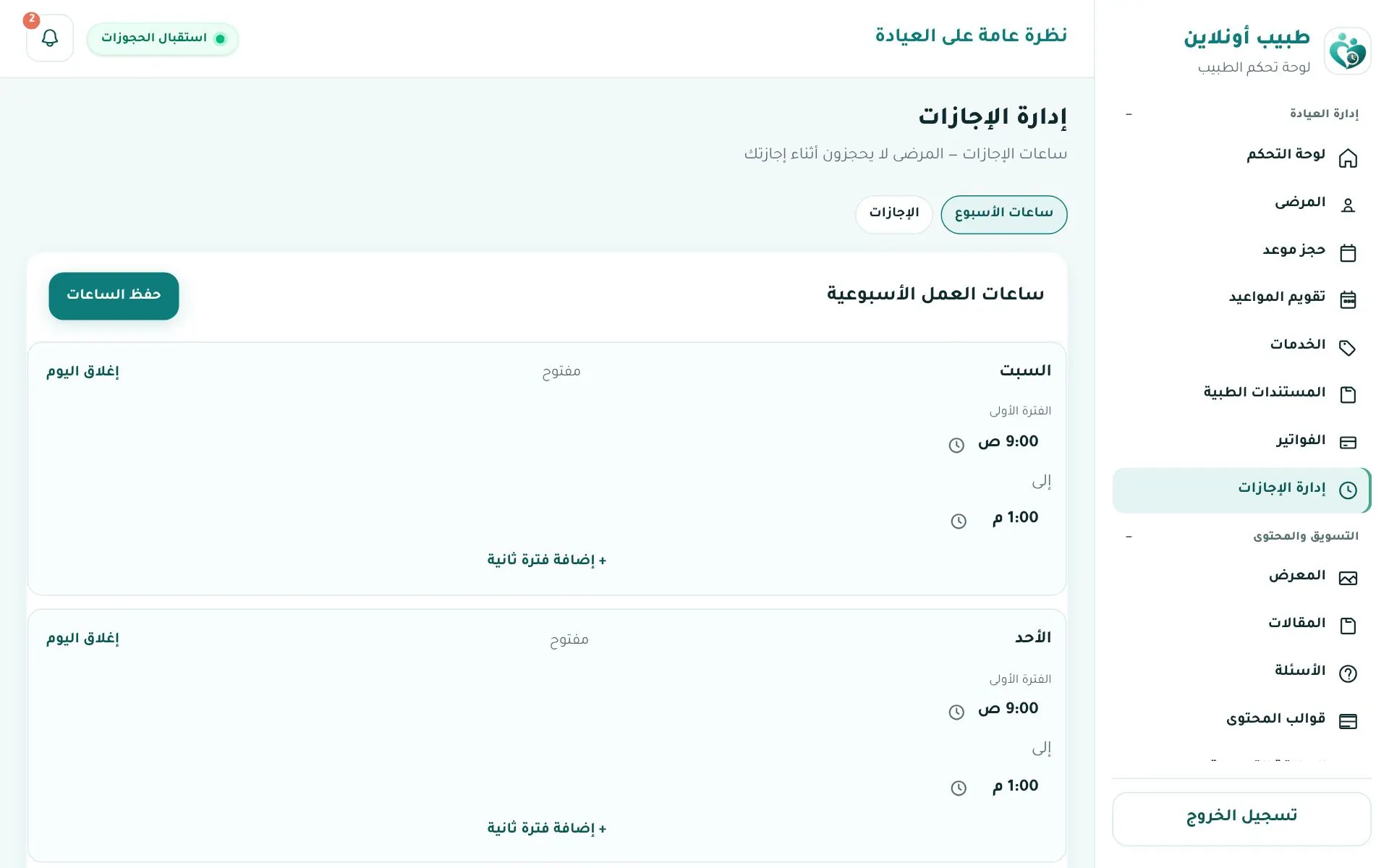
Clinic info → أوقات العمل (Working hours) (or Time off → Weekly hours):
- For each day set opening and closing time, or click Close day.
- Add a second shift if you work split hours.
- Use Apply to working days to copy the same hours to every day.
- Choose the appointment length (5–90 min) and save.
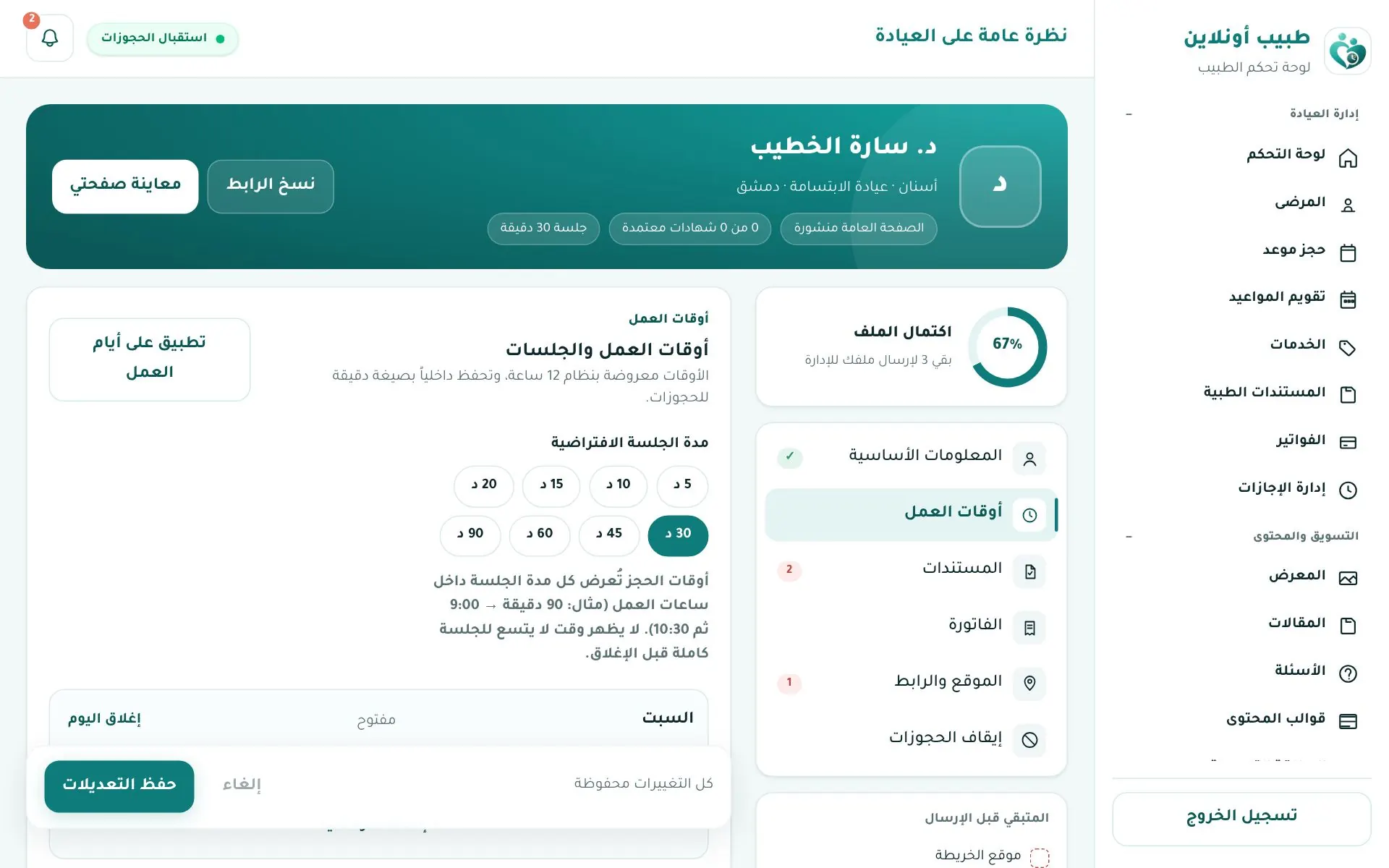
Bookable slots are generated from your hours and slot length. Example: 9:00–13:00 with 30-minute slots = 8 slots.
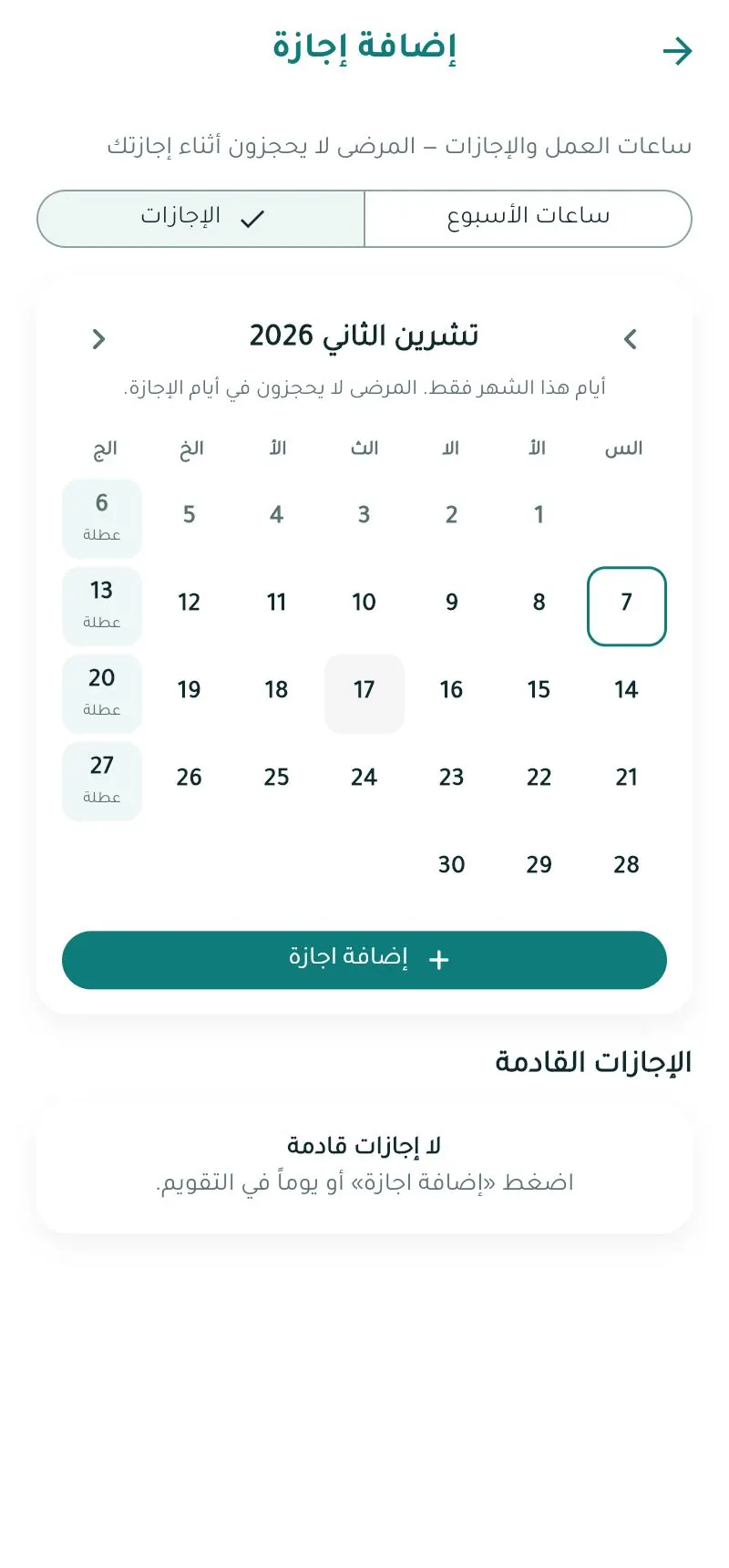
Time off
Clinic management → إدارة الإجازات (Time off): a month calendar marking days off, plus the leave list.
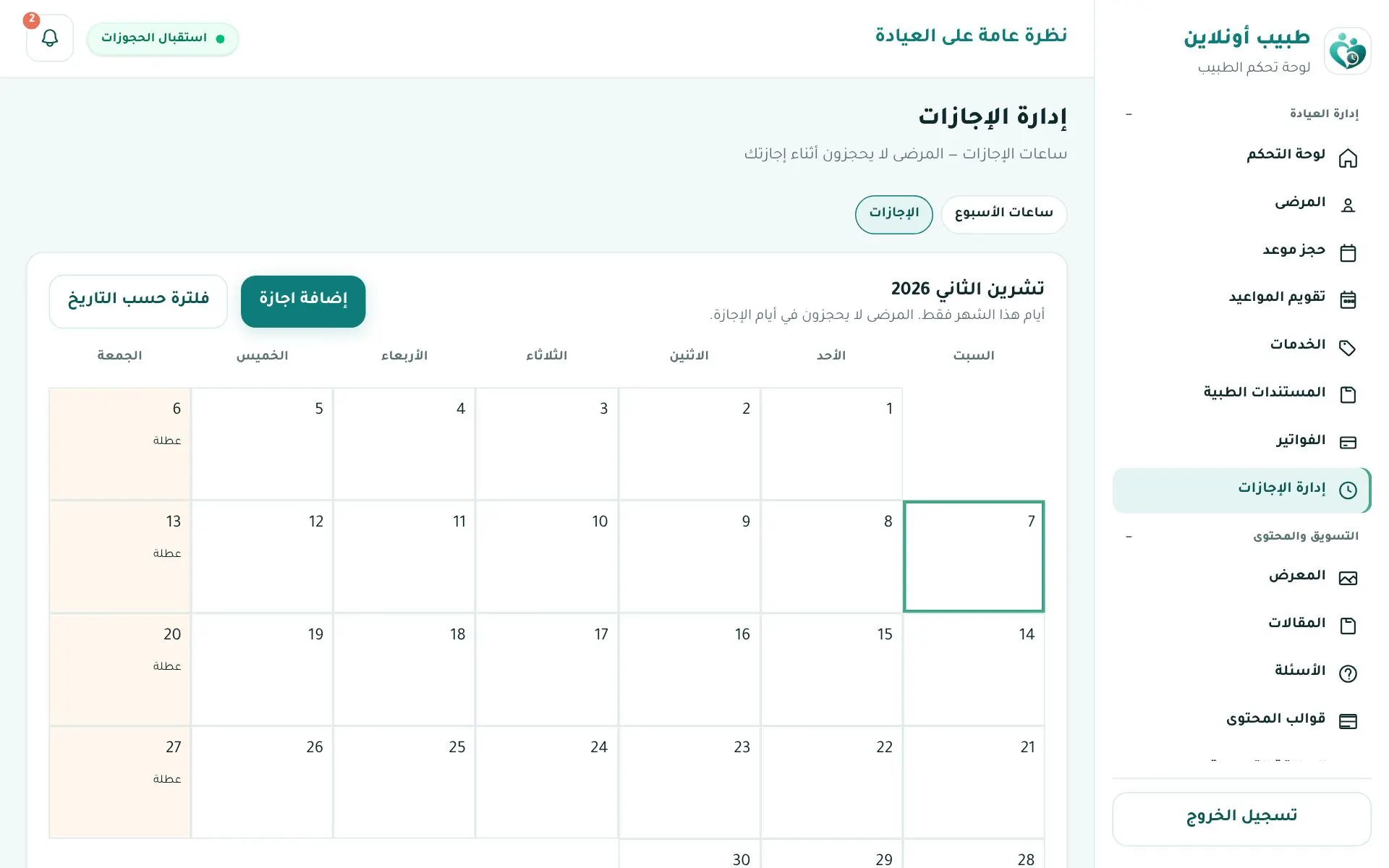
Click إضافة إجازة (Add leave):
- From / To date.
- Type: full day, or partial leave / note.
- Reason: personal / clinic holiday, travel, conference or training, emergency, clinic maintenance.
- Optional note and notify affected patients.
- Save leave.
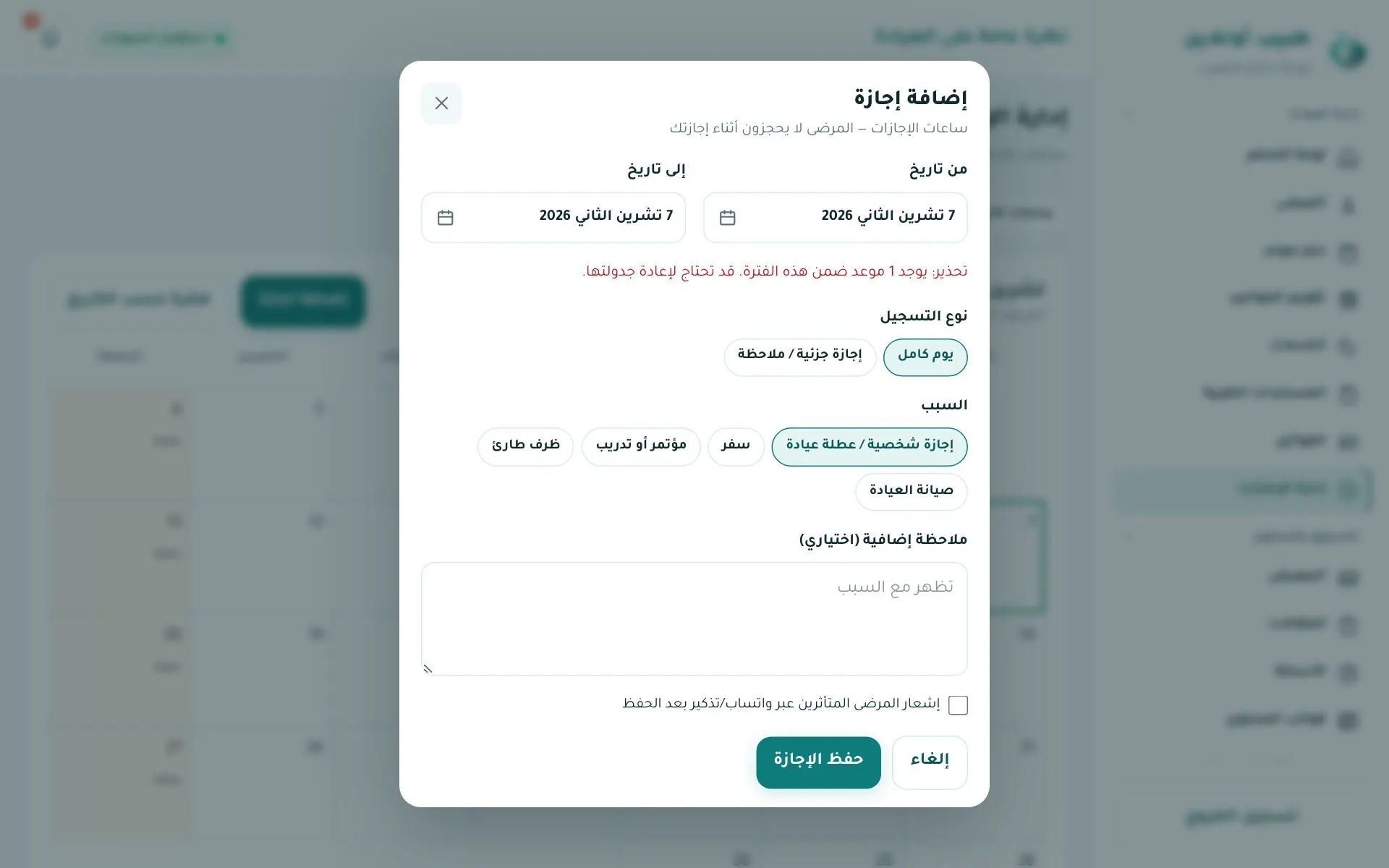
Warning
If appointments fall in that period you'll see "Warning: there is an appointment in this period" — contact those patients to reschedule.
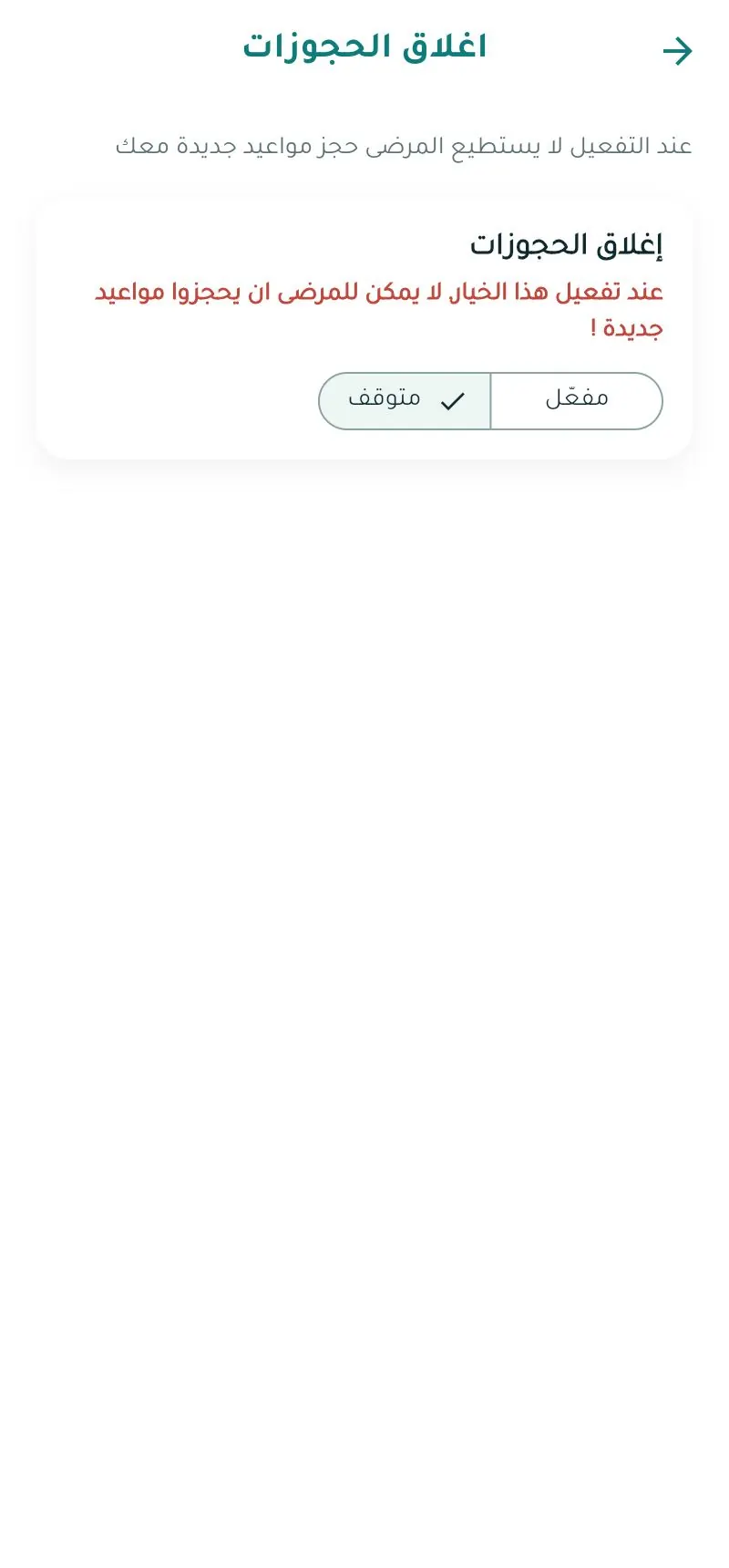
Pausing bookings
The استقبال الحجوزات (Accepting bookings) switch at the top stops/resumes bookings instantly without defining leave.
In the app App