
Sign-up & activation
1. Create your account Web
Open the doctor portal and click انضم كطبيب (Join as a doctor) (or in the app: welcome screen → Join as a doctor).
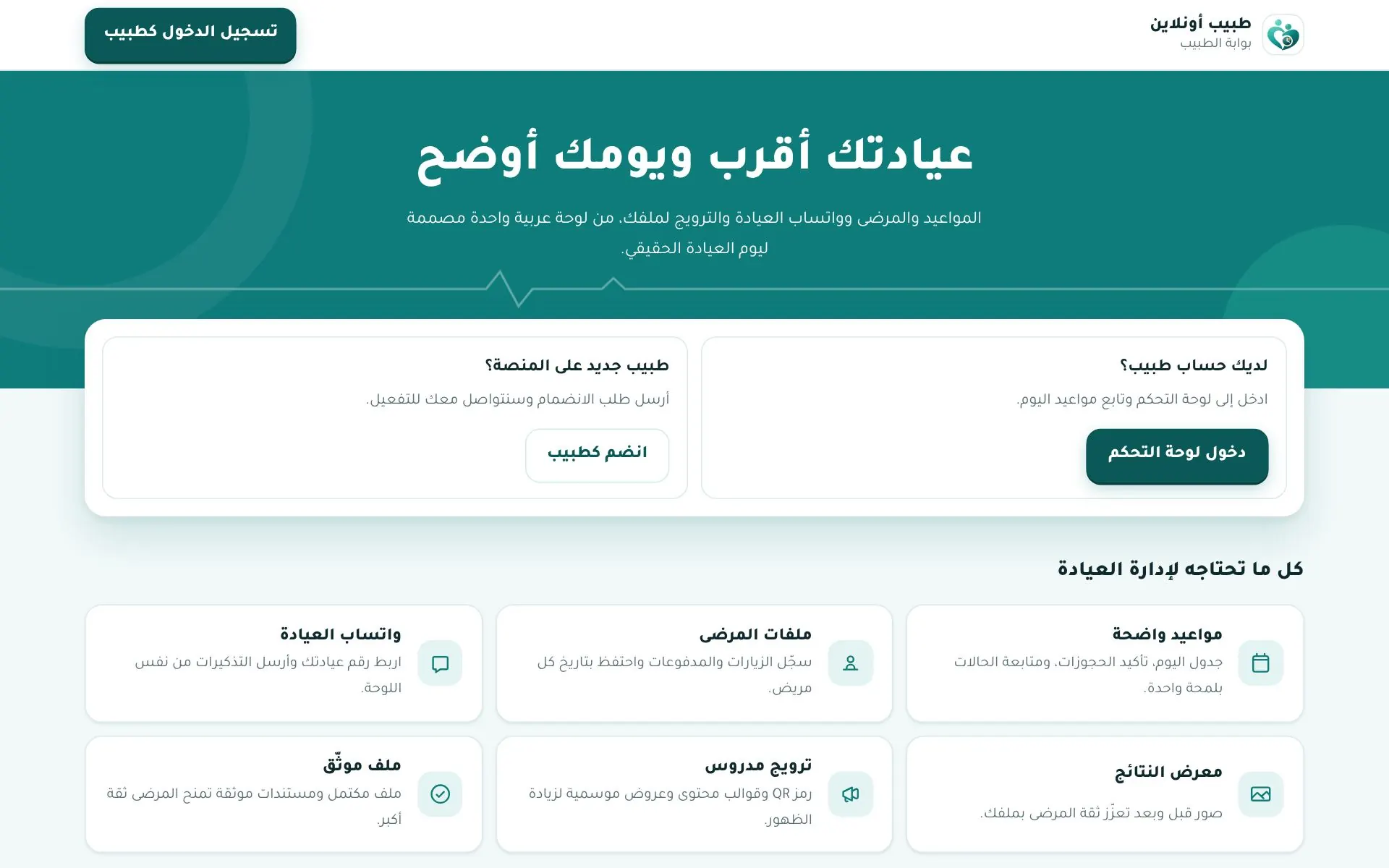
Three steps:
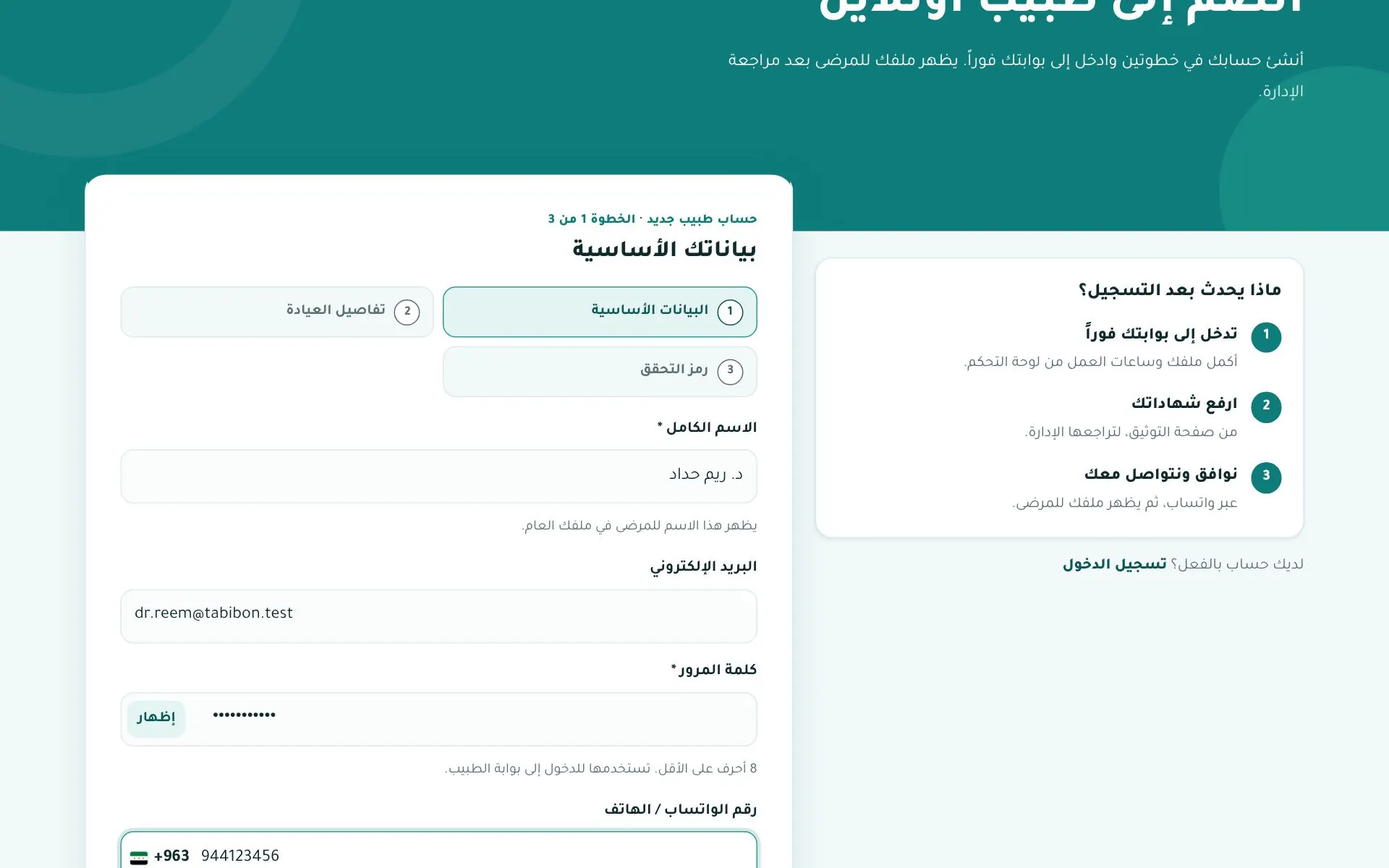
Step 1 — Basic details: full name (shown to patients), email, password (min. 8 characters), WhatsApp/phone number, and specialty (or type it if it's not listed).
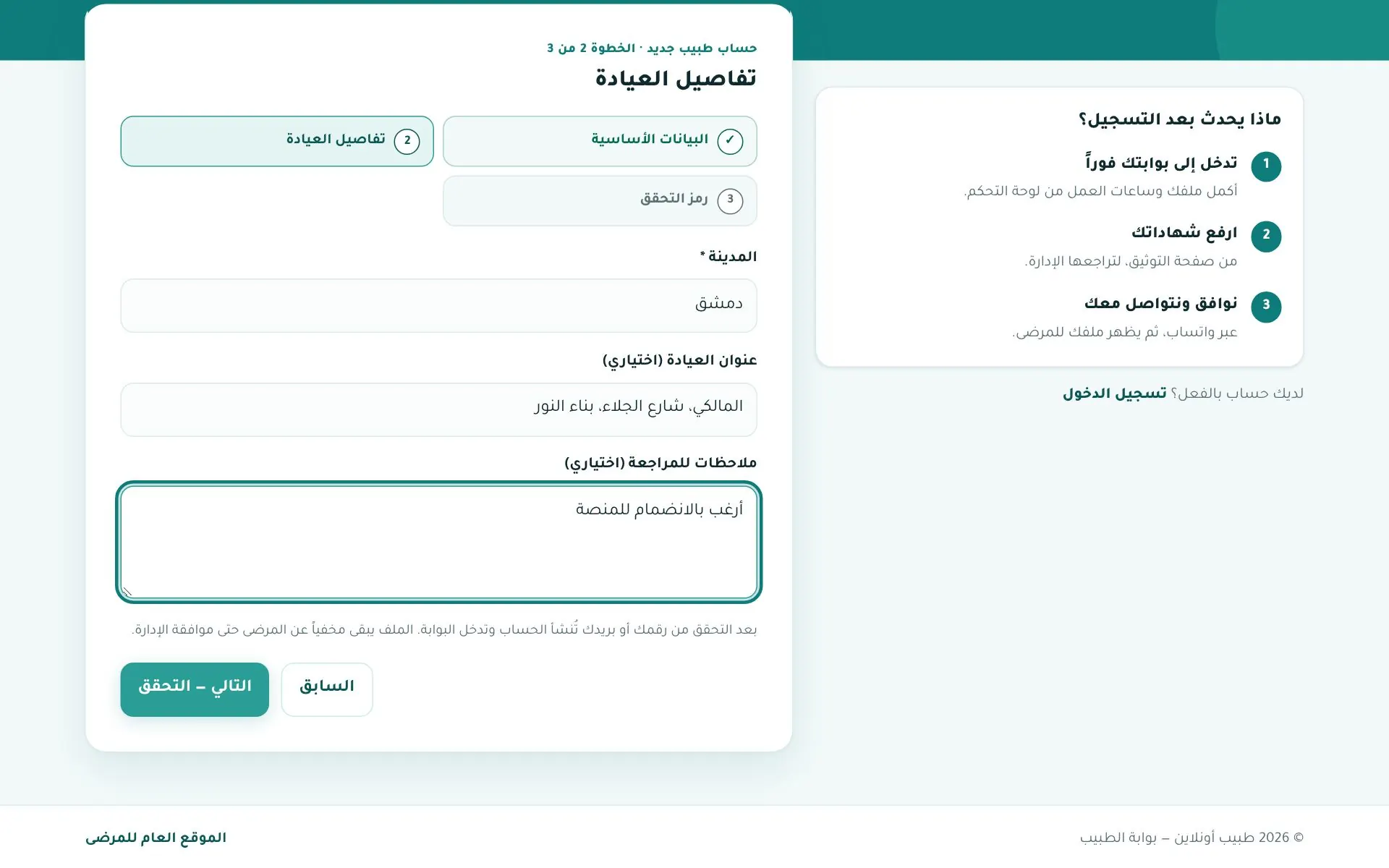
Step 2 — Clinic details: city, clinic address (optional), and notes for the reviewer.
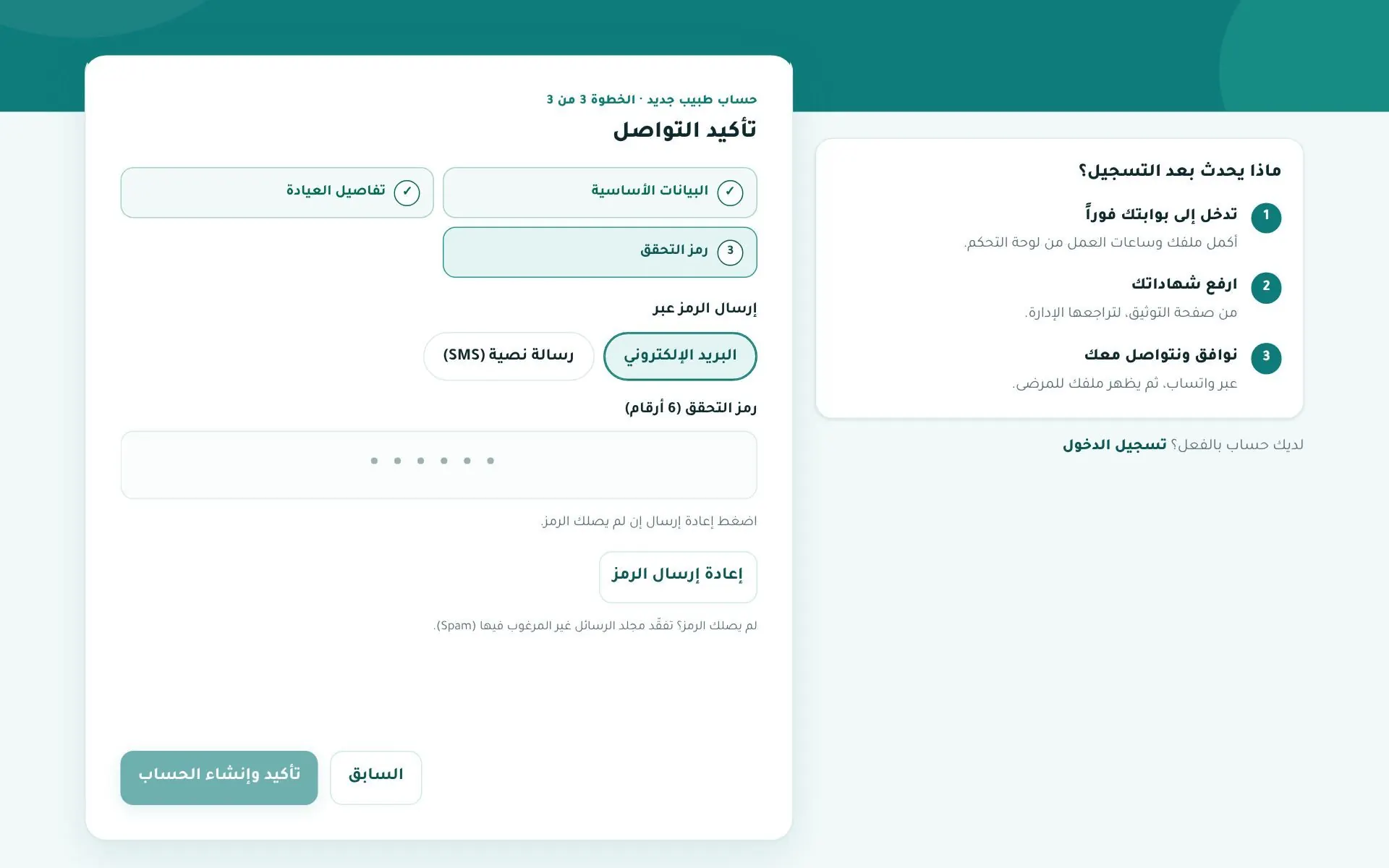
Step 3 — Verification code: choose email or SMS, enter the 6-digit code, and click Confirm & create account.
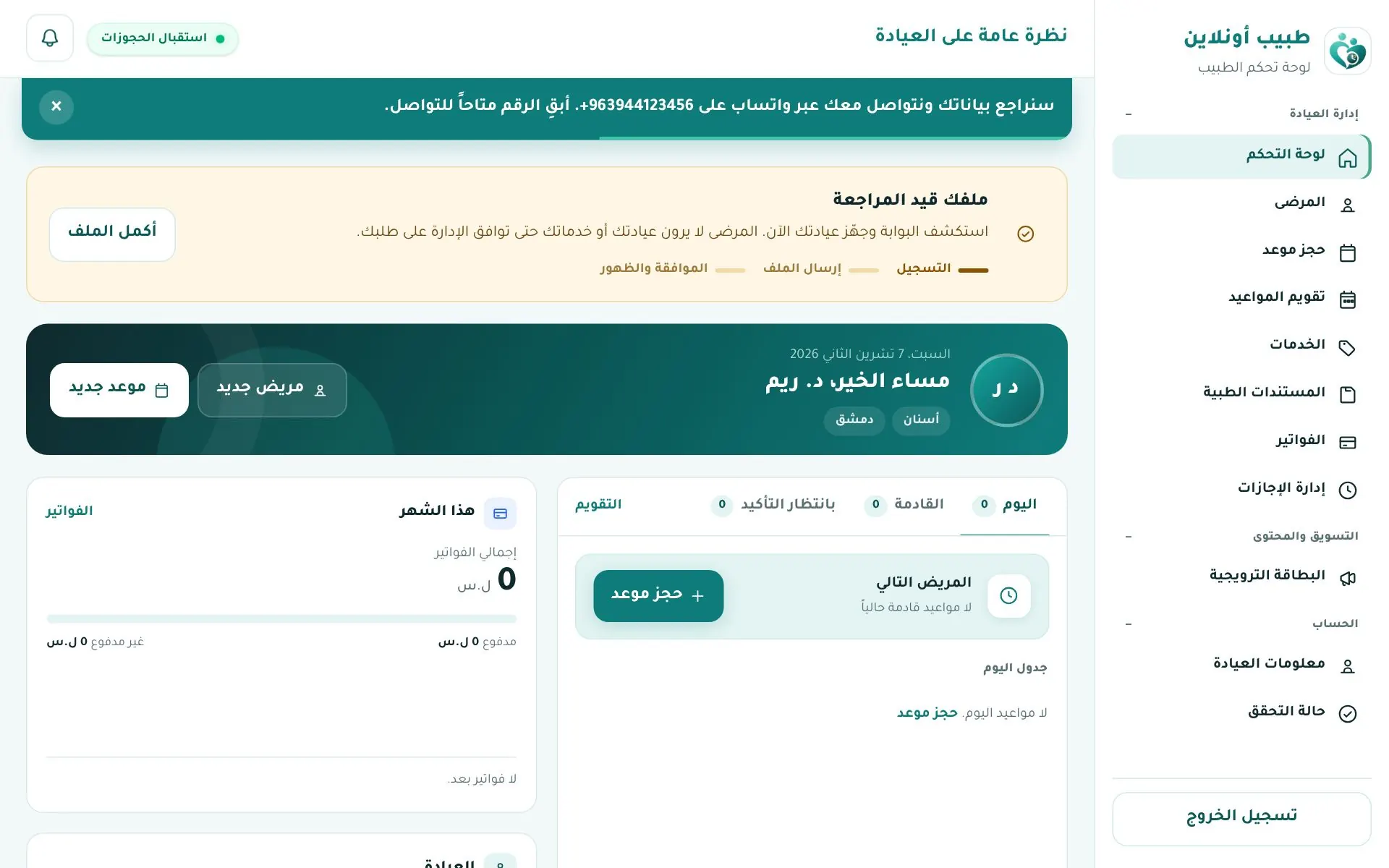
The account is created immediately and you land on the dashboard with a "Your profile is under review" banner until an admin approves it.
2. Upload verification documents
Menu Account → حالة التحقق (Verification status). Upload (JPG/PNG/WEBP image or PDF):
- Medical school graduation certificate
- Licence to practise medicine
Stages: Upload required documents → Admin review → Visible to patients.
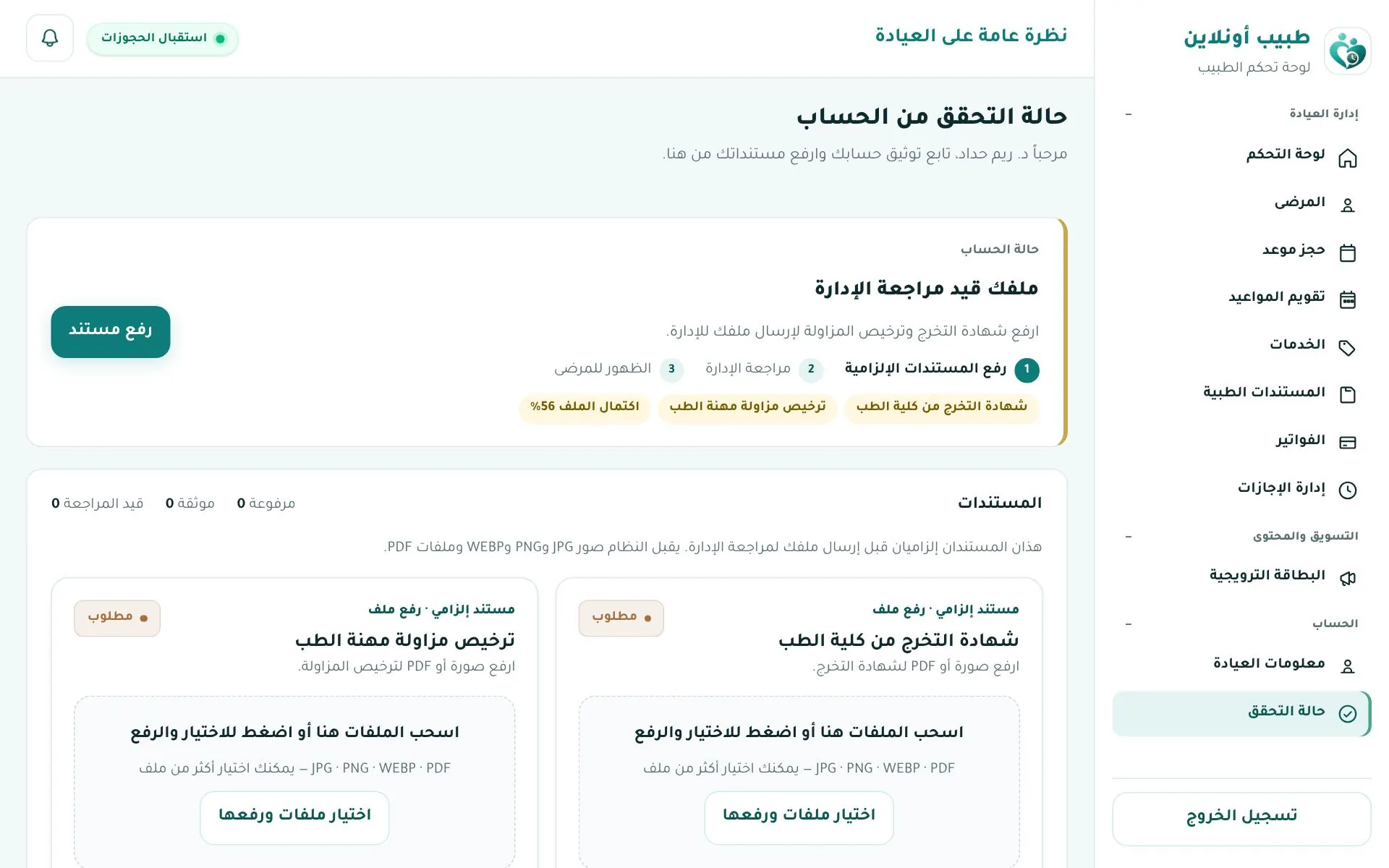
| Status | What to do |
|---|---|
| Under review | Wait — we may contact you on WhatsApp. |
| Changes requested | Read the admin's note, fix it and click Resubmit. |
| Rejected | Read the note and contact support. |
| Approved | Your profile goes live; the verification page leaves the menu. |
Before approval the menu is shorter; gallery, articles and FAQ pages appear after approval, depending on your plan.
3. Complete your profile
The dashboard and Clinic info show a profile completeness score: name, specialty, city, WhatsApp or email, clinic name, address, map location and both documents. (Clinic profile)
Signing in
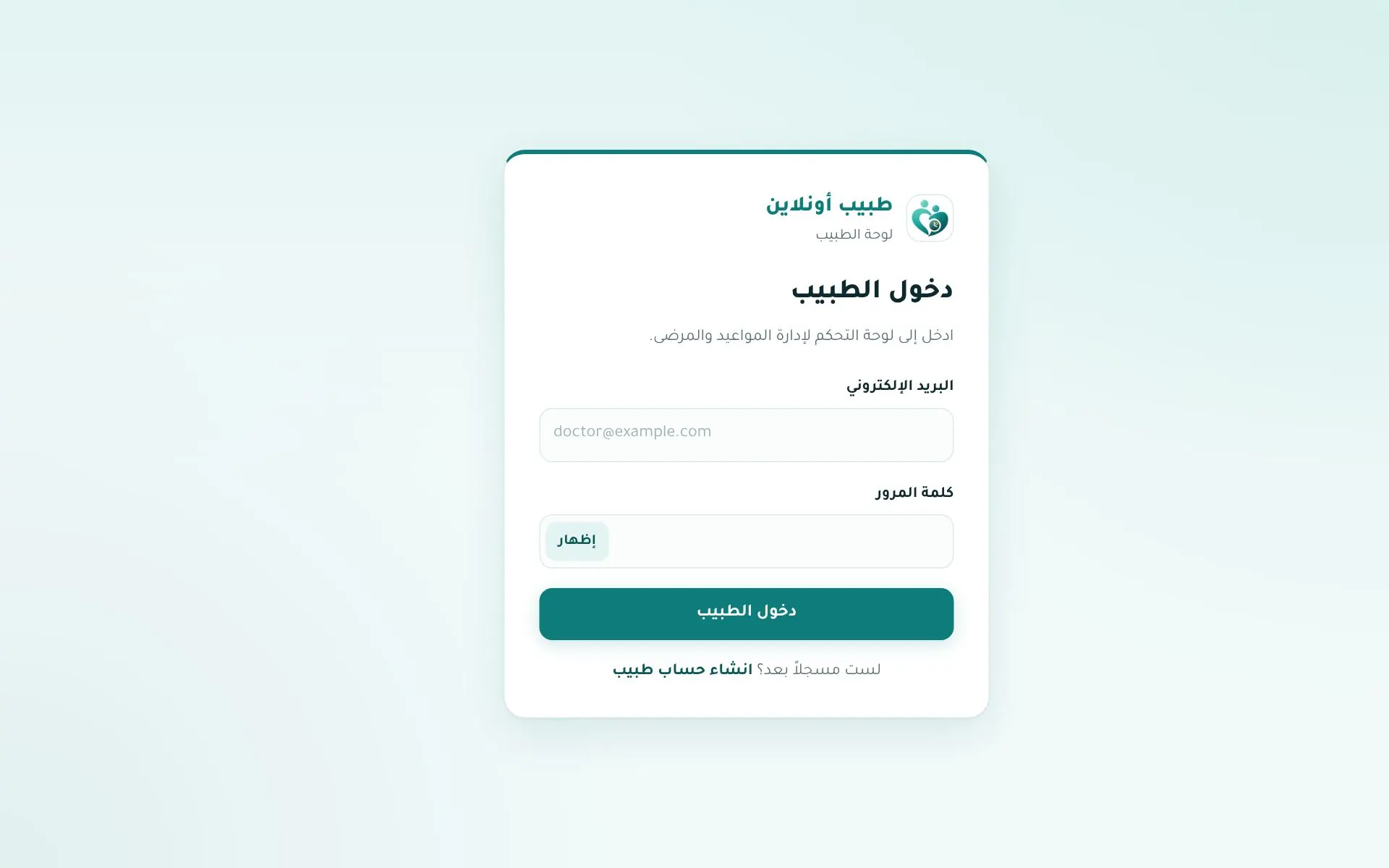
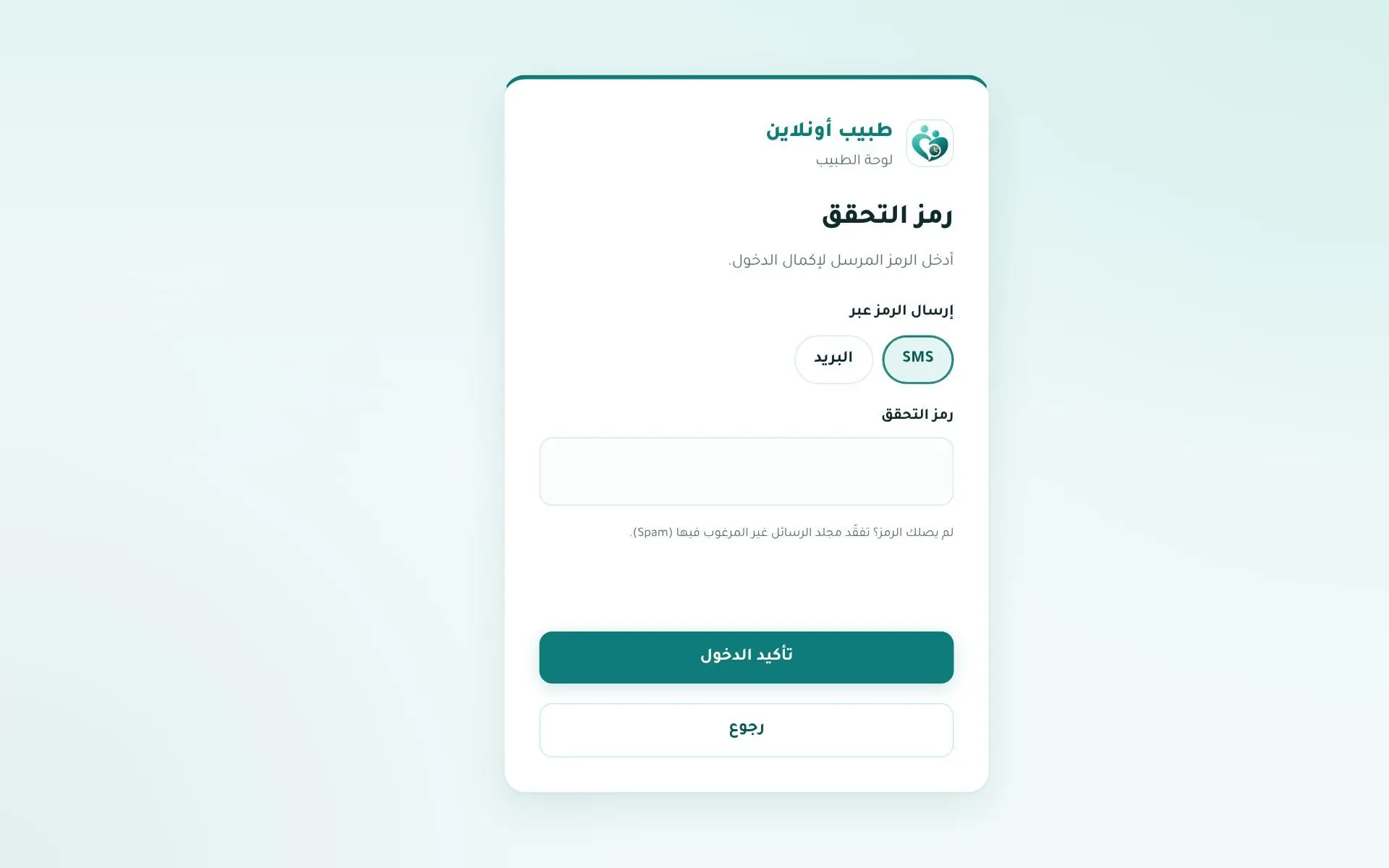
Open tabibon.com/doctor/login, enter email and password, then the verification code sent by SMS or email.
Note
Google/Apple sign-in is for patients only. In the app doctors sign in with email and password (doctor app).