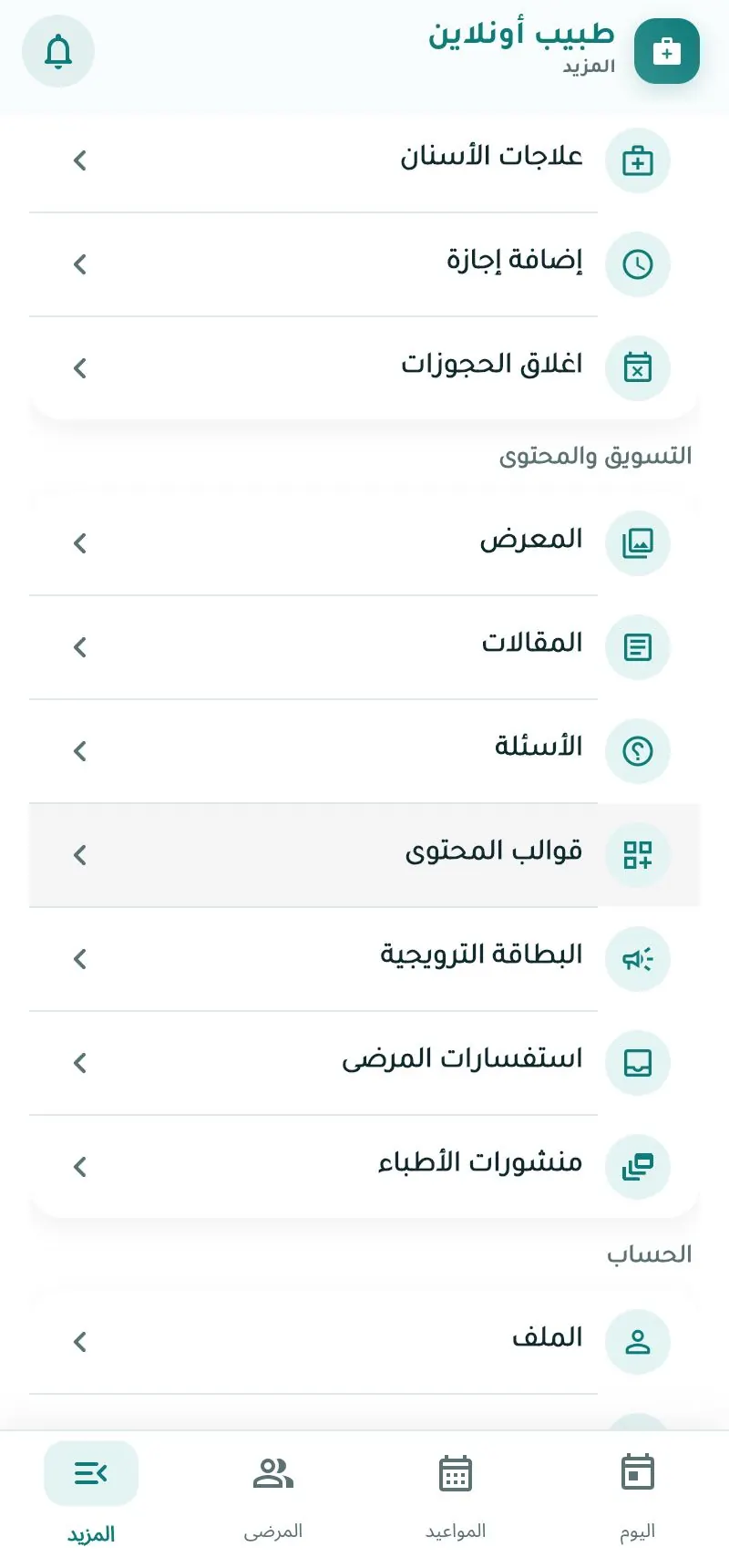
Marketing, content & reviews
Tools that make your profile more attractive. Some are available after approval and depending on your plan. Articles and FAQs are reviewed by the admin before publishing.
Photo gallery
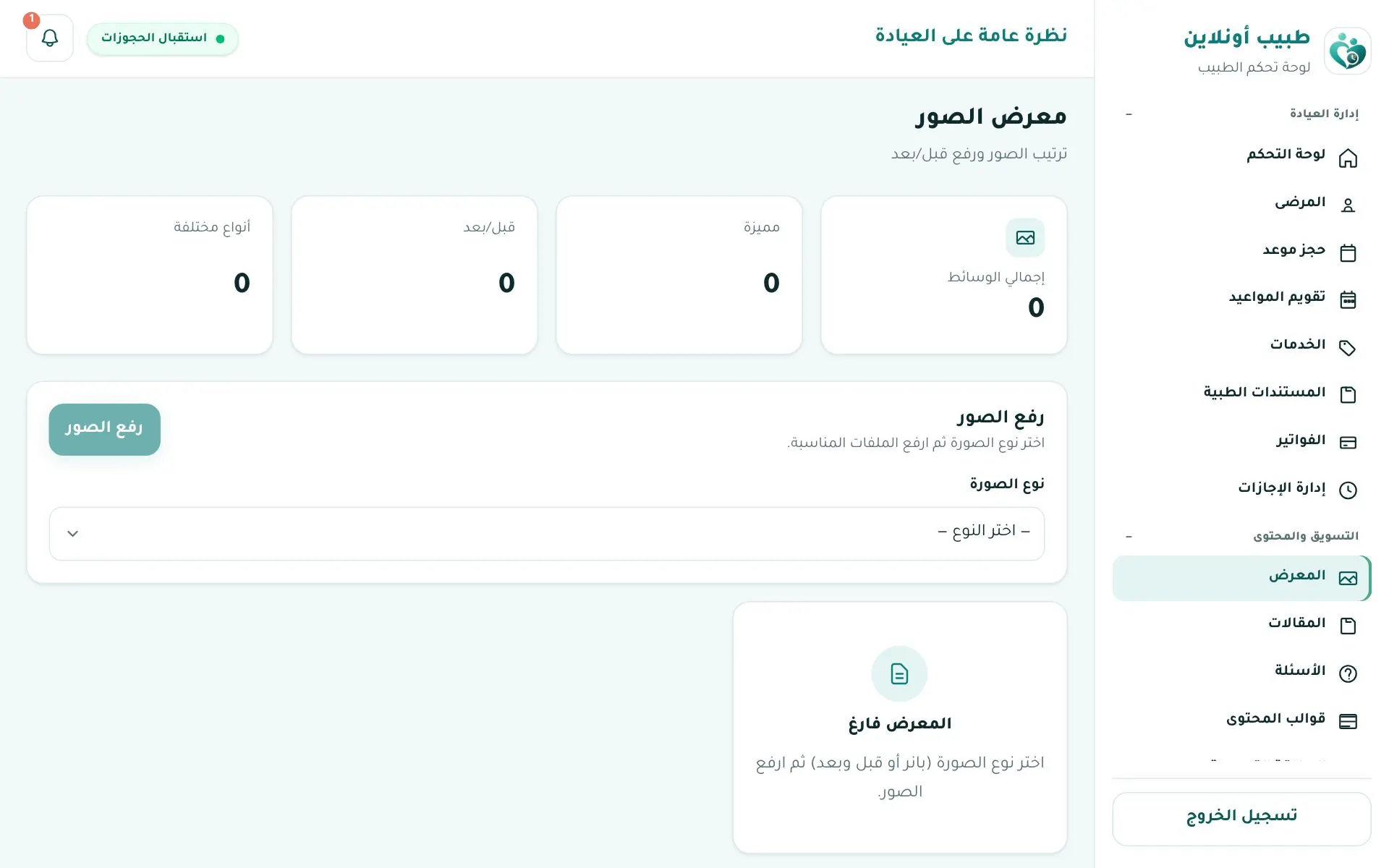
Upload clinic photos or before/after pairs, choose the type and reorder. Shown in your profile's Gallery tab.
Articles
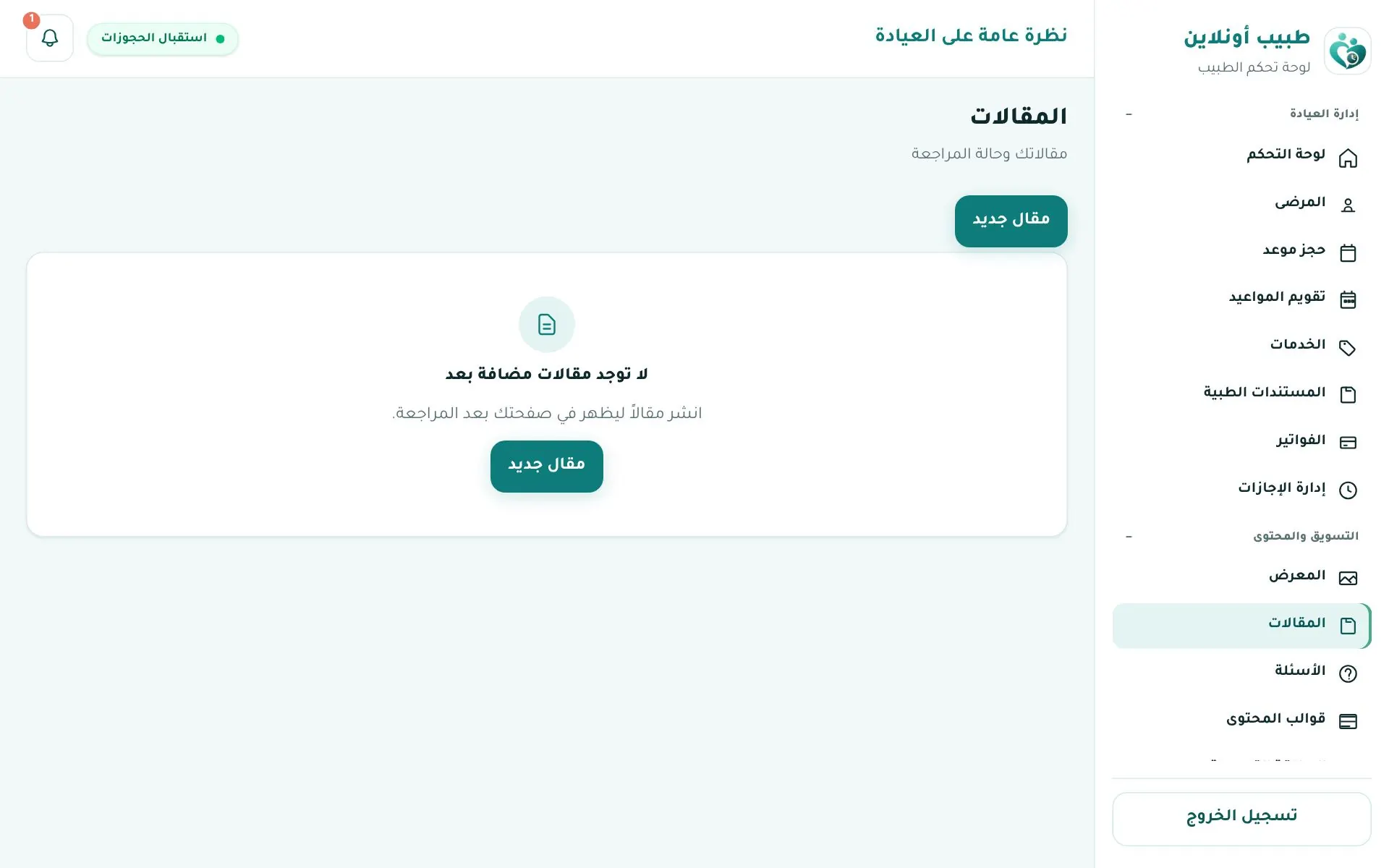
+ New article: rich-text editor with category, tags and cover image. Sent for review, then published.
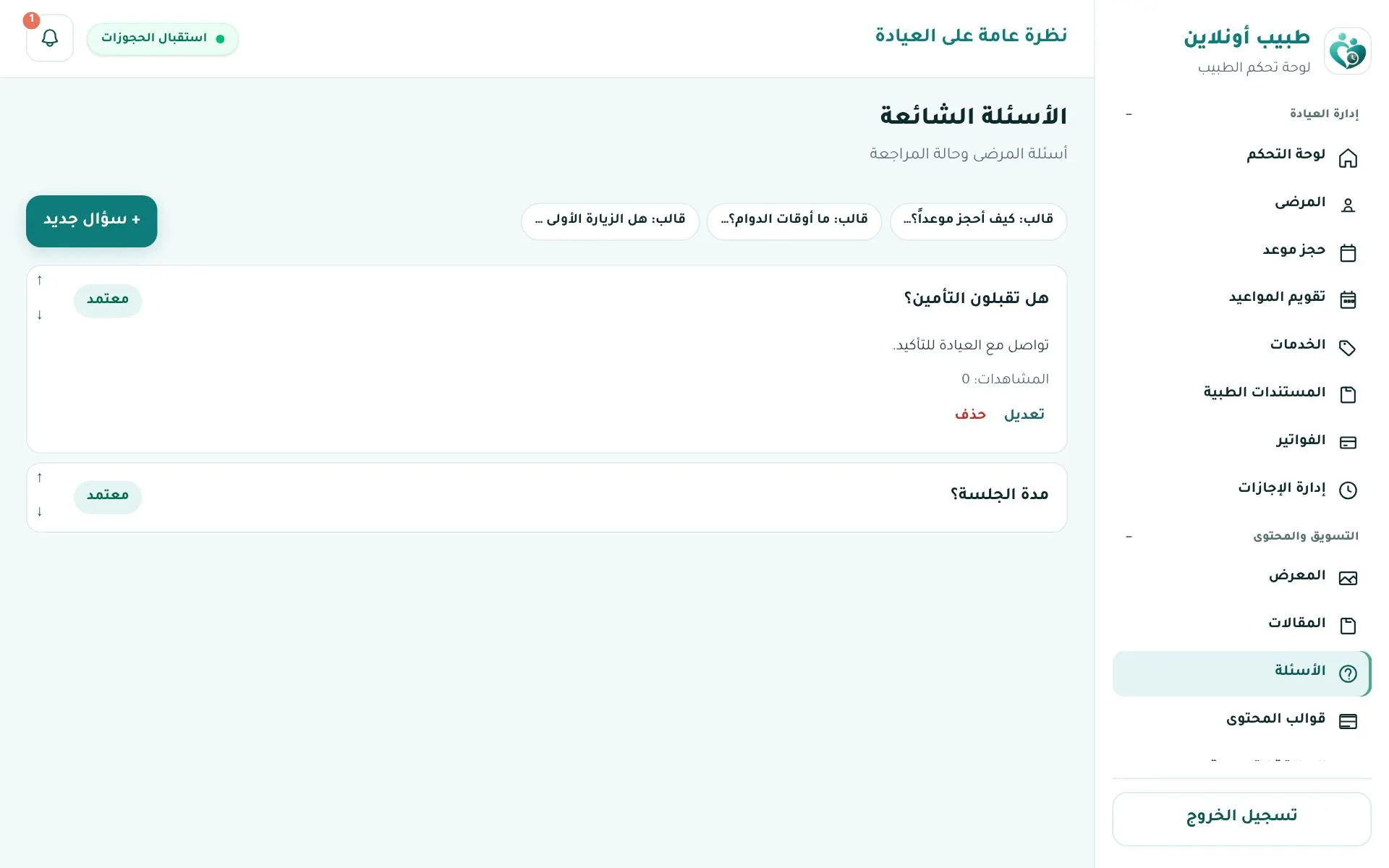
FAQs
+ New question or use the ready templates ("How do I book?"…). Shown in your profile's FAQ tab once approved.
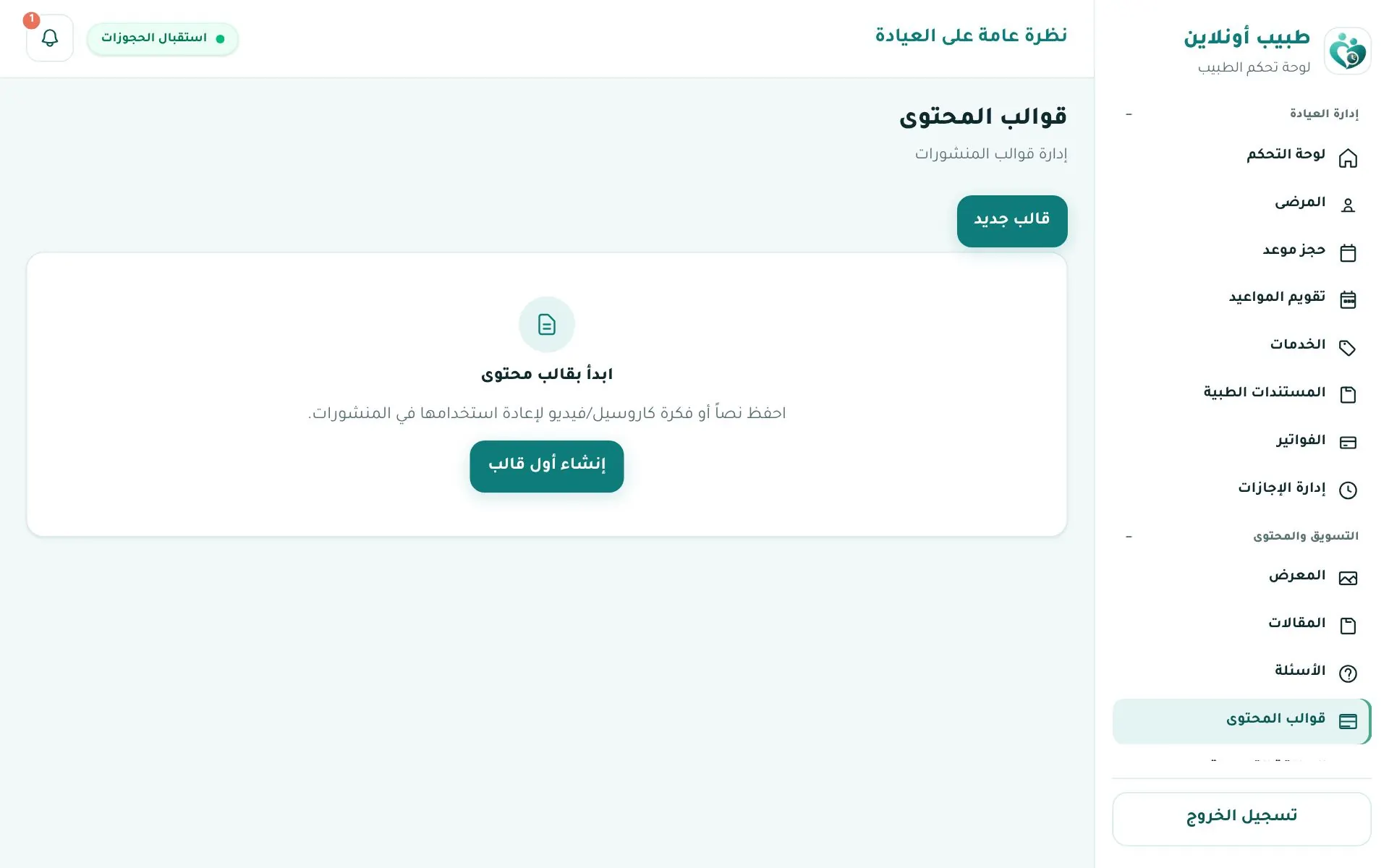
Content templates
Ready ideas for text posts, carousels and videos for your social pages.
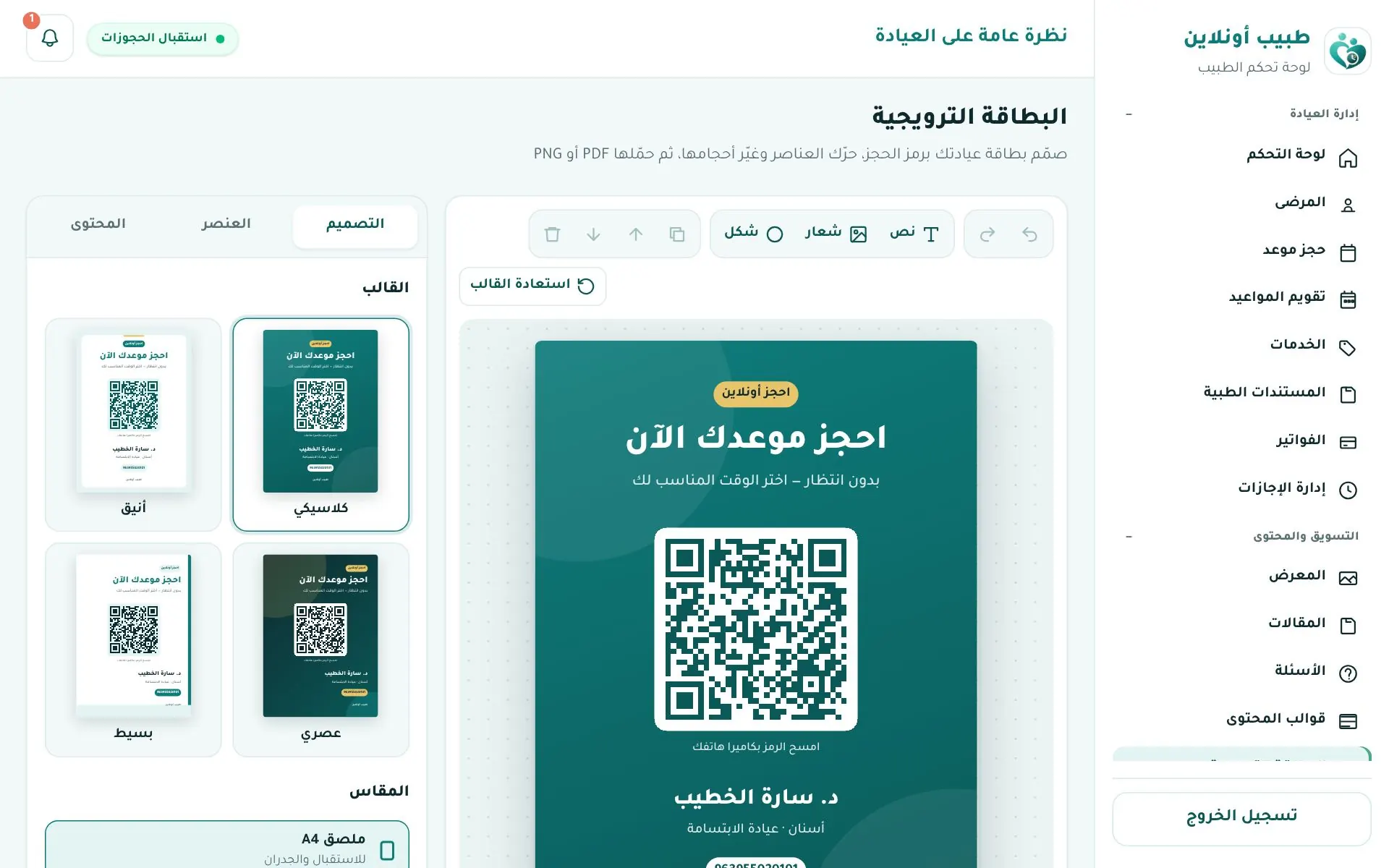
Promo card
Design a card from a template with a QR code to your profile; export PNG for social media or PDF for print.
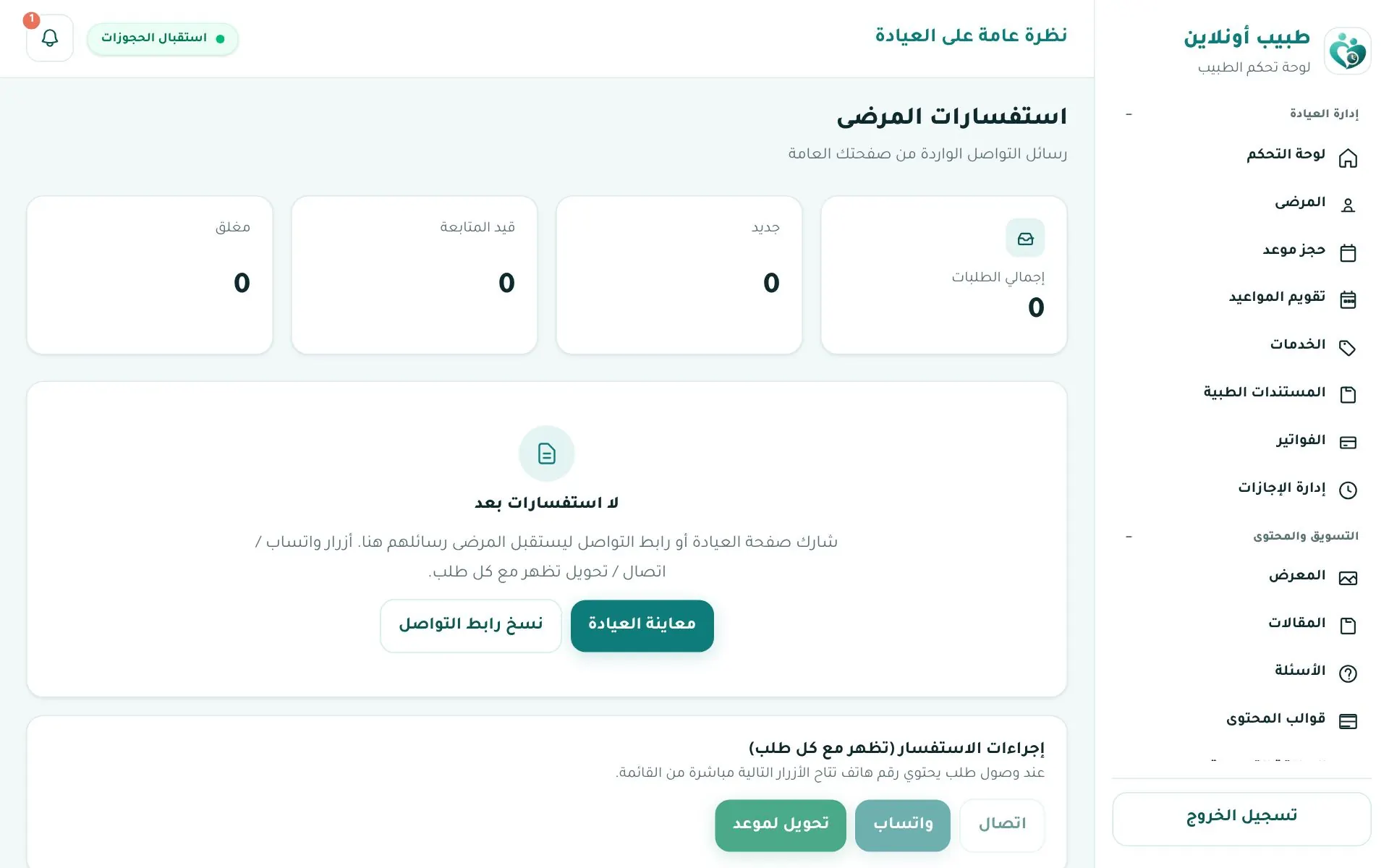
Patient inquiries
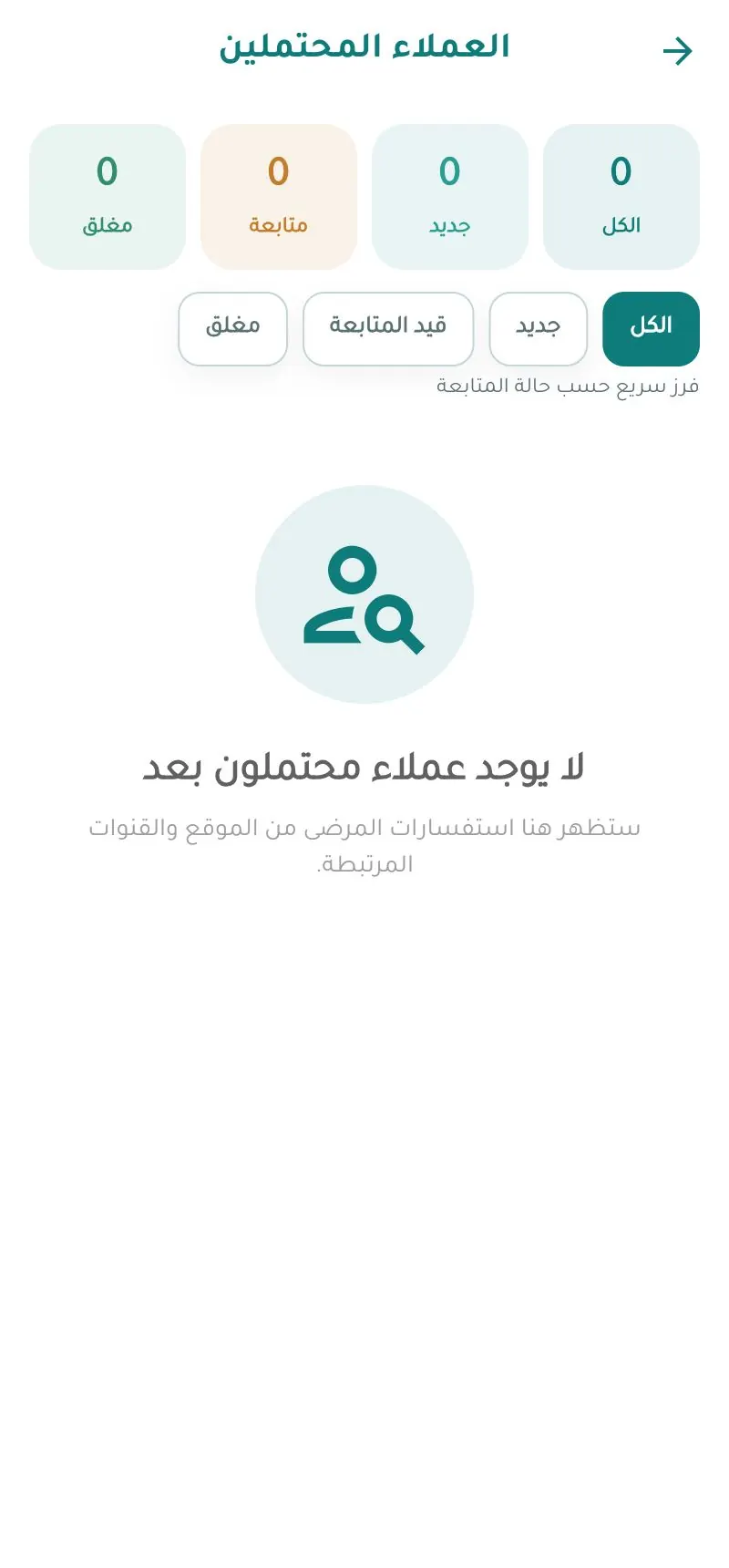
Contact requests from your public page with Call · WhatsApp · Convert to appointment, filterable (new, following up, closed).
Reviews
Patients rate completed visits in the app (1–5 stars + comment); ratings appear on your profile as verified patient reviews.
In the app App