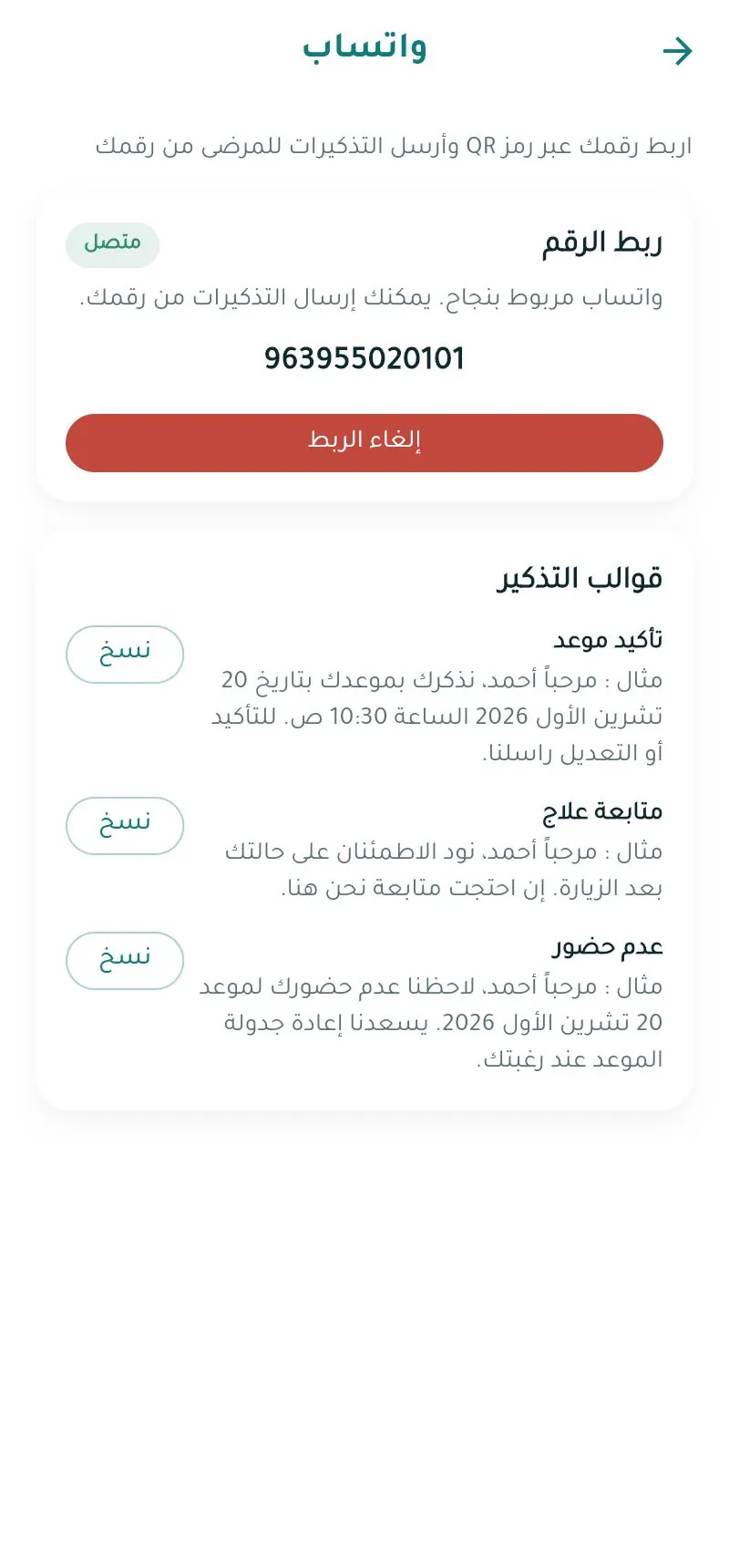
WhatsApp connection
Connect your clinic's WhatsApp number so the system sends confirmations and reminders to patients from your number.
Note
The WhatsApp page is available on plans that include WhatsApp notifications.
Connecting Web
- Open واتساب (WhatsApp) from the menu.
- Click ربط واتساب (Connect WhatsApp) — a QR code appears with status Waiting for scan.
- On the clinic phone: WhatsApp → Linked devices → Link a device.
- Scan the code. The status changes to Connected automatically.
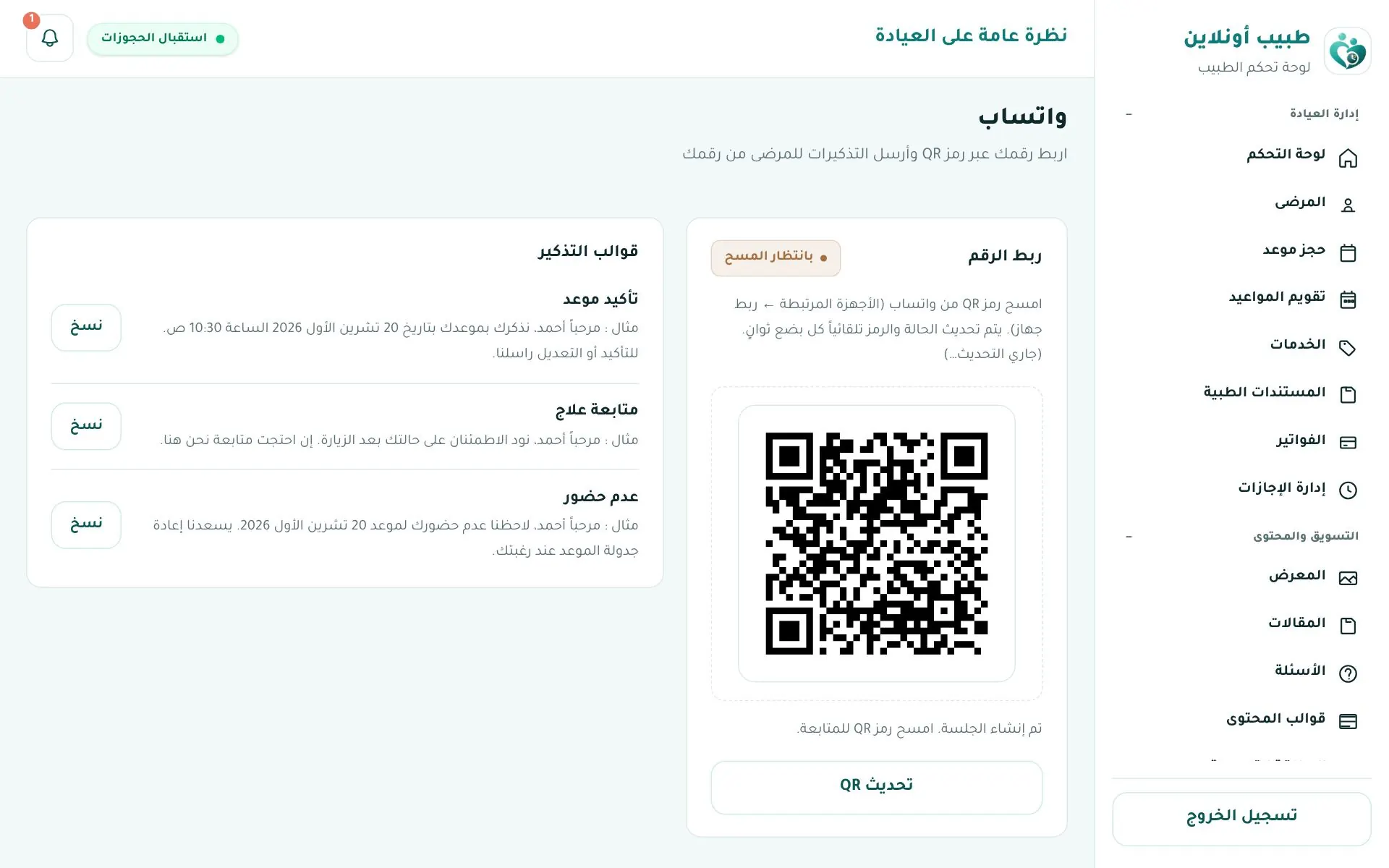
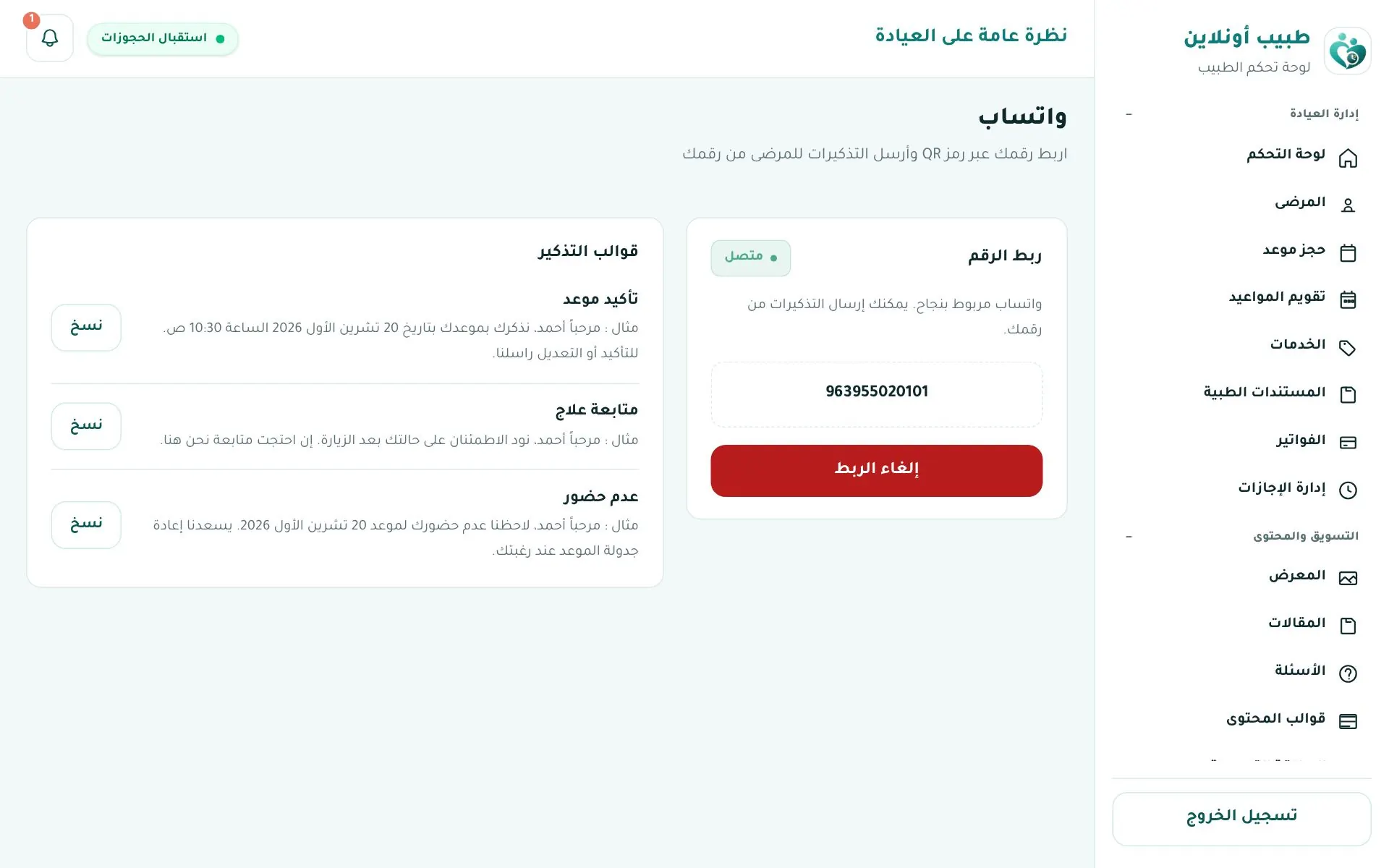
If the code expires click تحديث QR (Refresh QR). To disconnect click إلغاء الربط (Unlink).
| Status | Meaning |
|---|---|
| Not linked | Not connected yet |
| Setting up | Preparing the session |
| Waiting for scan | Scan the QR now |
| Connected | Working ✅ |
| Disconnected | Connection lost — re-link |
Warning
Keep the clinic phone online and don't remove the linked device in WhatsApp, or messages will stop.
Reminder templates
Ready texts to copy: appointment confirmation, treatment follow-up, no-show.
Automatic reminders
Once linked, patients get automatic reminders before their appointments, plus an email reminder the day before.
In the app App